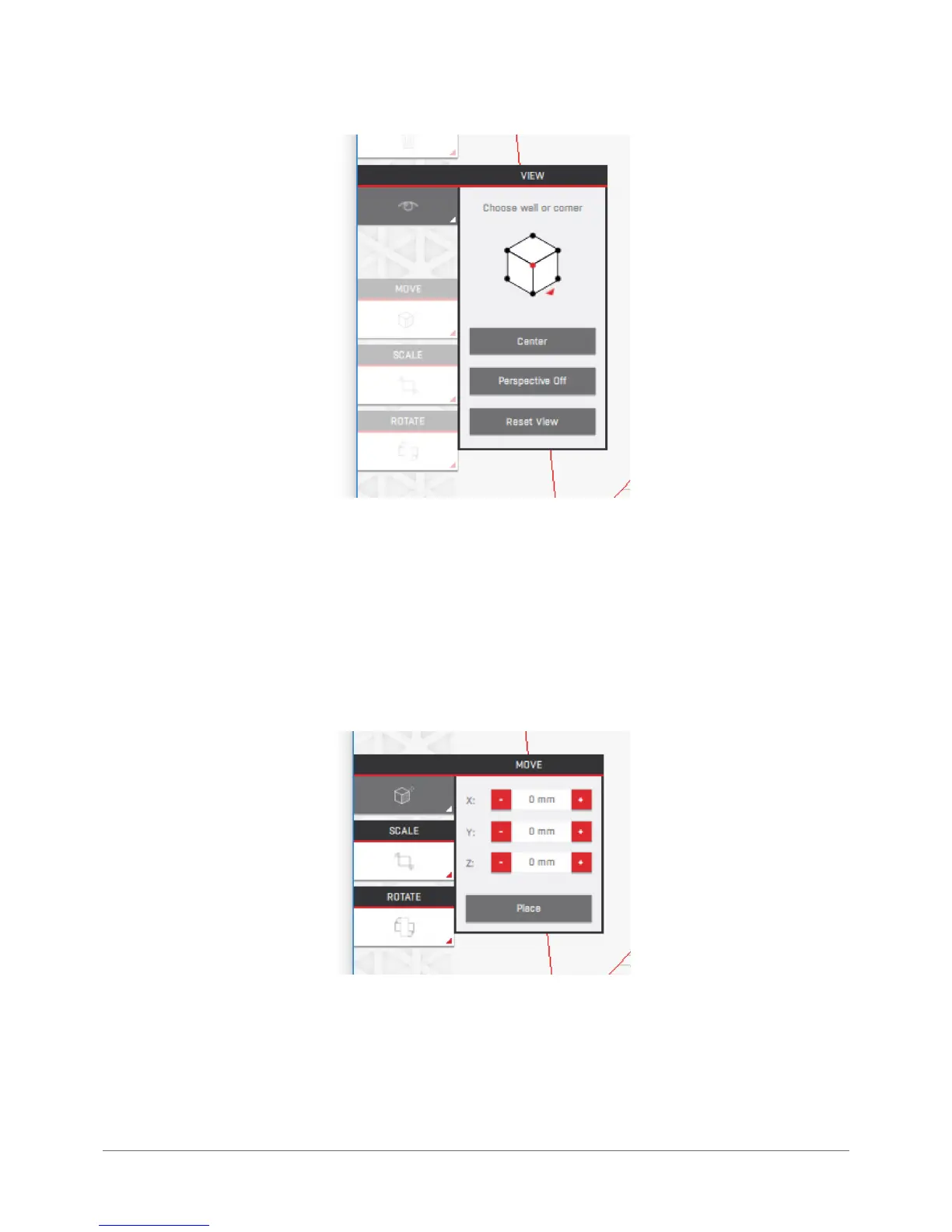
The cube enables the user to select a predened point of view. The „Center” button sets the camera to the workspace
centre. The „Perspective” button enables you switch the perspective on and off. The „Reset View” button restores the
default camera settings and can be used to restore view of the model after inappropriate movements have been made.
It is also possible and recommended to move your camera with a right mouse button or touchpad. The left mouse button
selects or deselects the model. The right mouse button enables to rotate the camera. The right mouse button with the
keyboard Shift pressed enables to move the camera. The mouse scroll wheel enables zooms the view in or out.
Move: enables the user to move the selected model in the virtual workspace.
Text elds marked X, Y and Z move the model by 1 mm (each press when using the buttons) or any distance when you
enter the desired value in the text elds. The starting point (0,0,0) is calculated from the buildplate centre. The „Place”
button enables to place the model on the buildplate. It is not possible to select the wall the model is to be placed on, other
than rotating in manually.



 To Next Page