10 11
1
c) History page
Status
History
Well#
#3
#9
#2
#1
#10
#9
#10
Start Time
2017-09-16 08:30:38
2017-09-16 07:19:47
2017-09-16 07:08:18
2017-09-16 07:07:53
2017-09-16 07:05:11
2017-09-16 06:47:08
2017-09-16 06:40:54
Result
...
–
–
+
+
–
+
3M™ Attest™ Auto-reader
ID
1
2
3
4
5
6
7
#2
#1
#10
#9
#10
2017-09-16 06:39:49
2017-09-16 06:39:05
2017-09-16 07:32:00
2017-09-16 07:23:37
2017-09-16 07:20:24
–
+
–
–
+
8
9
10
11
12
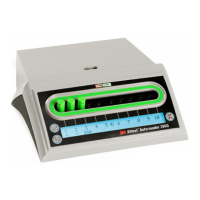
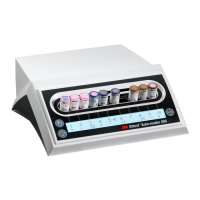
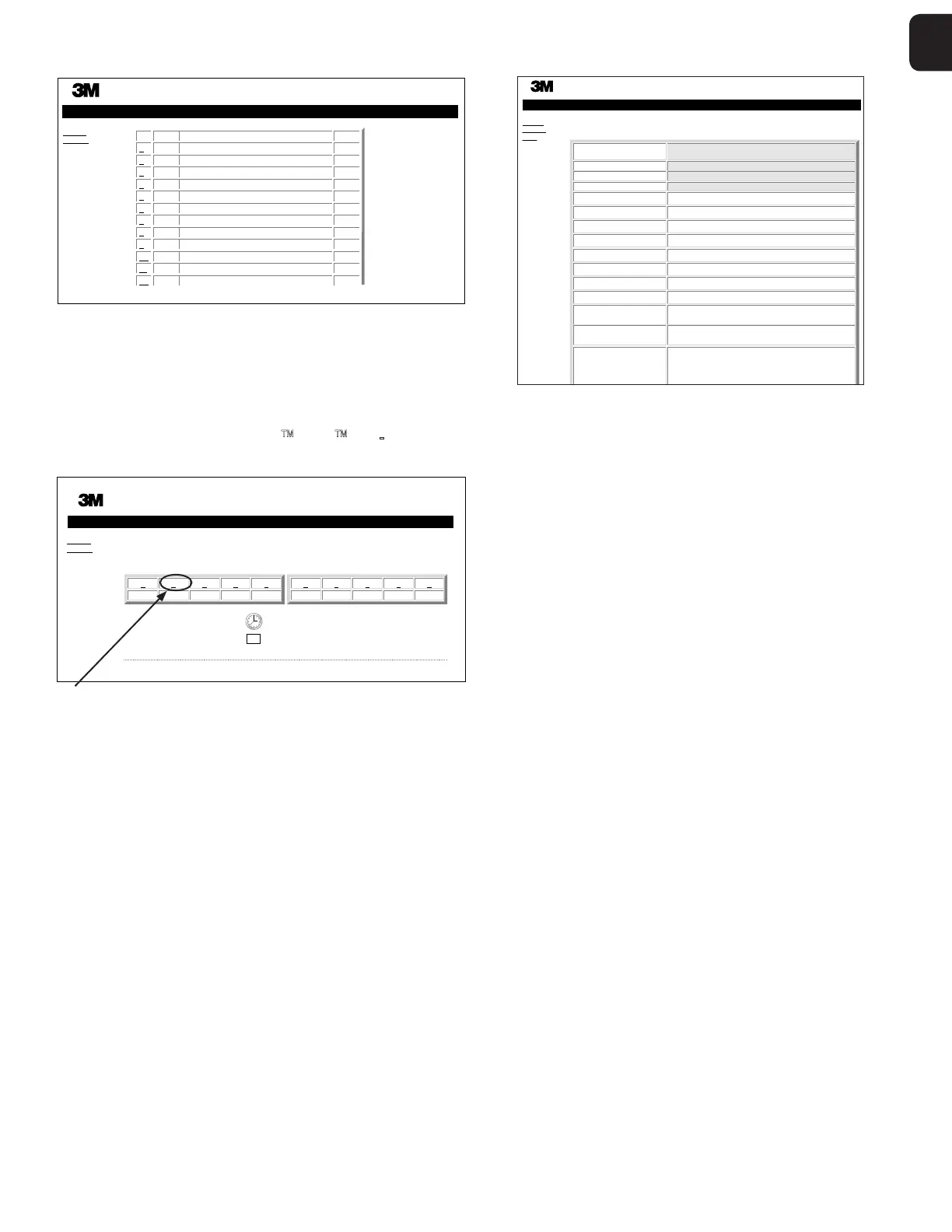
The 3M™ Attest™ Autoreader 490 stores results for the last 100 incubated BIs on
embedded software. The 3M™ Attest™ Autoreader 490 Web App History page provides
a summary of these last 100 results.
d) Configuration page
This page allows the configuration of the 3M™ Attest™ Autoreader 490s network and
language settings from the 3M™ Attest™ Autoreader 490 Web App.
Documenting BI Results using the 3M Attest Autoreader490
Web App
Status
History
3M™ Attest™ Auto-reader
Copyright © 2017 3M, Inc.
ATTEST ATTEST
1 2 3 4 5
+– 24
67 8 910
+–
SN
100157
2017-09-16 08:31
1. Open the Results Detail page
After inserting a new 3M™ Attest™ Super Rapid Readout BI in the 3M™ Attest™
Autoreader 490, it is a best practice to open the 3M™ Attest™ Autoreader 490 Web
App Results Detail page for that BI by clicking on the appropriate well number from the
Status page.
2. Enter the specific information for that BI (e.g. BI Type, BI Lot #, sterilizer #, load #,
technician name, etc.) in the provided editable fields. Use the Notes section to capture
information not prescribed in the provided row titles, for example, you may wish to use
this field to record load items.
Copyright © 2017 3M, Inc.
3M™ Attest™ Auto-reader Results Detail
Status
History
Print
Result
Start Time
Well#
Serial Number
BI Type 1492V
Control? No
BI Lot# 2019-11NE
Sterilizer# 2
Load# 3
Implant? Yes
Technician sdf
Sterilizer Model 9600
Cycle Type/Cycle
Parameters
270F, 4 min pre-vac
Chemical
Integrator?/Indicator?
Accept
Notes
−
2017-09-16 07:04:41
#2
100157
3. The entered information is saved automatically to temporary web browser storage on
the users PC every 60 seconds, or by leaving the Results Details page.
4. Print/File. Once the BI result is available, print or file the Results Detail page to create
a record. The page may be physically printed and/or saved as an electronic file.
Important! Data is only stored for the last 100 incubatedBIs.
Embedded software in the 3M™ Attest™ Autoreader 490 saves the data from the
autopopulated (i.e. green highlighted) fields.The application relies on the temporary
storage in the users web browser to save the data in the userpopulated fields. In both
cases, data is only stored for the last 100 records i.e., the 101st incubated BI will erase
the information saved for the 1st incubated BI.To retain the Results Detail information for
future reference it is best practice to print the page as soon as the BI result is available.


 To Next Page
 Loading...