EasyManua.ls Logo

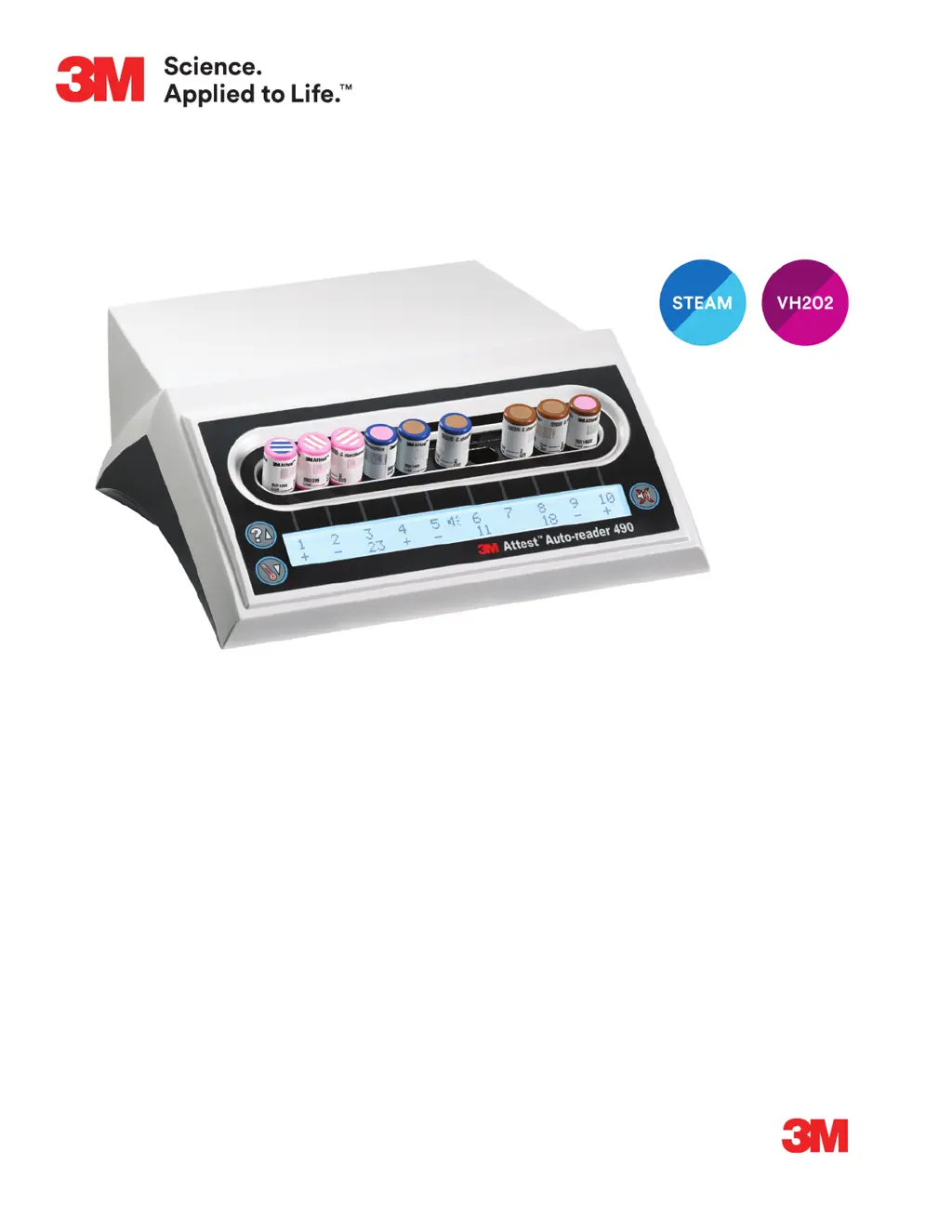
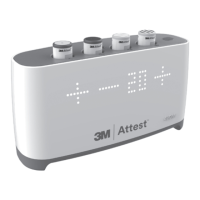
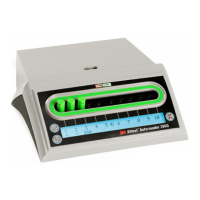
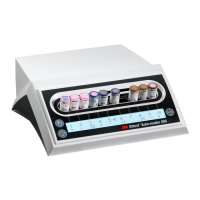
3M Attest Auto-reader 490 - User Manual

3M Attest Auto-reader 490
284 pages
Print Icon
To Next Page IconTo Next Page
Loading...
Description:
DIELINE
Base File Name:
Software:
SGS Contact:
Email:
Printer:
Printer Location:
Supplier:
3MAttest™
Auto-Reader 490
Requester:
Doug Wynveen
Reference:
Die # / Doc. Size:
8.5" x 11"
Item Spec#:
34-8723-2501-3
Supersedes#:
34-8721-7544-2
Cat/Product#:
490
Structure#:
SS-51660
Cover and Operator’s Manual
PA: 34872325013.indb
GA:
InDesign CC
PROCESS
BLACK
PROCESS
CYAN
3M
RED
PROCESS
MAGENTA
PROCESS
YELLOW
5324303 - 4
2
06.10.19 PU files from OMNI and check for style and structure. kat
06.20.19 Final Release kat
3M
Attest
Auto-reader 490
1 Operator’s Manual
2 Manuel de l’utilisateur
3 Benutzerhandbuch
4 Manuale dell’operatore
5 Manual del usuario
5 Manual del operador
6 Bedieningshandleiding
7 Användarhandbok
8 Brugsvejledning
9 Brukerhåndbok
0 Käyttöopas
- Manual do Utilizador
- Manual do Operador
= Εγχειρίδιο Χειριστή
H Instrukcja obsługi
F Příručka pro obsluhu
S Priročnik za uporabo
M Инструкция по эксплуатации
] Upute za korištenje
d Operatör Kılavuzu
I 󱯿󰚎󱨹󰪉
j 
T 󺇸󺀬󺇷 󹑋󸳛󺀣

Table of Contents

Questions and Answers

  • N
    ncortezSep 9, 2025
    What does Ambient Light Error (occupied well) mean on 3M Laboratory Equipment?
    • S
      shawn99Sep 9, 2025
      If you receive an Ambient Light Error (occupied well) on your 3M Laboratory Equipment, the fluorescent result will not display. Rely on the optional visual pH color change result for the BI in the affected well. Move the 3M™Attest™Auto?reader 490 to reduced ambient light conditions to avoid future occurrences. To clear the E14 error code, after documenting the visual pH color change result and removing the BI, unplug the 3M™ Attest™ Auto-reader 490 and plug it back in.
  • C
    Connie FreemanSep 12, 2025
    What happens if I remove the BI from the well too early in 3M Laboratory Equipment?
    • G
      Gregory AdkinsSep 12, 2025
      If a 3M™Attest™ BI is removed before incubation is complete, replace the 3M™Attest™ BI in the proper well within 10 seconds to prevent loss of collected data.
  • R
    Ronald GrimesSep 14, 2025
    What to do if my 3M Laboratory Equipment BI is inserted incorrectly?
    • A
      Angela GonzalesSep 14, 2025
      If the BI is inserted incorrectly, remove the BI and inspect it to verify the cap is fully closed, the glass ampoule is crushed, and the growth media is in the growth chamber. If needed, repeat the BI activation steps and return the BI to the incubation well, ensuring it is seated properly. Incubation time remaining will not display and fluorescent readings are not taken if the BI is not correctly inserted.
  • A
    Andre LoweSep 16, 2025
    How long should I warm up my 3M Attest Auto-reader 490 Laboratory Equipment?
    • T
      tkellySep 16, 2025
      Allow a 30 minute warm-up period after the 3M™ Attest™ Auto?reader 490 is plugged in. Note that 3M™Attest™ BI readings are disabled until the incubator block reaches 60ºC +/?2ºC.

3M Attest Auto-reader 490 Specifications

General IconGeneral
DisplayLCD
ConnectivityEthernet
Power SupplyAC adapter
Power Requirements100-240 VAC, 50/60 Hz
Storage Temperature-20°C to 60°C (-4°F to 140°F)
Warranty1 year
Relative Humidity20% to 80% non-condensing

Related product manuals