116 | Aprisa LTE User Manual
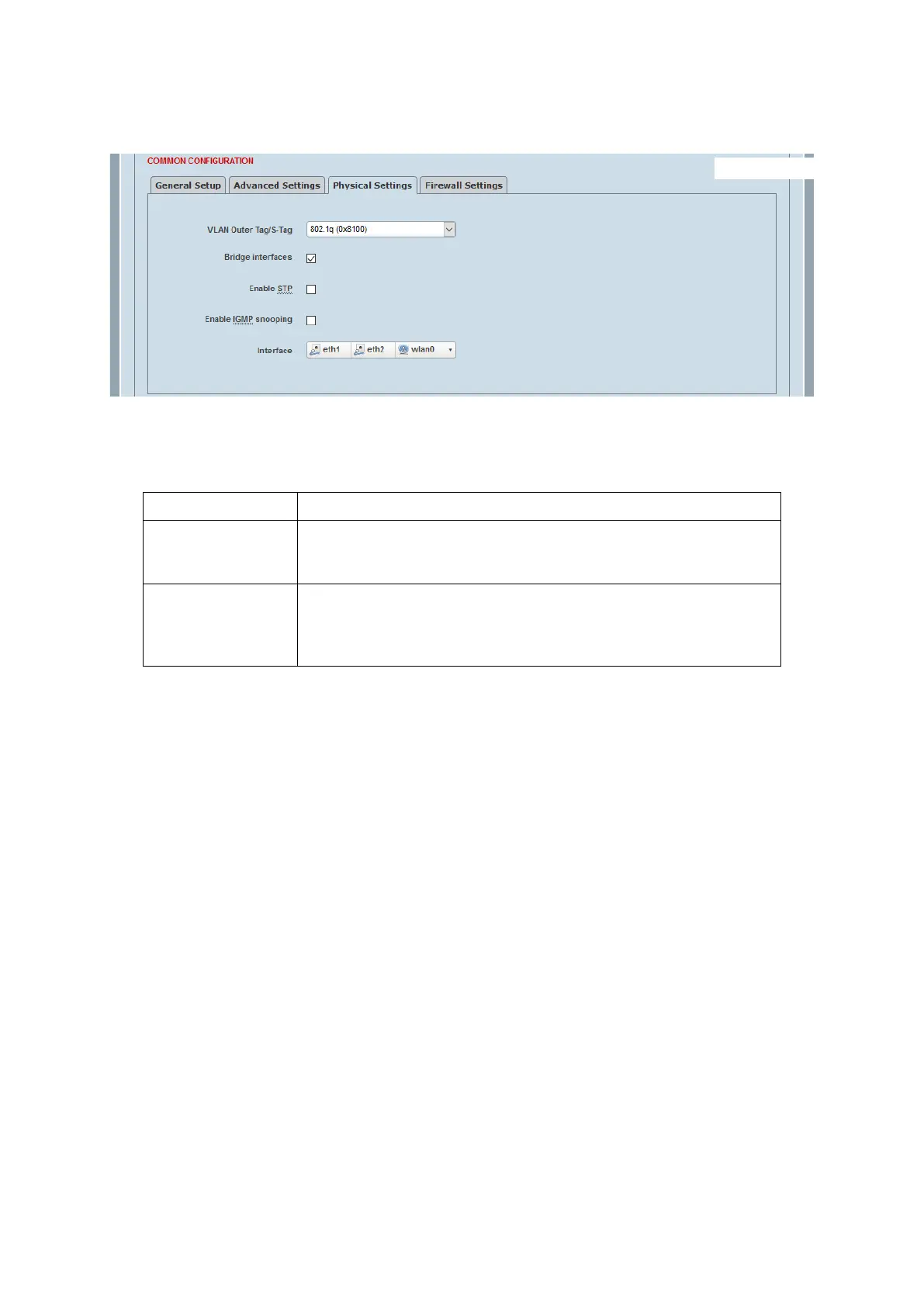
Static Address > Physical Settings
This page configures the physical settings of a static address interface.
VLAN outer Tag/S-Tag
This parameter allows setting the use of a single VLAN (C-VLAN) or double VLAN (S-VLAN) for this interface.
Bridge interfaces
When disabled, the logical interface covers only a single physical interface. When enabled, the user may
choose to bridge two or more interfaces together. A bridge switches packets between the ports in the bridge
based on L2 (ethernet) addresses, ignoring the L3 (IP) addresses. The IP addresses are used for routing only
for packets between logical interfaces.
By default, the LAN is a bridge of ETH1 and ETH2 ports.
If the user wishes to include the SFP1 port (default as WAN interface) in the LAN bridge, the WAN interface
must be deleted first, and then add the SFP1 port to the LAN bridge.
If the user wishes to change the ETH1 and ETH2 default LAN bridge interface to Router port (each with its
own IP/subnet), the LAN is changed to not bridged first (selecting only ETH1), and then create another
logical interface and attach ETH2, where now each port is mapped to its own logical interface.
Enable STP
Only for bridged interfaces using Spanning Tree Protocol. This is designed to prevent loops in L2 networks.
Enable this protocol if there is any chance of a loop. If connecting to narrow band links (such as Aprisa SR+)
it is often advisable to disable the STP protocol.
Enable IGMP snooping
Only for bridged interfaces. When enabled, the bridge can determine what ports to deliver multicast packets
to by listening to the IGMP (Internet Group Management Protocol) packets. When disabled, multicast packets
are sent to all ports in the same way as broadcast packets. This helps to reduce traffic going to links not
involved in the multicast conversation.



 To Next Page