96 | Aprisa LTE User Manual
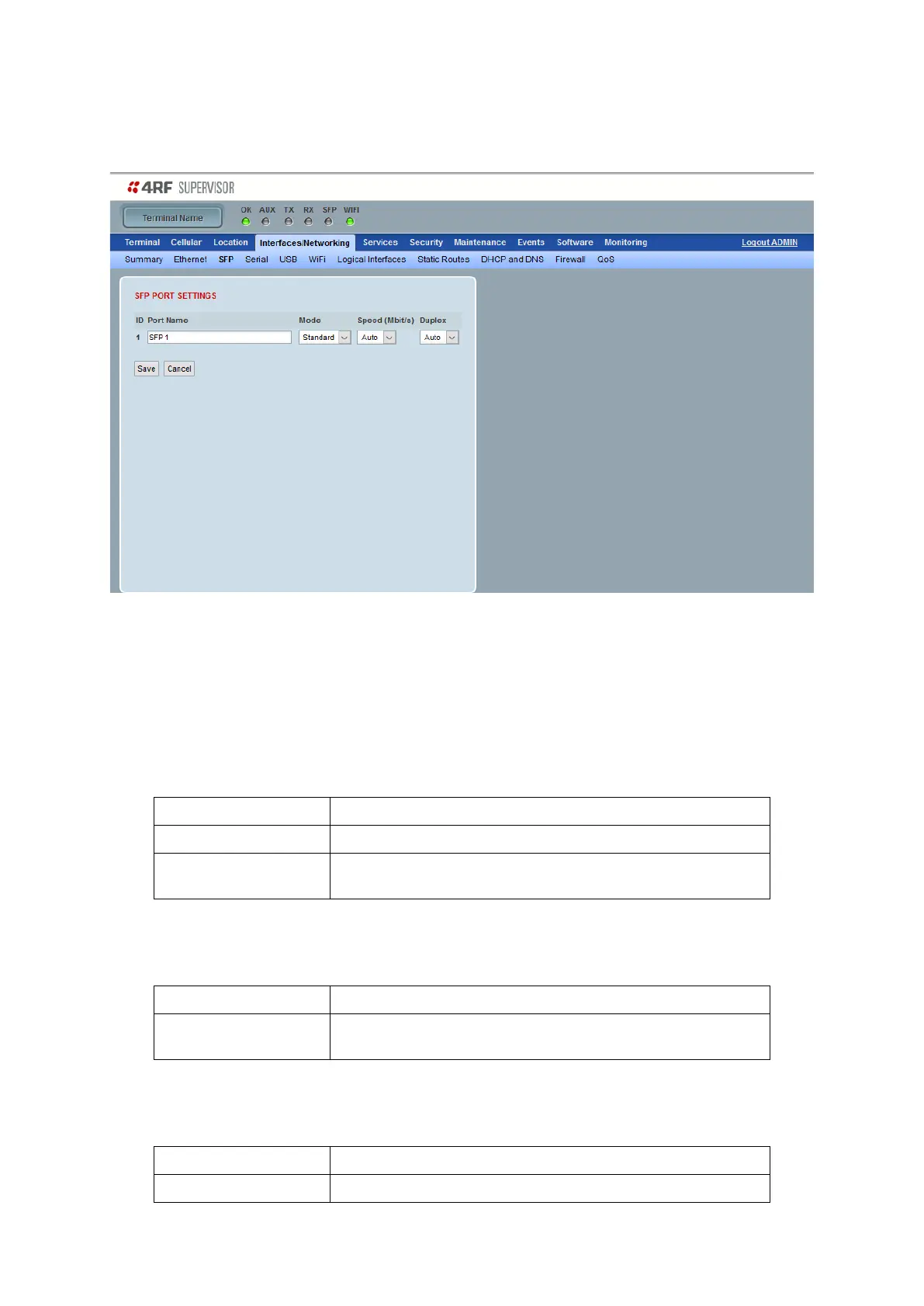
Interfaces/Networking > SFP
This page provides setup of the SFP module if fitted to the LTE.
SFP PORT SETTINGS
Name
This parameter sets the port name which can be up to 32 characters.
Mode
This parameter controls the enable/disable of the Ethernet port. The default setting is Standard.
SFP Port is in standard operation
SFP port is disabled. Useful when the port is unused or when
user would like to save in power consumption
Speed (Mbit/s)
This parameter controls the traffic rate of the Ethernet port. The default setting is Auto.
Provides auto selection of SFP Port Speed
10/100/1000 Mbit/s
Duplex
This parameter controls the transmission mode of the SFP Ethernet port. The default setting is Auto.
Provides auto selection of SFP Port duplex setting.



 To Next Page