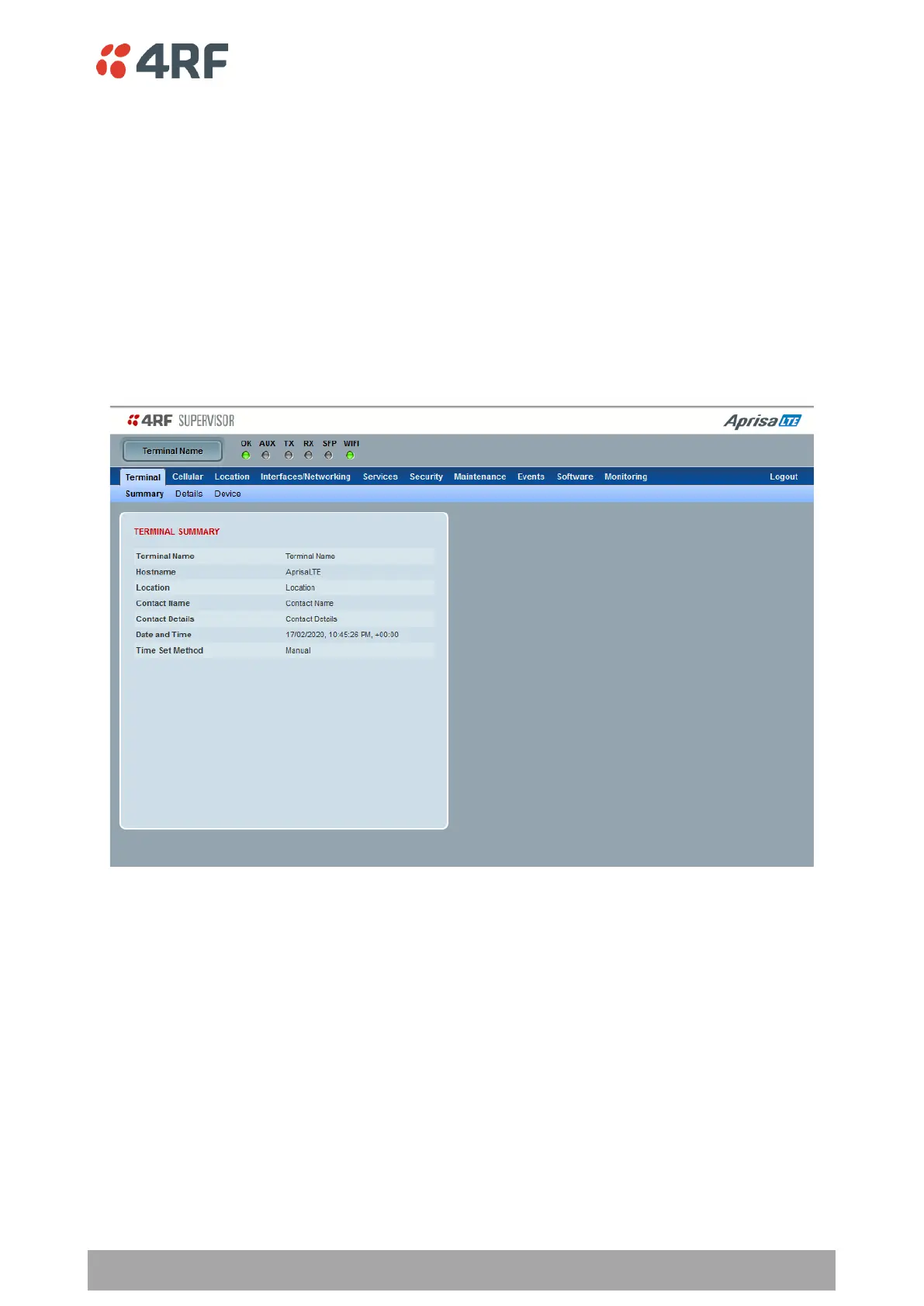
SuperVisor Menu Items
All SuperVisor menu item descriptions assume full access ‘admin’ user privileges:
SuperVisor Parameter Settings
Changes to parameters settings have no effect until the ‘Save’ button is clicked.
Click the ‘Save’ button to apply the changes or ‘Cancel’ button to restore the current value.
Terminal
Terminal > Summary
TERMINAL SUMMARY
This page displays the current settings for the Terminal parameters Terminal > Details on page 72 and
Terminal > Device on page 74 for setting details.



 To Next Page