2. LTE Router Installation
Basic Hardware Setup
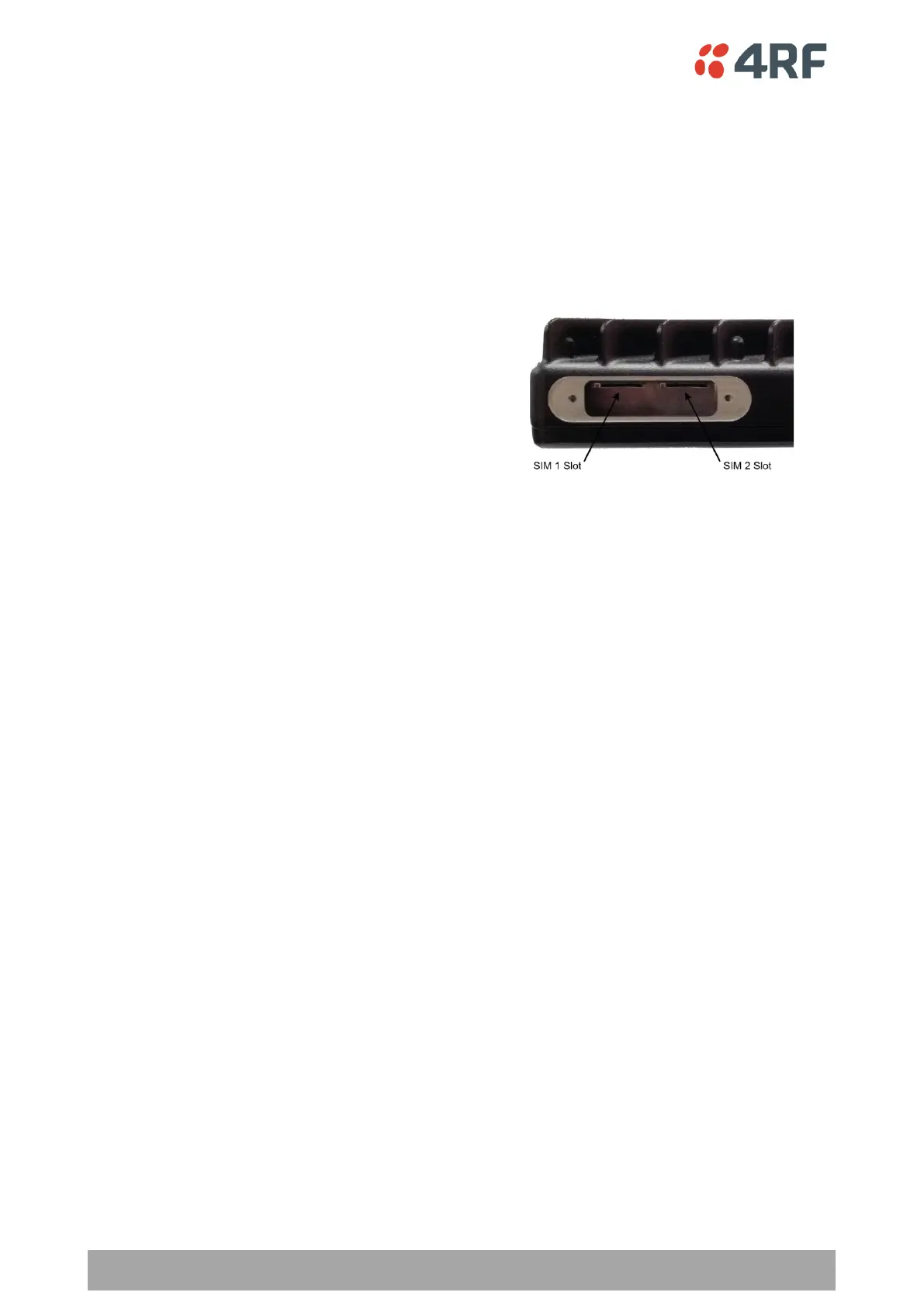
Installing a SIM
A wireless broadband data plan must be added to your Aprisa LTE, which are available from cellular
operators such as Verizon, and AT&T and come with SIM card(s).
Once you have an activated SIM, insert it into the Aprisa LTE SIM 1 Slot.
Use the SIM 2 slot for a backup SIM for an active/standby operation.
To install a SIM in the Aprisa LTE router:
1. Turn the LTE power off (hot insertion or removal of SIMs is not supported).
2. Unscrew the two screws on the SIM cards cover plate.
3. Insert the SIM to the required slot notch-end first with metal contacts facing up.
4. Refit the SIM card cover plate and screw the two screws.
5. Turn the LTE power on.
6. Go to SuperVisor > Cellular > SIM 1 & 2 to view the SIM status.
7. Go to SuperVisor > Cellular > General to enable / assign the SIM to a PDN Profile (see ‘Cellular > General’
on page 83).
Attach the Cellular LTE, GNSS and Wi-Fi Antennas
Attach either separate antennas for LTE/GNSS and for Wi-Fi or a single combo antenna to the appropriate
QMA connectors. See ‘Antennas’ on page 42 for antennas available from 4RF.
NOTE: Ensure that the Aprisa LTE router antennas are not near metal or other RF reflective surfaces.
Connect the LTE to the Power Source
Wire a power cable to your 9-32 VDC power source and connect the power connector (included) to the Aprisa
LTE. See ‘Power Supply’ on page 51 for the Aprisa LTE power connector wiring diagram and pin functionality.
Once power source is connected, the OK LED on the front panel will light solid green indicating correct
operation.
For a VDC power source not within the specification of the Aprisa LTE VDC input range, or the power source
is AC, use an appropriate DC/DC or AC/DC converter power supply.



 To Next Page