Software Upgrade
This upgrade process is for upgrading the software on a single Aprisa LTE.
SuperVisor Software Upgrade Method
The LTE software can be upgraded by loading the software file *.4nu from an external directory using the
file transfer process (see ‘Software > File Transfer’ on page 210) and activated (see ‘Software > Manager’
on page 212).
To load and activate Aprisa LTE software:
1. Download the software file *.4nu into your computer.
2. Login to SuperVisor and go to Software > File Transfer. The method is set to HTTPS.
3. Click Start Transfer.
4. Browse to the *.4nu software file stored on your computer.
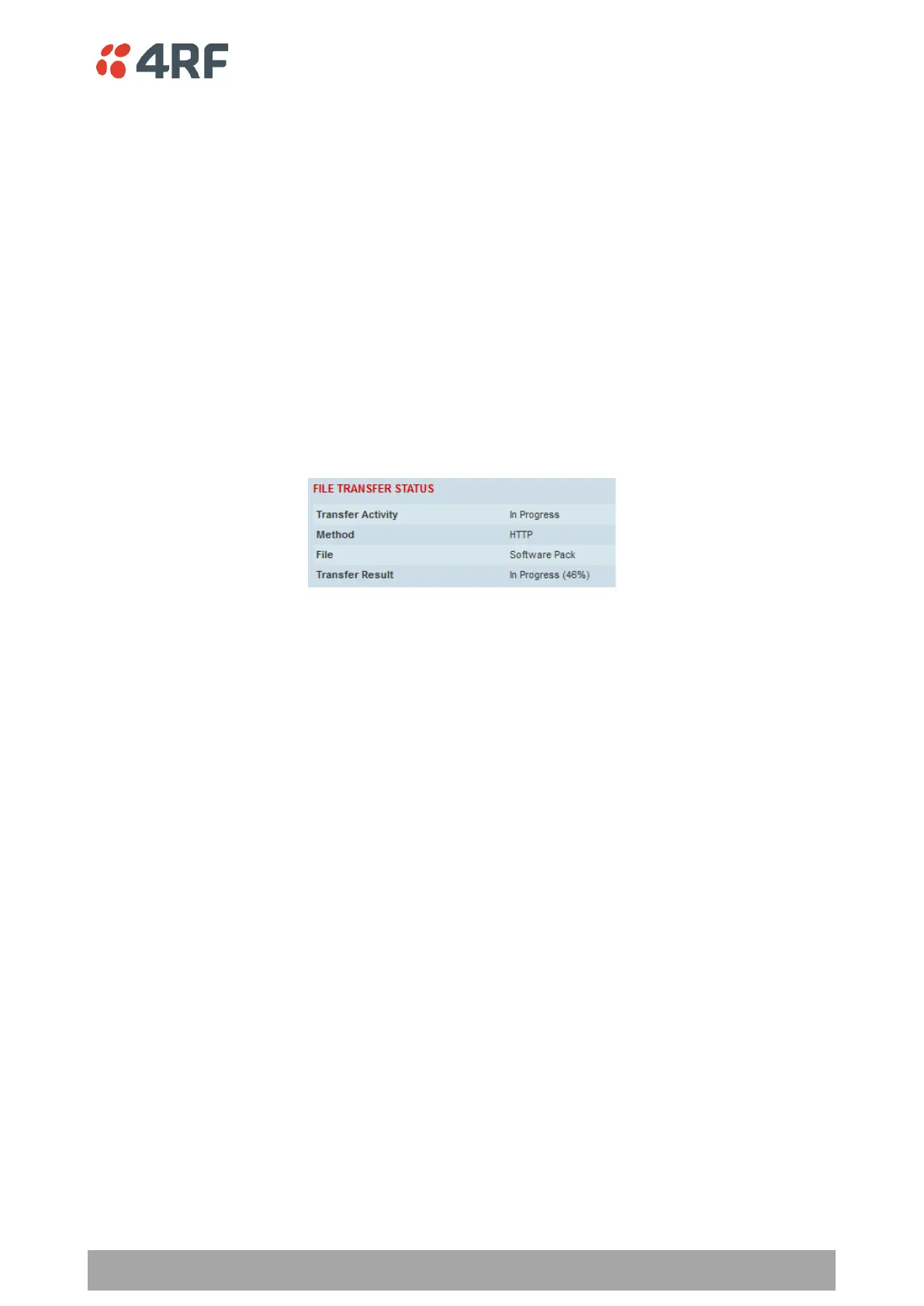
The software release file will be transferred to the LTE Available Software Pack location and the file
integrity verified.
If the file transfer fails, check the Events History Log page (see ‘Events > History Log’ on page 194) for
more details of the transfer.
5. Activate the software on the Aprisa LTE (see ‘Software > Manager’ on page 212). The router will reboot
automatically.



 To Next Page