158 | Aprisa LTE User Manual
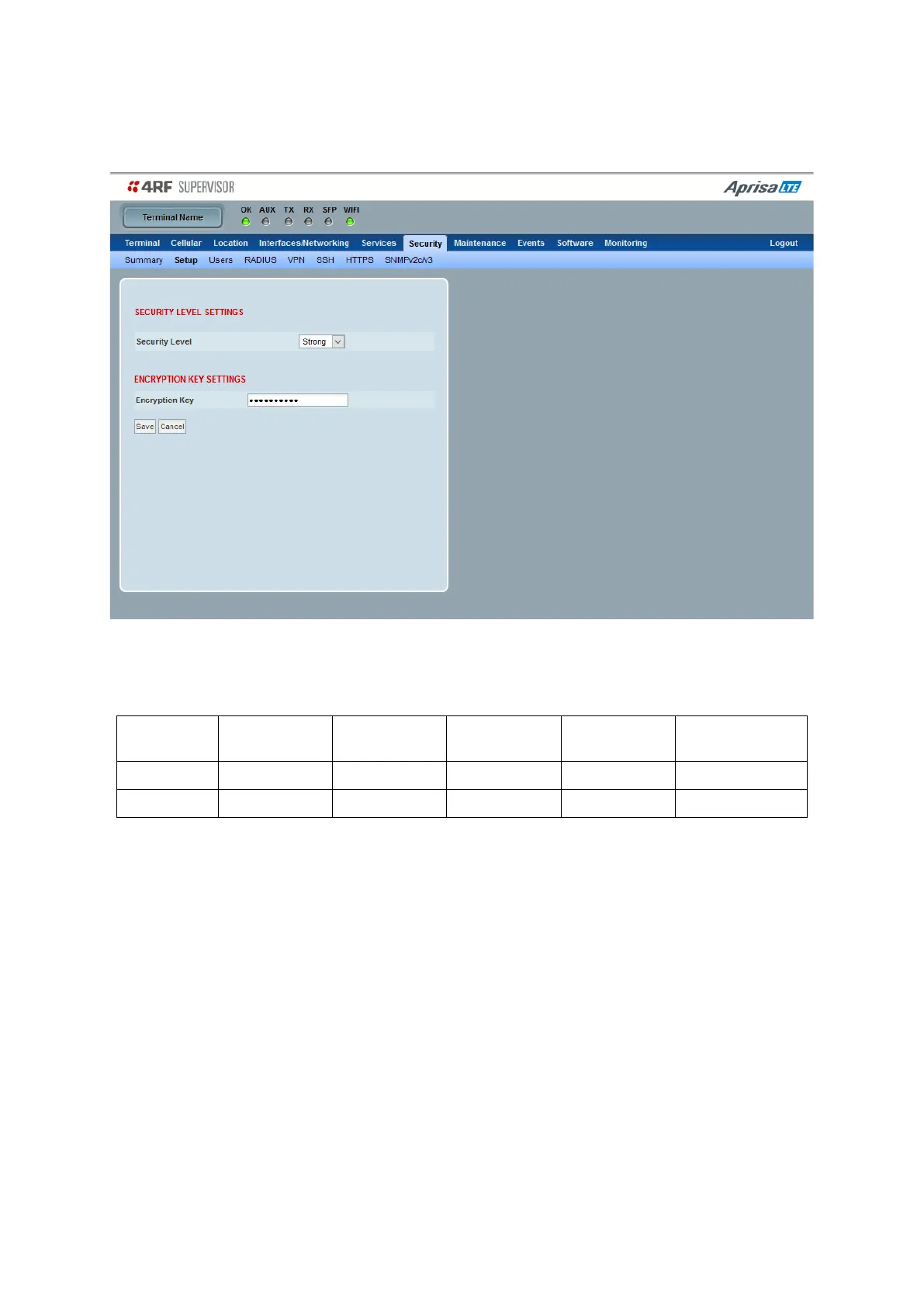
Security > Setup
This page sets the security settings.
Security Level
This parameter sets the Security Level active security features. The default setting is Standard.
Note: if the Security Level is set to ‘Strong’, config files generated in Maintenance > will be encrypted and
cannot be opened without the appropriate key set in the following ‘Encryption Key’ settings.
Encryption Key
This parameter sets the password for ‘Severity Level = Strong’. It uses AES-256-CBC encryption. The
password is converted to AES key using the PBKDF2 (Password-Based Key Derivation Function 2) key
derivation algorithm. This key is also used to encrypt the configuration file of the Aprisa LTE router.



 To Next Page