Aprisa LTE User Manual 2.1
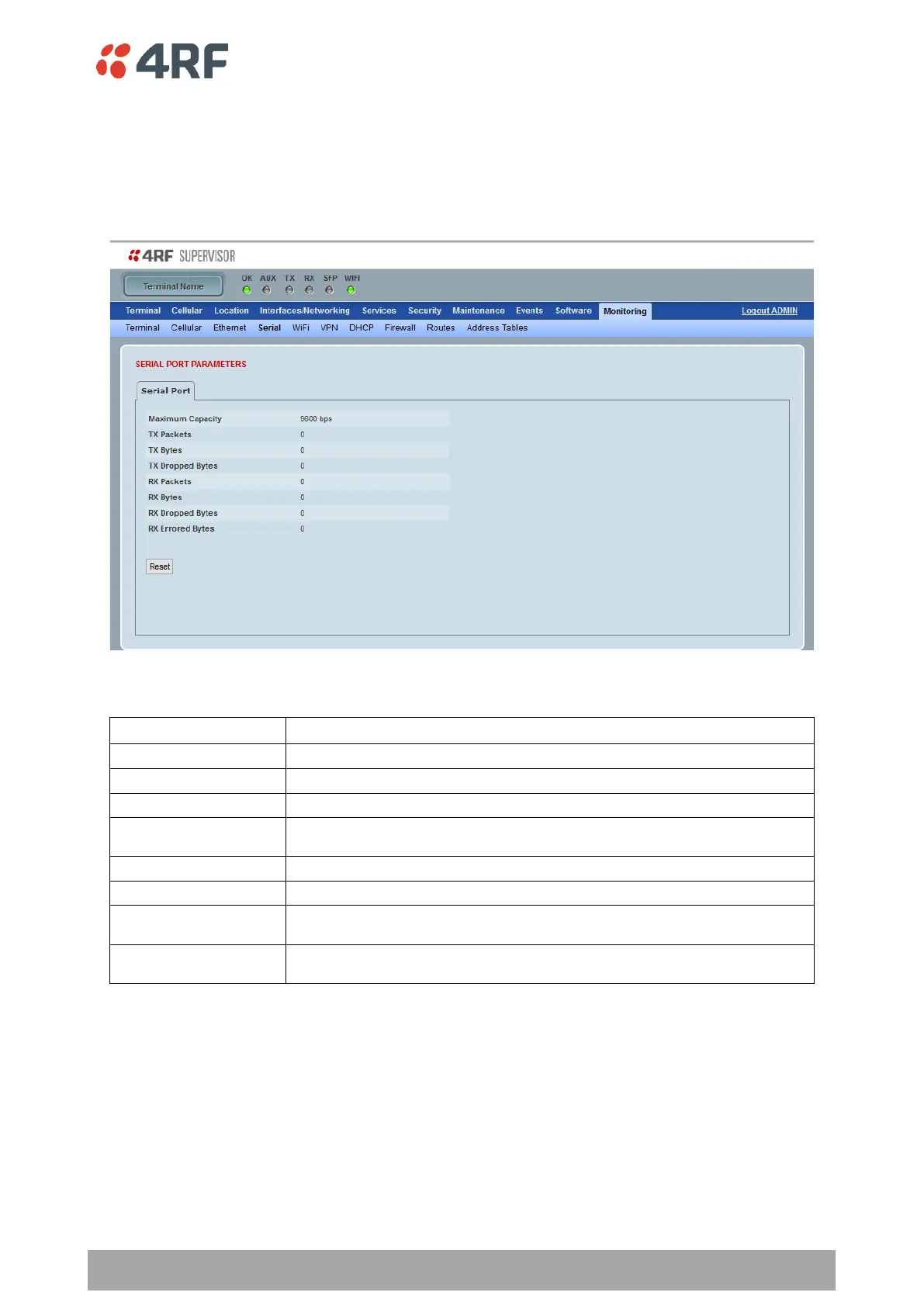
Monitoring > Serial
This page displays the device performance monitoring parameters per Serial port transmission (TX) out of
the device in packet and byte level granularity, for serial port high level statistics and troubleshooting.
The results shown are since the page was opened and are updated automatically every 12 seconds
SERIAL PORT PARAMETERS
Parameter to show the maximum serial data rate of the port
Parameter to show the number of packets transmitted on the serial port
Parameter to show the number of characters transmitted on the serial port
Parameter to show the number of bytes that were not transmitted because buffer was full
or timed out
Parameter to show the number of packets received on the serial port
Parameter to show the number of characters received on the serial port
Parameter to show the number of bytes that were not received because the buffer was
full
Parameter to show the number of characters received on the serial port in error (for
example parity error or framing error)



 To Next Page