228 | Aprisa LTE User Manual
CLI Commands
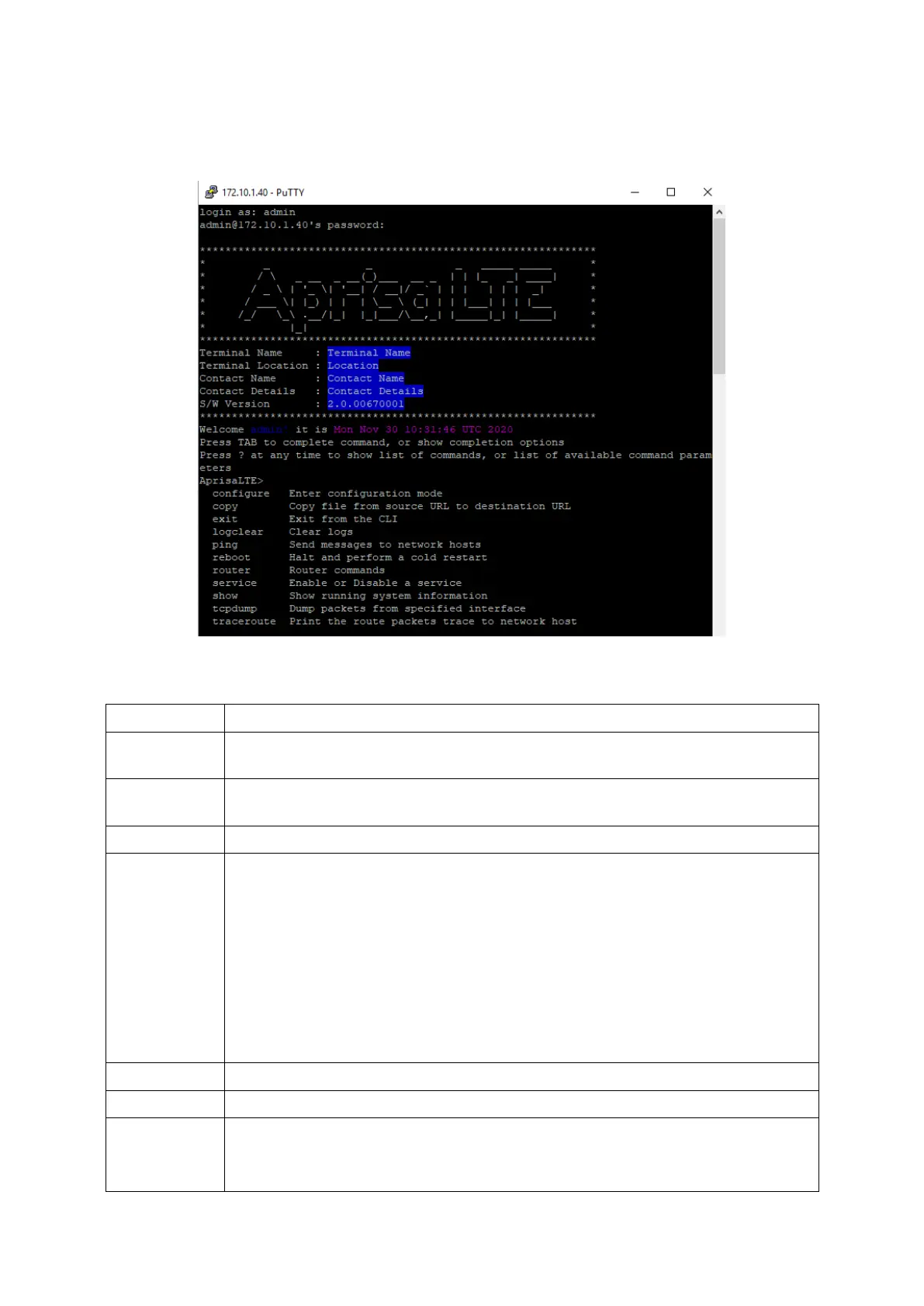
The top level CLI command list is displayed by typing a ? at the command prompt.
The following is a list of the top level CLI commands and their usage:
Configures key parameters for various network interfaces in the system
see Configure Commands below
Copies various system parameters
see Copy Commands below
ping [ip|ipv6|arp] <host>
[source <src>] : the network interface to send the packet from
[repeat <cnt>] : number of repeats
[resolve] : Attempt to resolve host names
[broadcast] : Perform broadcast ping
[size <bytes>] : Size of ping packet
[interval <seconds>] : Interval between pings
[flood] : Flood interface with pings
[duplicate-detect]
see Router Commands below
service <name> <action>
Performs given action on the given service.
‘firewall’ service supported with ‘start’, ‘stop’ and ‘restart’ actions supported



 To Next Page