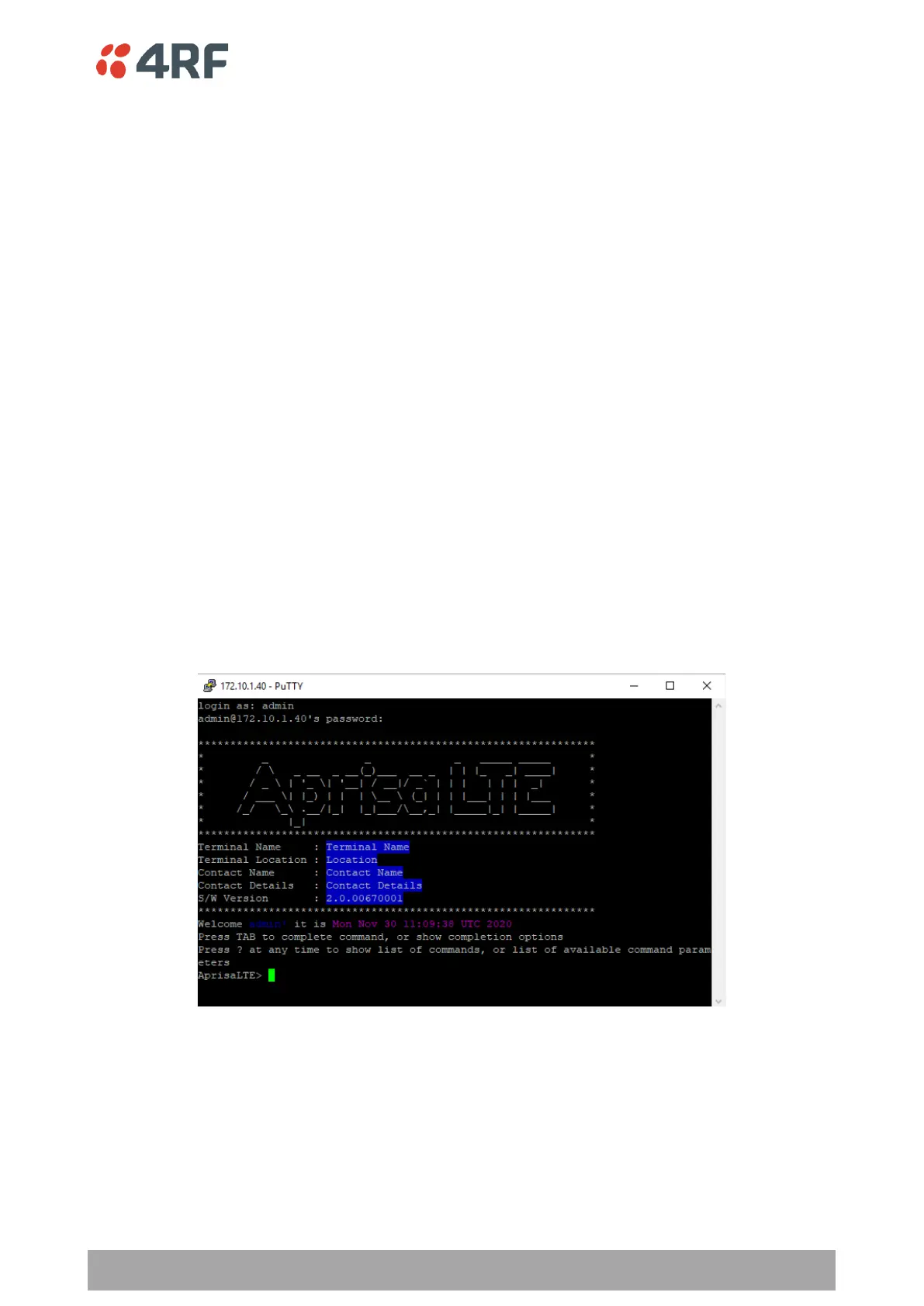
To connect to the LTE router CLI;
1. Connect the PC Ethernet to the LTE router Ethernet port (assuming a compatible IP address range).
2. Install one of the following tested SSH clients on your PC.
• PuTTY - Windows / Ubuntu
• TeraTerm
• Secure CRT
• MobaXterm
• OpenSSH
• Linux Terminal (Ubuntu)
• Kitty portal
• DameWare
• smartTTY
• Terminals (https://terminals.codeplex.com/)
• mRemoteng - Multi-Remote Next Generation
2. Open the SSH client.
3. Install the server public key using the method appropriate for your SSH client. This key is available in
supervisor on the Security -> SSH page. This step is optional but provides a guarantee that you are
correcting directly and there is no man in the middle attack occurring.
4. Login to the CLI with a default username ‘admin’ and password ‘admin’.



 To Next Page