184 | Aprisa LTE User Manual
Maintenance
Maintenance > General
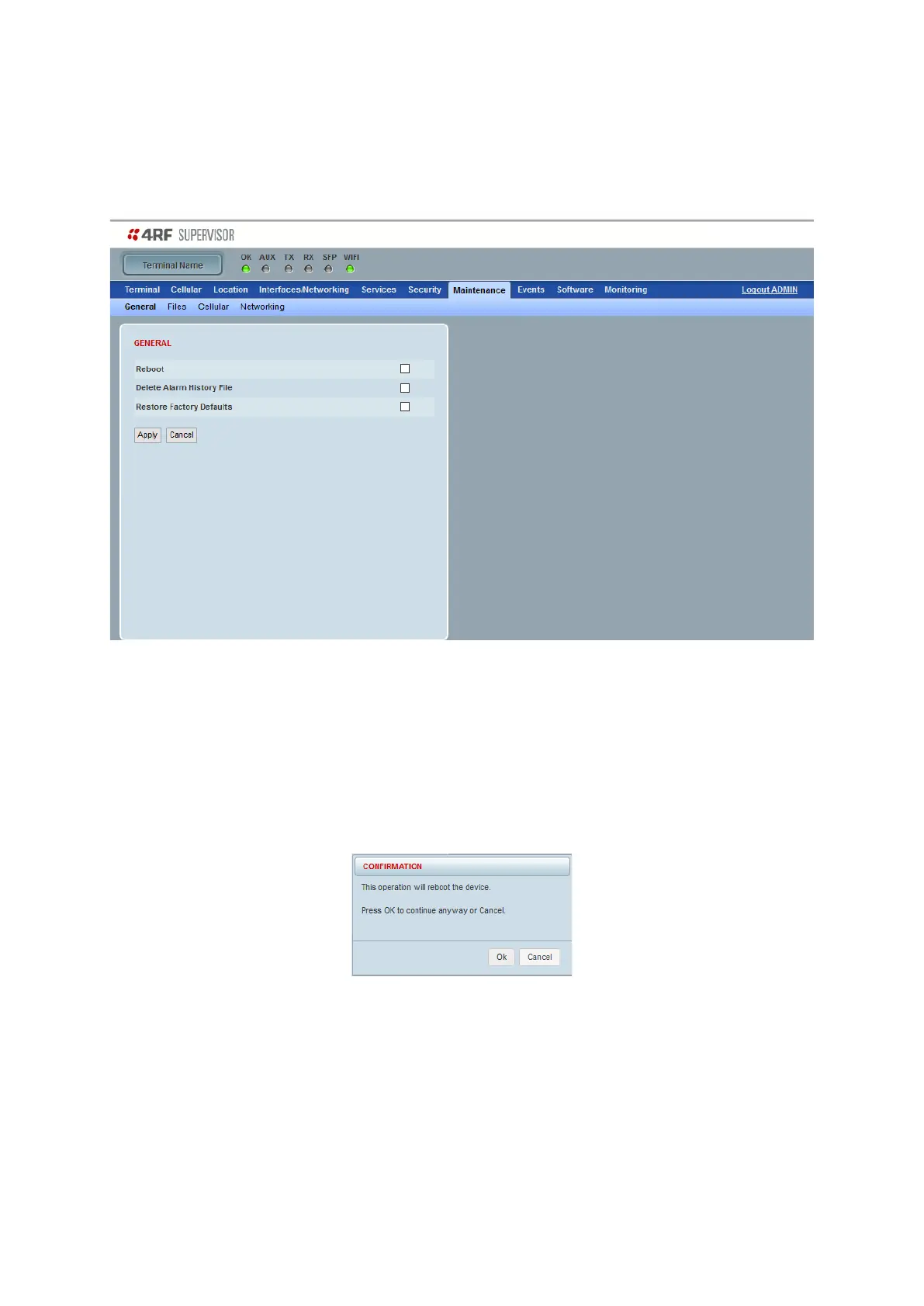
This page controls the LTE reboot and reset to defaults.
Reboot
Reboots the LTE software. Note this reboot is traffic affecting.
To reboot the radio:
1. Tick the ‘Reboot’ checkbox.
2. Click ‘Apply’ to continue or ‘Cancel’ to abort.
3. Click ‘OK’ to reboot the router or ‘Cancel’ to abort.
All the LTE LEDs will turn off except the OK LED.
The LTE will be operational again in about 10 seconds.
The LTE LEDs will light appropriately when the router is ready to operate.
4. Login to SuperVisor.



 To Next Page