74 | Aprisa LTE User Manual
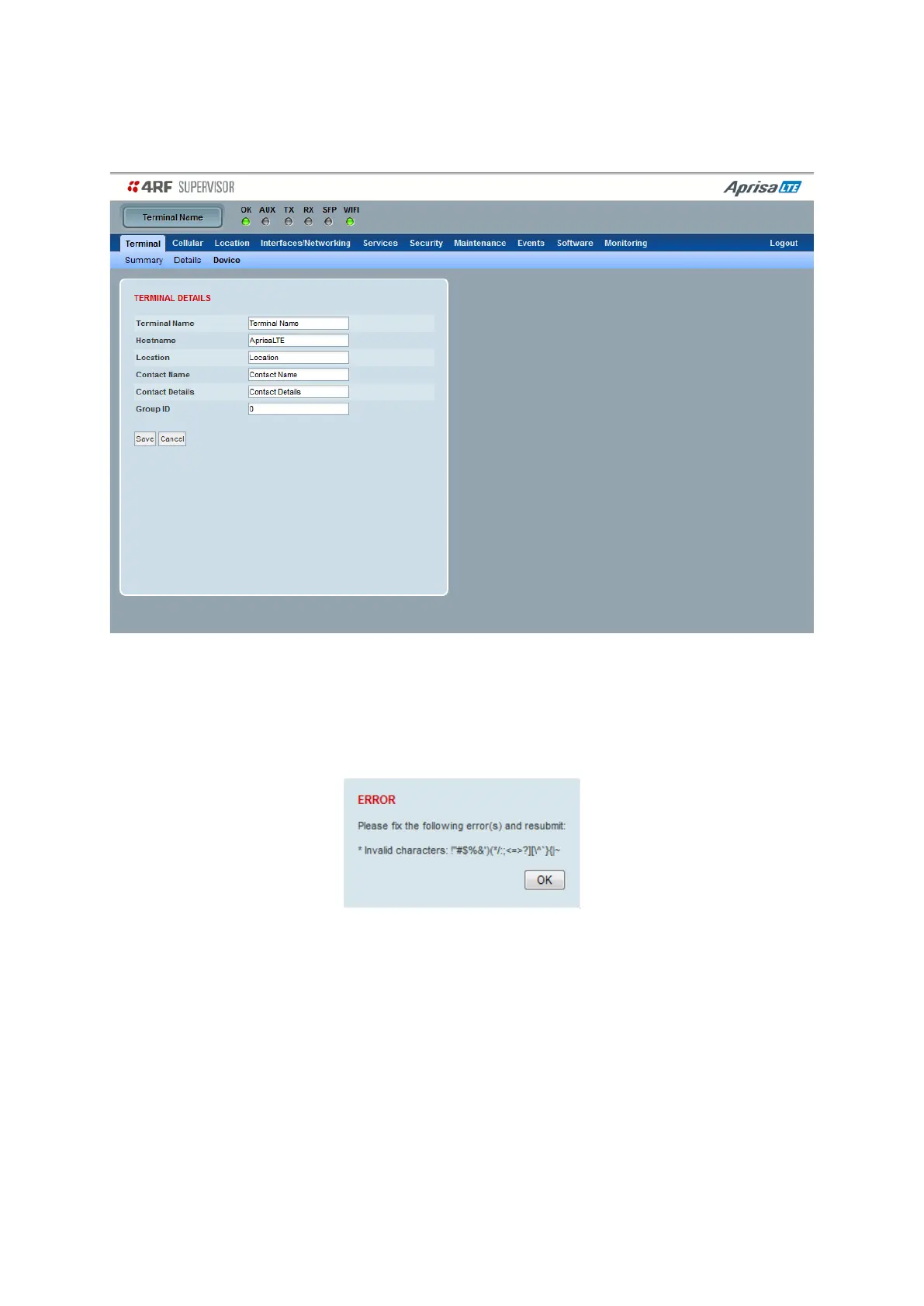
Terminal > Device
This page displays the current device terminal name settings.
TERMINAL DETAILS
The data entry in the next four fields can be up to 40 characters but cannot contain invalid characters. A
popup warns of the invalid characters:
1. Enter the device Terminal Name.
2. Enter the device Host Name.
3. Enter the device Location of the router.
4. Enter a Contact Name.
5. Enter the Contact Details.
6. Enter the Group Id. This is the Aprisa LTE router virtual group for NMS visual purpose or group operational
purpose. The default value is ‘0’.



 To Next Page