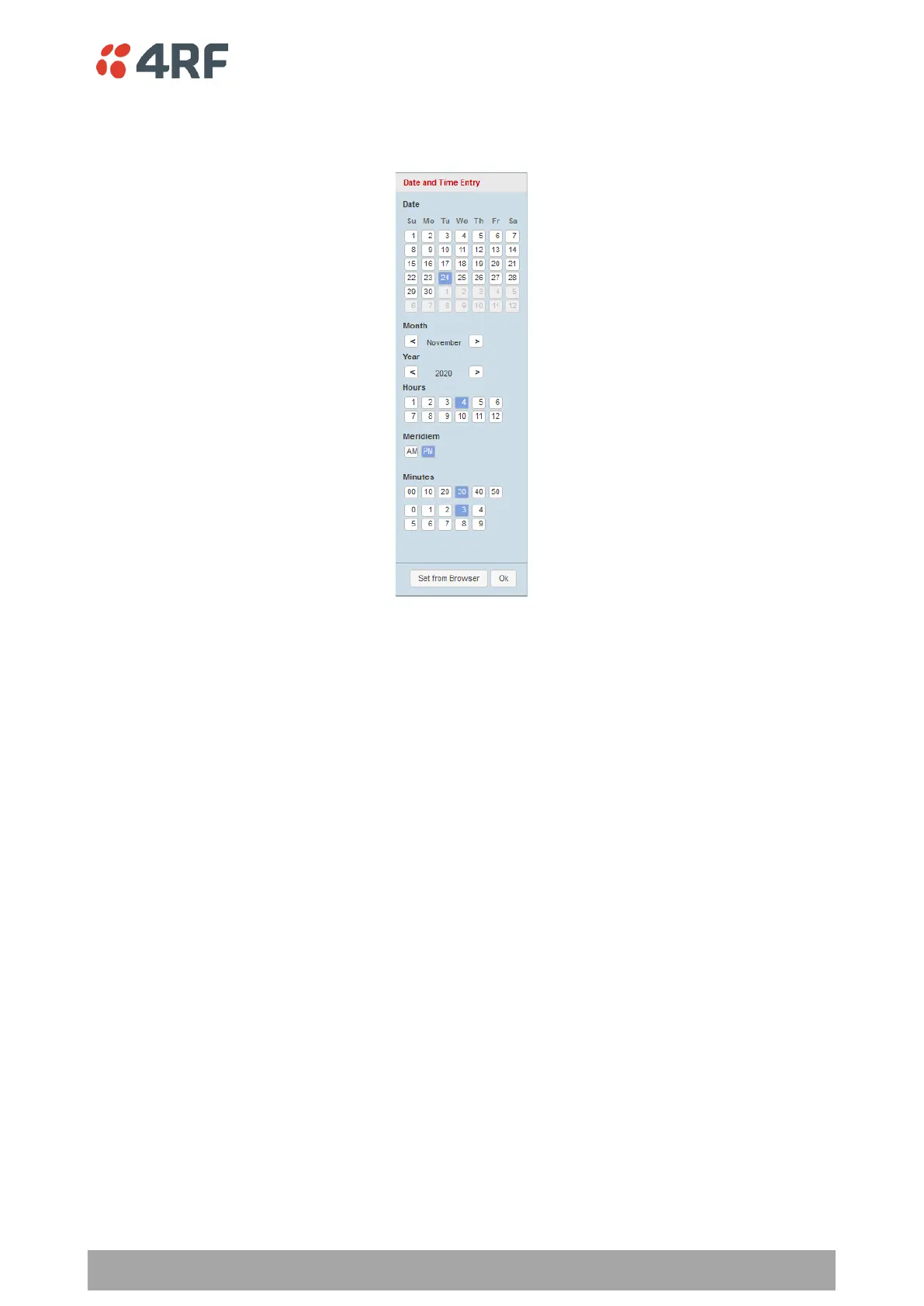
Date and Time
Sets the Date and Time manually by clicking in the Date and Time field.
Minimum Synchronization Period (s)
This parameter sets the minimum number of seconds between the end of the last NTP server synchronization
and the next NTP server synchronization attempt. The minimum period is 60 seconds. A period of 0 seconds
will disable NTP server synchronization attempts.
Time Server 1 to 4 Address
This parameter sets the address of the four possible NTP servers. Address may be specified as DNS name,
IPv4 or IPv6 address.
Synchronization is attempted from all configured servers, and the NTP service intelligently uses offsets from
all of them to accurately set the time.
Synchronization Status
This field shows the status of the current synchronization or the result of the last synchronization.
Time Format
This parameter sets the time format for all time based results.
The default setting is 24 Hours.
Date Format
This parameter sets the date format for date based results.
The default setting is DD/MM/YYYY.



 To Next Page