238 | Aprisa LTE User Manual
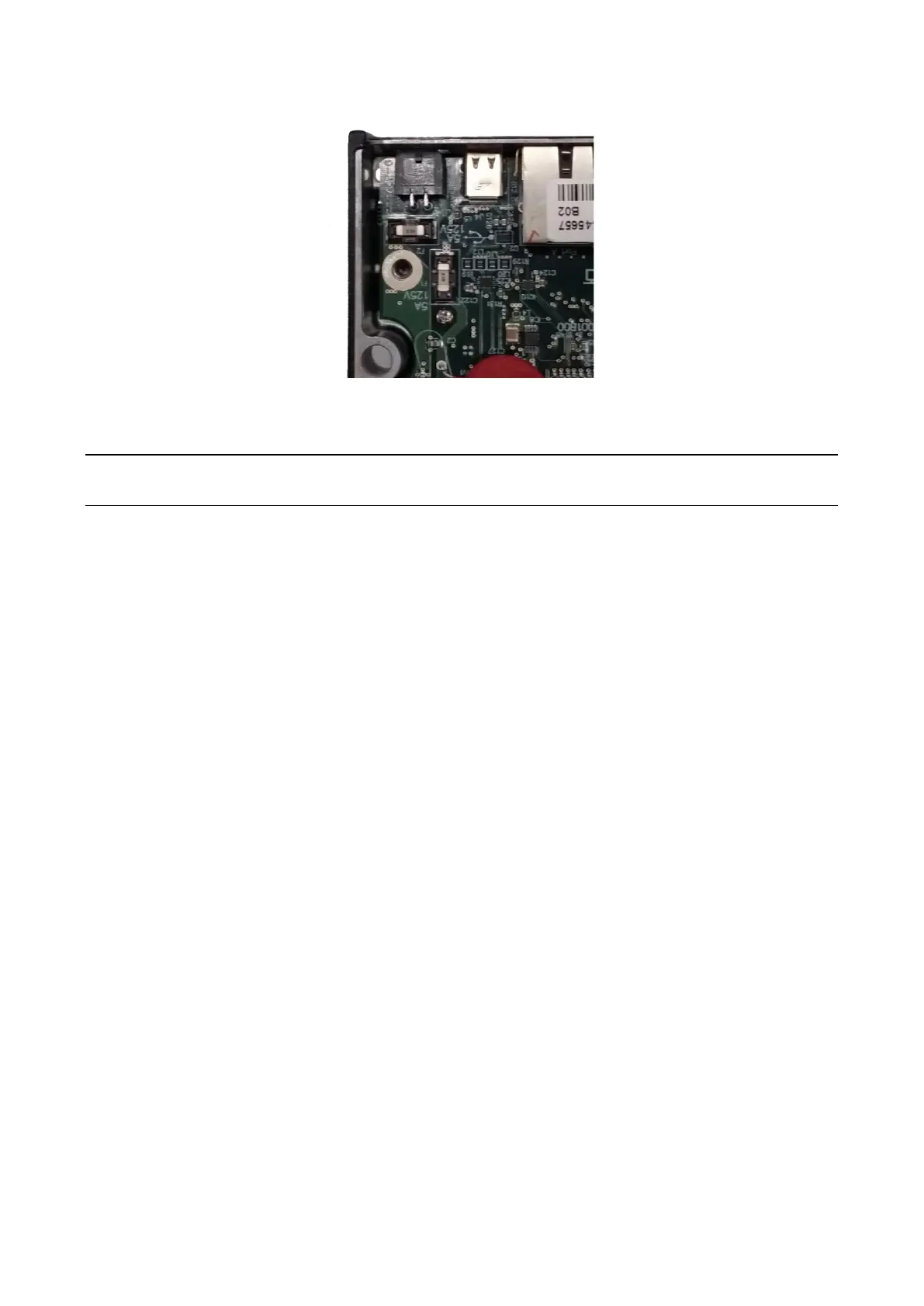
3. Replace the two fuses.
4. Close the enclosure and tighten the screws.
Note: Is it critical that the screws are re-tightened to 0.8 Nm. The regulatory compliance of the LTE router
may be affected if the screws are not tightened correctly.
Additional spare fuses can be ordered from 4RF see ‘Spare Fuses’ on page 63.



 To Next Page