System Functions and Features as of I7.9
438 Features
syd-0200/3.0 – I7.9 – 11.2009
8. 6. 24 Take (call acceptance)
The Take function allows users to take over a call connection of another user with-
out interrupting the connection or having the connection put through to them.
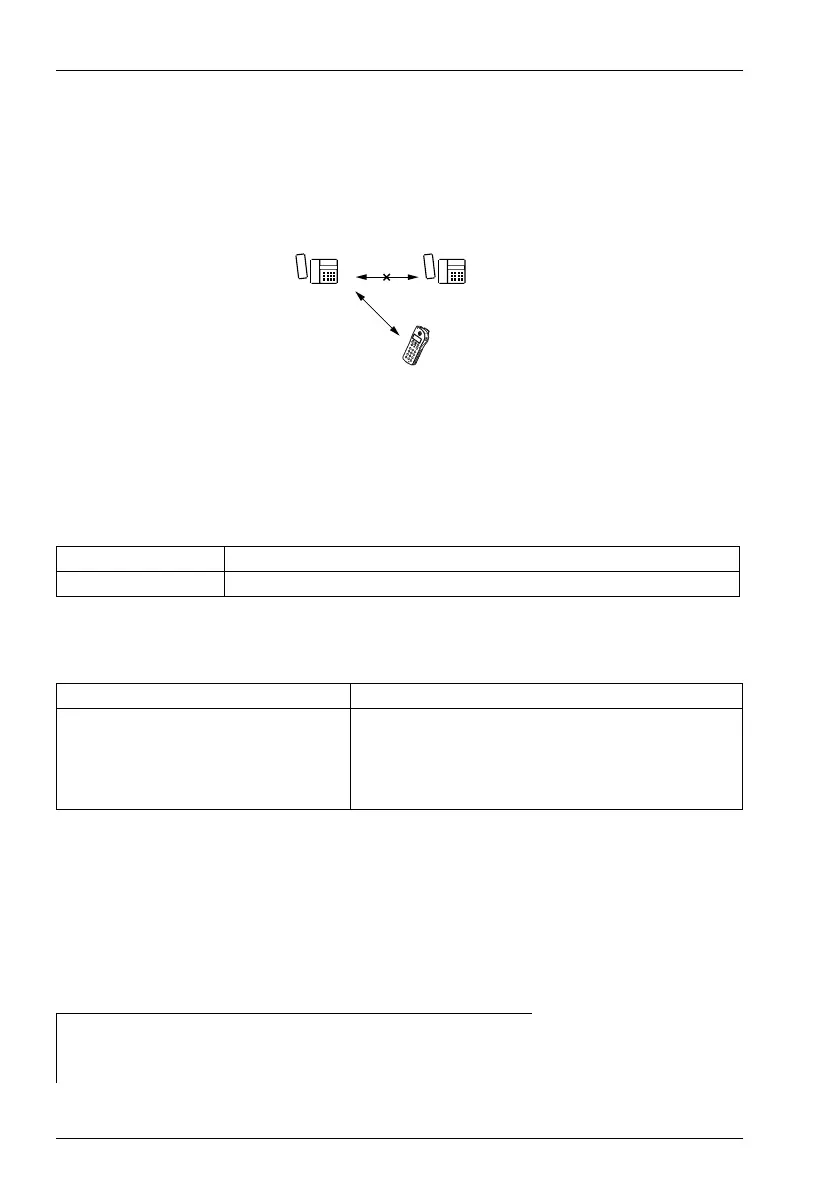
The example below illustrates how to accept a call connection from a user with a
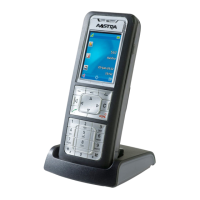
cordless terminal.
Fig. 210 Take
User A has set up a call connection with user B, who transfers the call to user C’s DECT
handset by pressing a key. Caller A is not aware that the call has been transferred.
Detailed Description
Tab. 281 Take
System configuration
Tab. 282 Take: Key configuration
Note:
Take is actually nothing other than the preparation for accepting a call and accept-
ing the call from the same terminal. This function can be carried out more simply
using the Fast Take feature.
Reference to Other Features
Interface Operating sequence / signalling on the terminal
C Activating via the handset's configurable key
Function type Note
In AIMS or on the handset the following com-
mand is used to prepare a configurable key to
allow user C to take over user B’s call:
I *87 B * C # X I *88 #
Requirement:
Call acceptance must be enabled on user C.
Restriction:
Only simple connections can be accepted, not conferences,
users on hold, etc.
Features:
• "Acceptance of a call or data connection:", page 435
• "Fast Take (call acceptance)", page 439
AB
C
haz0941aaxxa0


 To Next Page
 Loading...