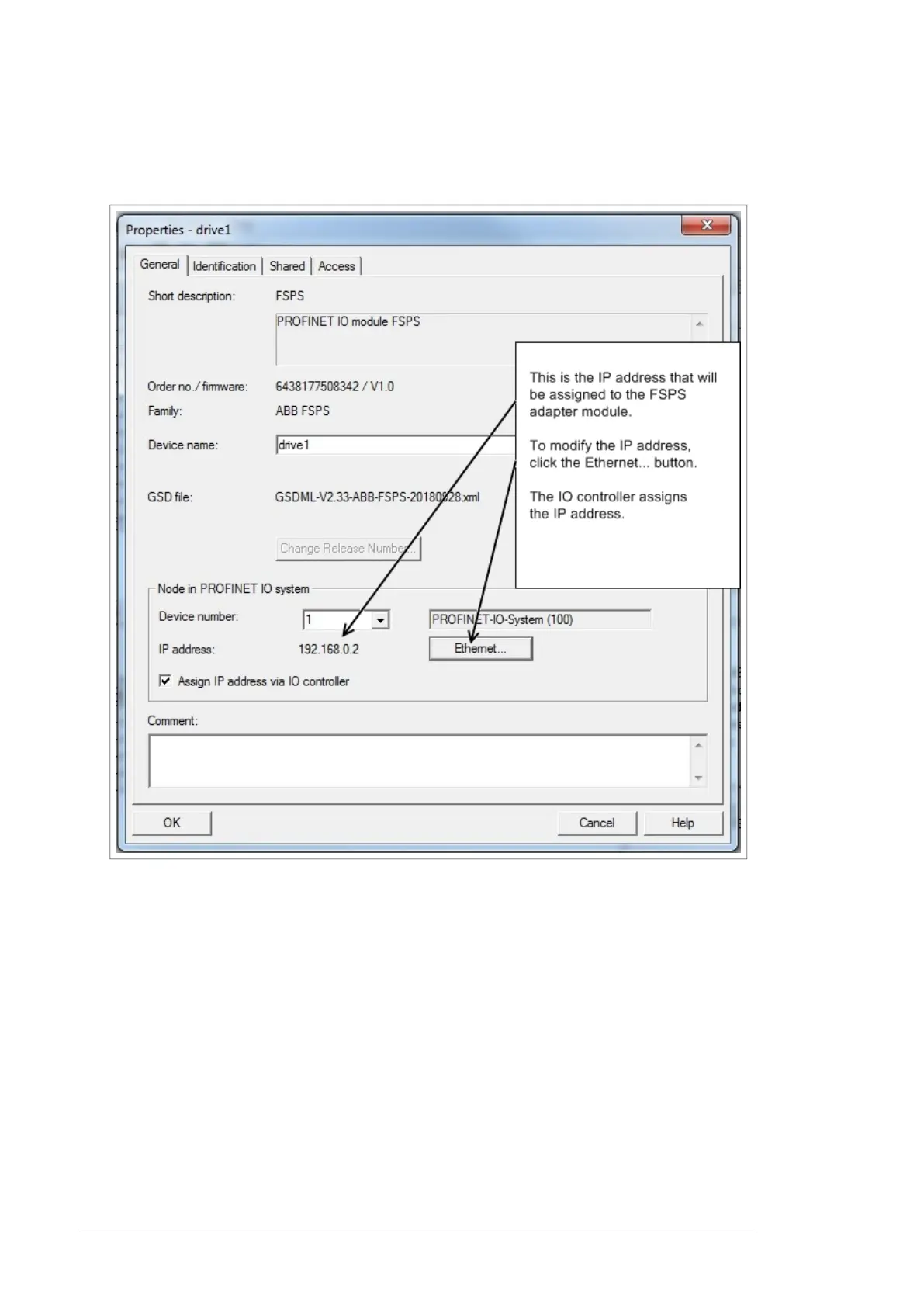
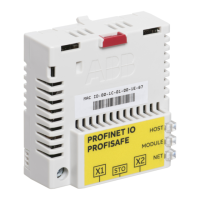
10. Double-click FSPS-21 to open the Properties window.
11. On the General tab, type the Device name for the adapter module (in this example,
drive1).
Note:
Do not change the IP address assigned here. Use the same IP address for the FSPS-21
module also in other tools (eg, the Drive composer pro PC tool) which you use to connect
to the drive.
12. Click OK.
13. In the hardware configuration, double-click the IO object (PPO Type 7) in Slot 1 to open
the Properties window.
14. Type a name for the IO object (in this example, PROFIsafe ABB_PS3).
154 PROFIsafe


 To Next Page