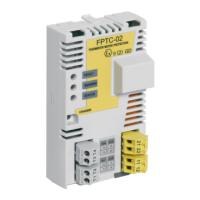
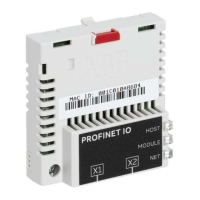
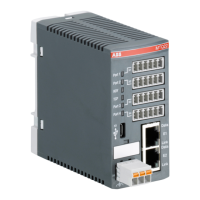
■ Description
FSPS-21 settings are stored in the drive parameters and also in the configuration files.
FSPS-21 configuration parameters are included in the backup of the drive parameters.
■ Settings for backup
Consider the following points:
• Backup is not slot-specific. For example, backup in FBA A, slot 1 of the control unit can
be restored to FBA A, slot 2.
• Backup depends on the fieldbus channel. For example, backup of FSPS-21 in FBA A
is not restored to FSPS-21 in FBA B.
Configuration backup for FSPS-21
Backup includes the following configuration for PROFINET IO in FSPS-21:
Configuration
Sets the station name using DCP. See PROFINET
network settings (page 88).
Station name
When set, backup will automatically include this config-
uration.
Writable strings for identification and maintenance.
See I&M records (page 206).
I&M 1-3
When set, backup will automatically include this config-
uration.
PROFIdrive CW and SW user bit mapping. See
PROFIdrive parameters (page 201).
PROFIdrive parameters 934-943
Note:
Backup will include this configuration only when it is
stored with PROFIdrive parameter 971.
Writable SNMP MIB-2 string.System location
When set, backup will automatically include this config-
uration.
System name
System contact
The settings are saved to the drive after 10 seconds. If a Refresh command is given to
FSPS-21 using parameter 51.27, the pending backup is transferred to drive immediately
and FSPS-21 is rebooted after the transfer is completed.
Note:
The new setting is not saved to drive if the drive was powered off or the adapter was
disconnected from the drive within 10 seconds of changing a setting.
FSPS-21 module replacement
If the FSPS-21 module fails to operate, you have to replace it with a new one; you cannot
repair the module.
■ Replacing the FSPS-21 module
1. Stop the driven machinery and prevent an unexpected start-up.
188 Maintenance


 To Next Page