PROPRIETARY INFORMATION
CONFIDENTIAL MATERIAL
Hardware Not for Customer Distribution
244
AEROSET
®
System Troubleshooting Guide
94816-107—November 2004
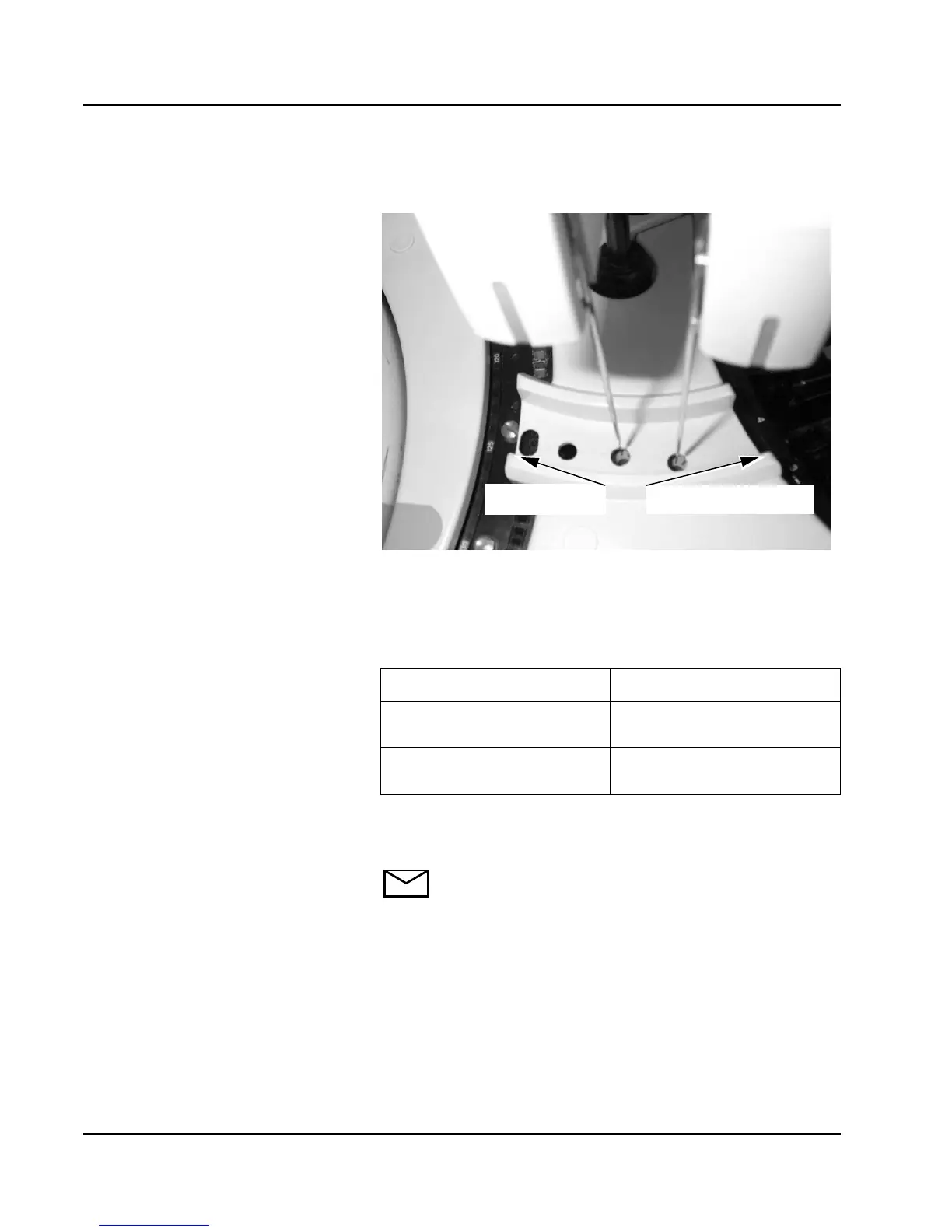
7. Select <CW> (clockwise) or <CCW> (counterclockwise) as
needed to center the probe over the wash cup.
8. Select <OK> to save the position.
9. Select Rgt Arm A Vert Down <Adj>.
10. Verify the R1A probe is centered in the wash cup.
11.
12. Select Rgt Arm A Vert Home/Up <Adj>.
13. Repeat steps 3 through 12.
NOTE: If the probe fails to align in the wash cup,
contact your Abbott Representative.
14. Select <OK> on the MAINTENANCE UTILITIES screen
then select <OK> on the Home All Robotics dialog
window.
If... Then
Reagent probe is not
centered in the wash cup
Proceed to step 12.
Reagent probe is centered
in the wash cup
Proceed to step 14.
Counterclockwise
Clockwise



 To Next Page