PROPRIETARY INFORMATION
CONFIDENTIAL MATERIAL
Not for Customer Distribution Assays/Reagents
AEROSET
®
System Troubleshooting Guide 27
94816-107—November 2004
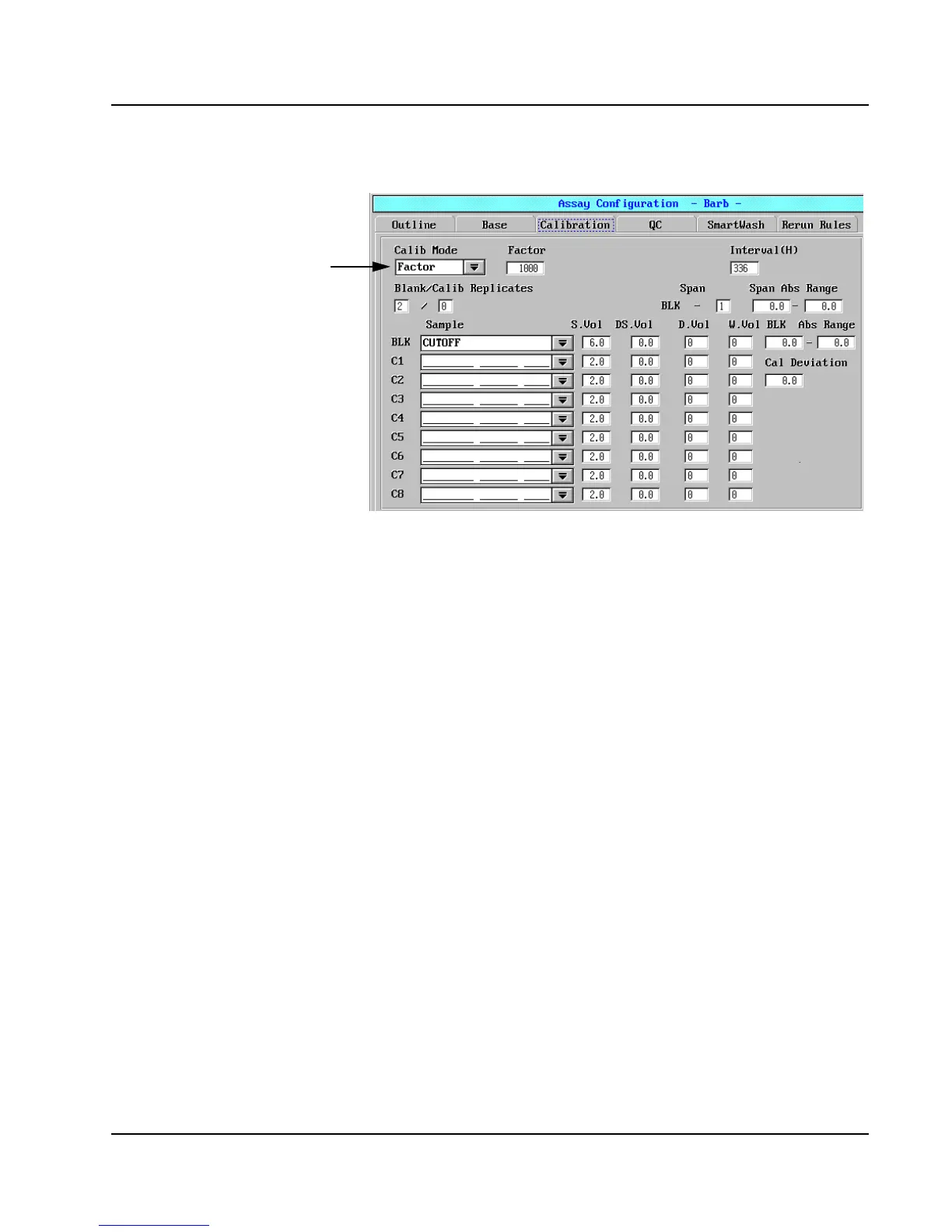
6. Select the Calibration tab to access the Calibration page.
Figure 4: Assay Configuration Screen, Calibration Page
7. Verify the Factor option is selected in the Calib Mode field.
8. Verify 1000 is entered in the Factor field.
9. Select <OK> in the upper-right corner of the Assay
Configuration screen. The Save dialog window displays.
10. Select <OK> to save the settings.
11. Repeat steps 1 through 10 for each DOA assay installed.
Factor



 To Next Page