2.2. Amplifier Location Selection
CAUTION
The unit's weight is about 12 kg, which should preferably be handled by two persons.
Position the amplifier near the place where it will be used. You will need an easy access to the command
knobs and indicator's area, as well as to the rear panel cabling.
NOTICE
The ACOM 700S is forced air cooled. Keep a minimum clearance distance of 10 cm
(4 inches) to any other devices or objects.
The exhaust air can reach 65
o
C (150
o
F) and if the surrounding devices are sensitive to heating from outside
or use forced air cooling themselves, increase the distances accordingly.
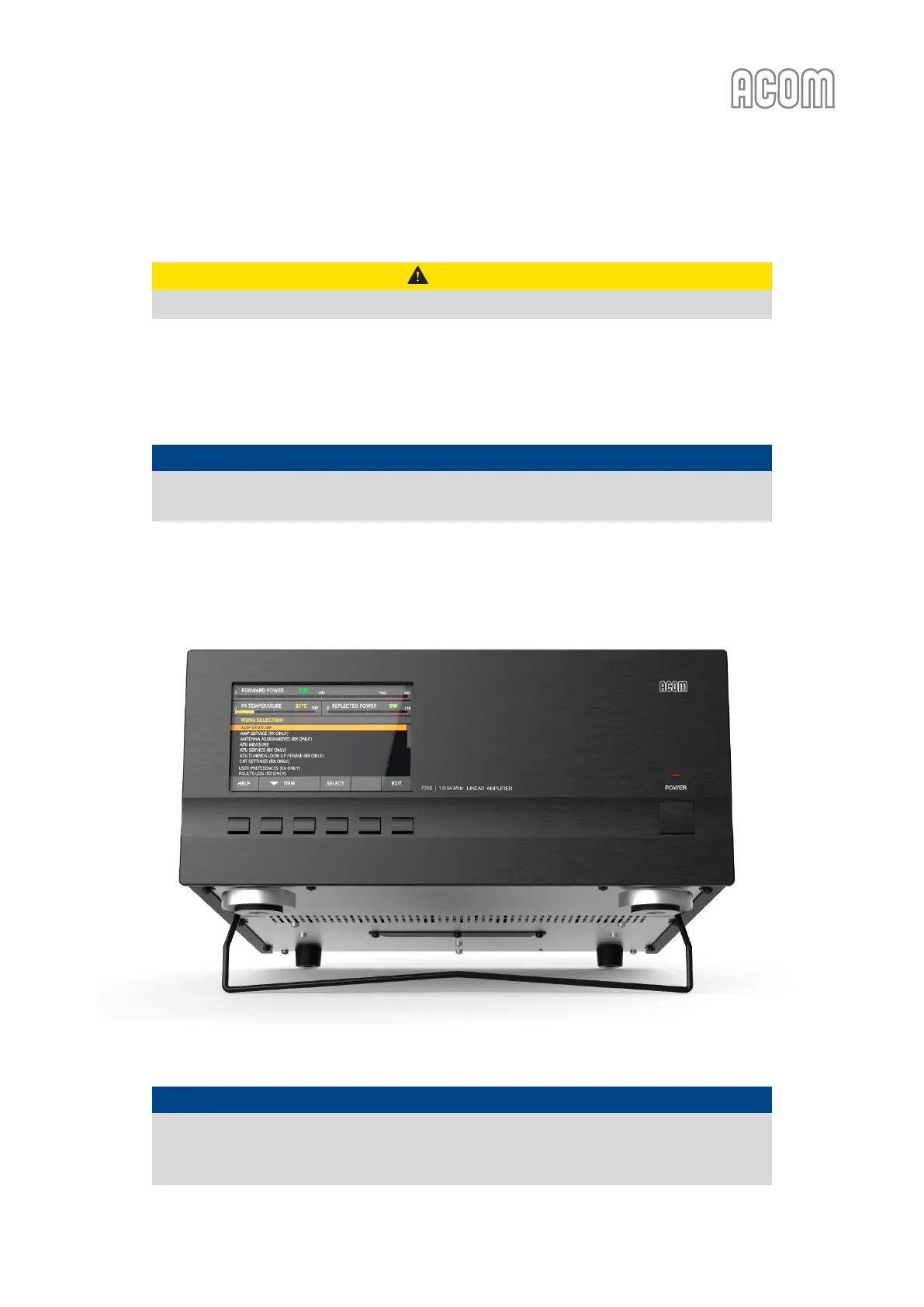
Figure 2-3 | Front panel - Ergonomic position with tilt foot bar
Figure 2-3 | Front panel - Ergonomic position with tilt foot bar
NOTICE
Do not leave accidental paper, cloth, or other lightweight pieces around and under the
amplifier. They may be drawn in by the cooling air stream and block the vents. This will
lead to overheating and accelerated material aging, not covered by the warranty.



 To Next Page