We highly recommend updating your ACOM 700S amplifier with firmware version 1.8 or
newer.
The ACOM 700S firmware version 1.8 is compatible with all ACOM 700S amplifiers
produced (see Section 1.4 Product History and Documentation Validity).
For uploading (or backup) a firmware to ACOM 700S you have to use the ACOM Terminal S software,
distributed by ACOM free of charge. You can download it from www.acom-bg.com.
The ACOM Terminal S is available for MS Windows operation systems only.
ACOM Technical Support Team can advise you om Terminal S use in the Windows
environment.
The ACOM Terminal S communicates with the amplifier via the RS-232 interface.
To use the ACOM Terminal S, you have to install the software on PC equipped with:
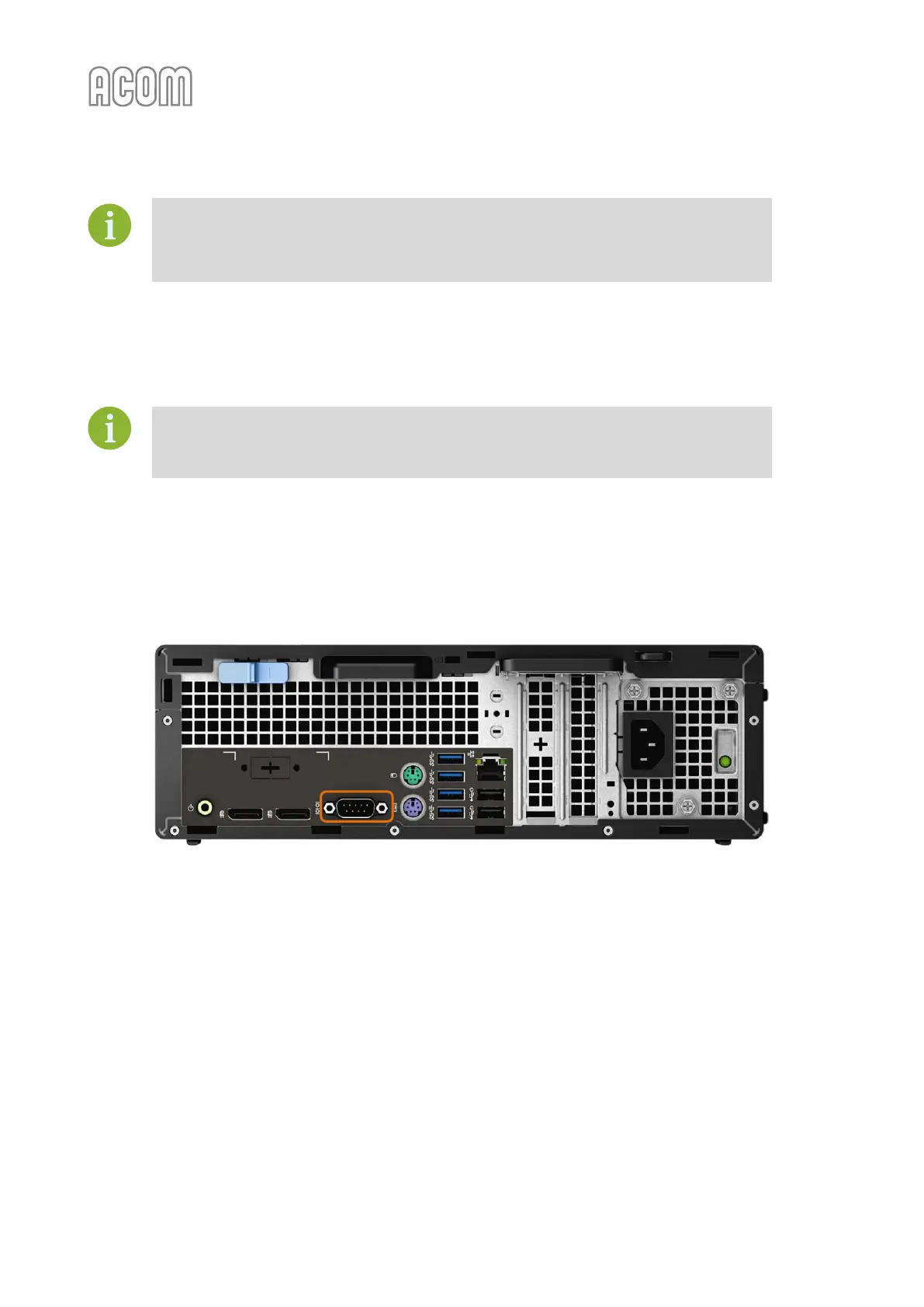
• RS-232 port (real port / build-in) as marked on the picture below:
Figure 7-1 | Example of PC with RS-232 port (interface)
Figure 7-1 | Example of PC with RS-232 port (interface)
For the necessary RS-232 connecting cable see Table 7-2 | RS-232 connection cable wiring.



 To Next Page