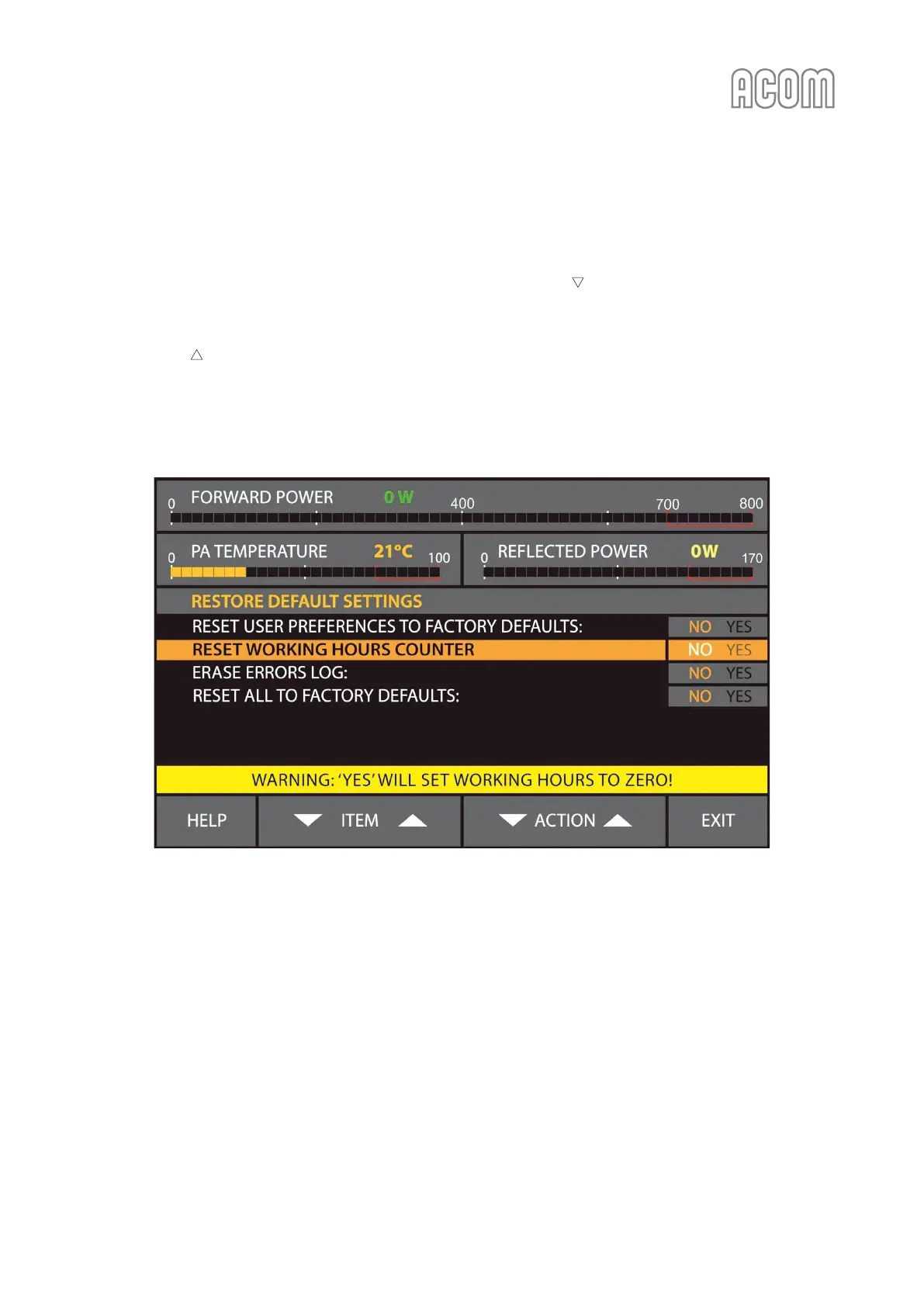
5.6. Menu RESTORE DEFAULT SETTINGS
Four different factory-reset levels are available (see Figure 5-7 | Menu RESTORE DEFAULT SETTINGS).
In order to confirm the selected action, the operator must push the ACTION (down arrow) button once
more (as YES confirmation). After restoring the default settings, the control will return to the MENU
SELECTION screen (see Figure 5-1 | MENU SELECTION).
If the ACTION (up arrow) button is pressed, the NO is selected again, and the control will not leave the
current position.
At pressing the EXIT button in this position, the control leaves this menu without changing anything and
returns in the previous window (the MENU SELECTION screen).
Figure 5-7 | Menu RESTORE DEFAULT SETTINGS
Figure 5-7 | Menu RESTORE DEFAULT SETTINGS



 To Next Page