5. MENUS - SETTINGS AND OPTIONS
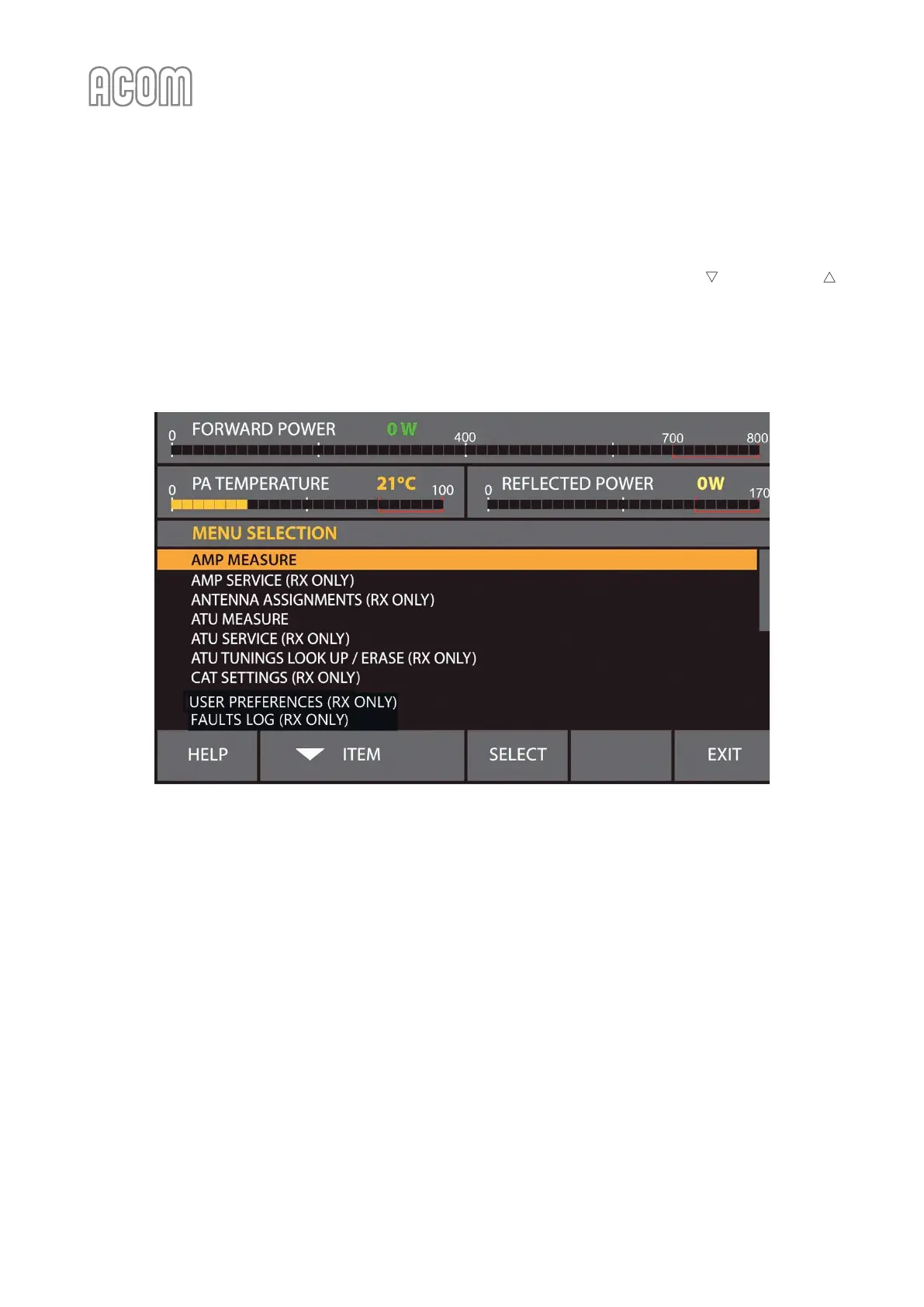
By pushing the MENU button (the rightmost on Figure 3-2 | Basic screen) the user invokes the MENU
SELECTION screen (see Figure 5-1 | MENU SELECTION). Each menu can be selected by the ITEM or ITEM
buttons and SELECT button. These are described below.
The items in each menu are selected and controlled by the same six buttons as in the basic screen, but they
have new functions now.
Figure 5-1 | MENU SELECTION
Figure 5-1 | MENU SELECTION



 To Next Page