6. REMOTE CONTROL
Remote control of ACOM 700S is provided by either ACOM eBox Ethernet Remote Control device or RS-232
port.
6.1. Remote Control via ACOM eBox
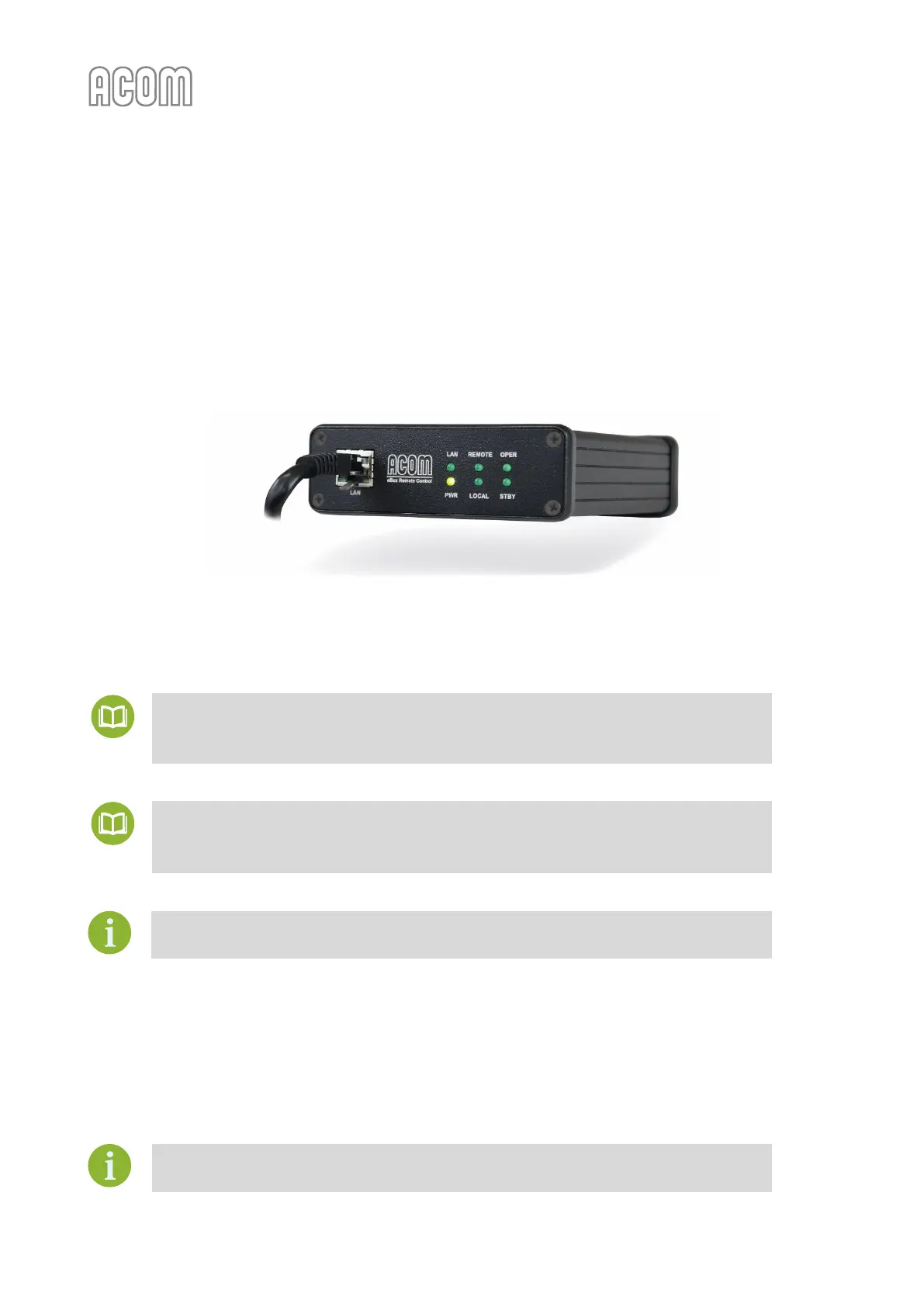
Remote control of ACOM 700S via Internet is provided by the ACOM eBox Ethernet Remote Control device.
Figure 6-1 | ACOM eBox Ethernet Remote Control device
Figure 6-1 | ACOM eBox Ethernet Remote Control device
The operation of ACOM 700S with ACOM eBox is described in ACOM eBox User's Manual.
For further information, please, see our document
• ACOM eBox User's Manual.
The documentation is available for download at www.acom-bg.com.
If you need cable wiring diagrams, please, see our document
• ACOM CAT cables Technical Information.
The documentation is available for download at www.acom-bg.com.
Use of other remote-control devices is not recommended.
6.2. Remote Control via RS-232 interface
The ACOM 700S may be controlled remotely by the RS-232 port.
For cable connection, please see Section 2.5.b) RS-232 interface connector and Table 2-3 | Signals and pin out of
the RS-232 connector.
For ACOM 700S RS-232 interface protocol, please, contact your dealer (see Section
1.9 Owner Assistance).



 To Next Page