User's Manual | ACOM 700S | 1.8-54 MHz Linear Amplifier
Page 76 of 92 | S e c t i o n MAINTENANCE
7.5.4. Troubleshooting
Sometimes the procedure for Firmware Update/Backup is unsuccessful.
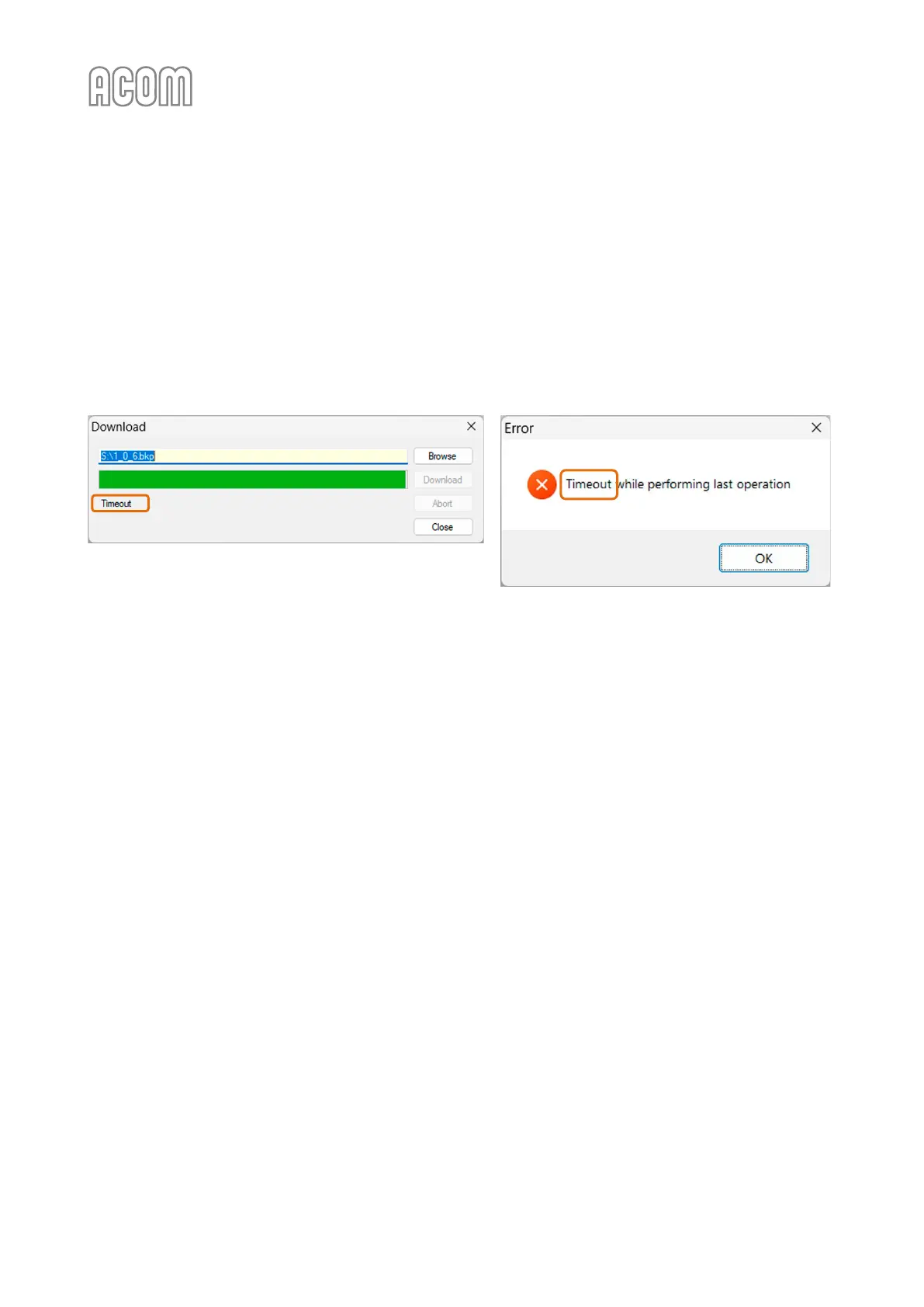
A. Error Timeout when using Terminal S software
If you see an error message related to Timeout, please check:
• Latency Timer parameter as describer in Section 7.5.3 Firmware Update Procedure
(STEP 1 – RS-232 Interface Settings on your PC);
Figure 7-21 | Terminal S - Error Timeout
Figure 7-21 | Terminal S - Error Timeout
• If using a PC with a built-in RS-232 port:
- Check Receive/Transit buffer parameters as described in Section 7.5.3 Firmware
Update Procedure (STEP 1 – RS-232 Interface Settings on your PC);
- Check the used connection cable. See Table 7-2 | RS-232 connection cable wiring for
correct cabling;
• Command timeout parameter as describer in Section 7.5.3 Firmware Update Procedure
(STEP 3 – Using Terminal S software for Firmware Update).



 To Next Page