3. FIRST POWER-ON, CONTROL SYSTEM, AND INITIAL CHECK
NOTICE
Do not turn the amplifier on for at least 2 hours after unpacking it in the room where it
will be used. Pay particular attention when you move it from a very cold into a warm
place - condensation is likely and this could result in damage to the high voltage circuits.
In such a case, wait at least 4 hours. A similar effect can occur after a rapid warming of
the operating room (for instance after switching on a powerful heater in a cold shack).
NOTICE
To avoid any damage (not covered by the warranty), never connect, or disconnect cables
while power is applied at either end of the cable.
Hot-plugging is technically incorrect and is a bad practice to connect or disconnect any
piece of equipment while it is powered on. Make sure the device is switched off before
connecting or disconnecting any cable.
After following all instructions in Section 2 INSTALLATION, check whether the rear panel mains rocker switch
(marked ON/OFF) is turned OFF (see Figure 2-4 | Rear panel - Connections, Pos. (1)). Then insert amplifier's
mains plug into the wall outlet prepared for it. The amplifier remains switched off.
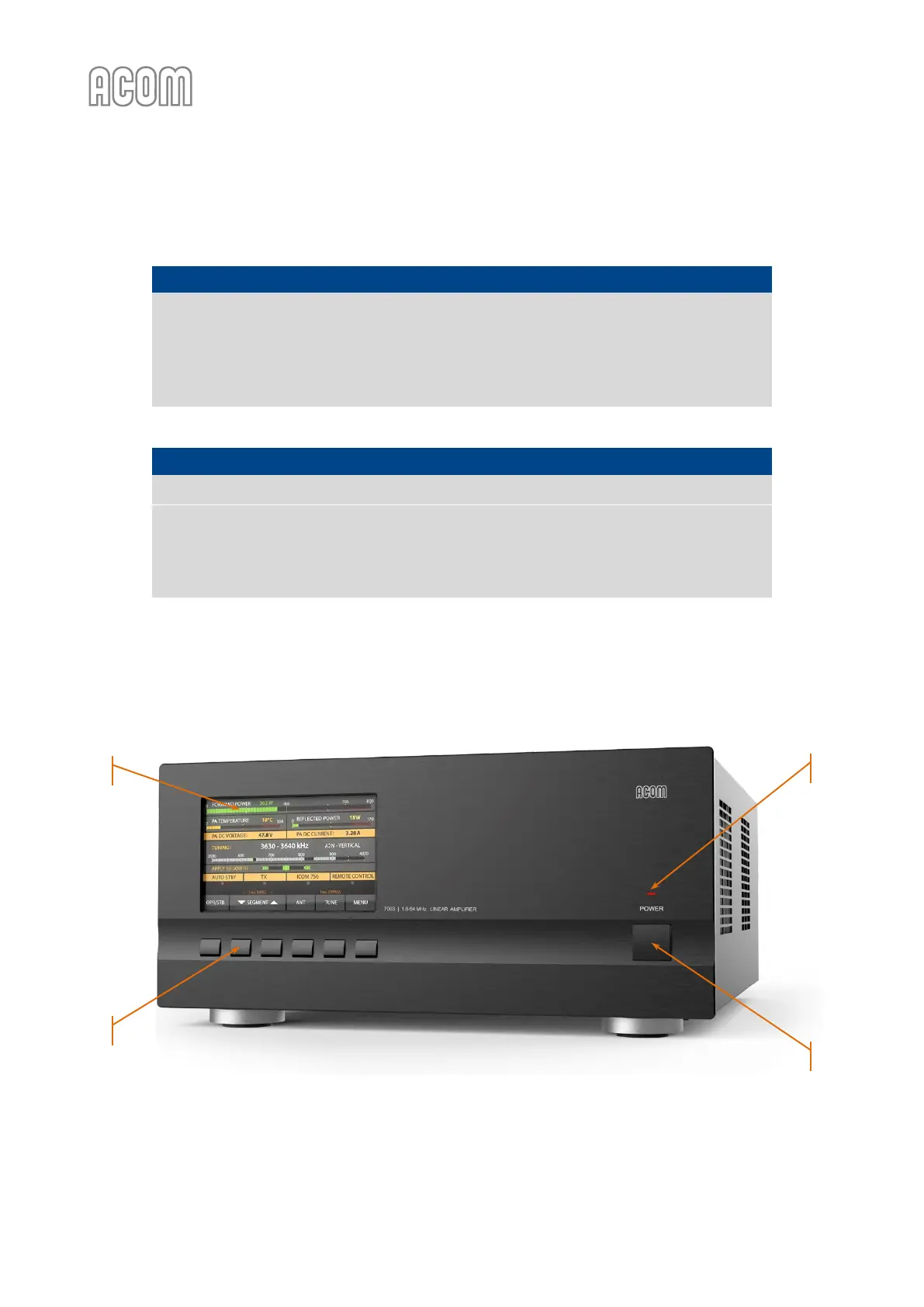
Figure 3-1 | Front panel - Controls and Readouts
Figure 3-1 | Front panel - Controls and Readouts



 To Next Page