STEP 1 – RS-232 Interface Settings on your PC
• Switch On your PC. Connect the "USB to RS-232" converter to any USB port on your
computer, and do not connect the converter to the amplifier.
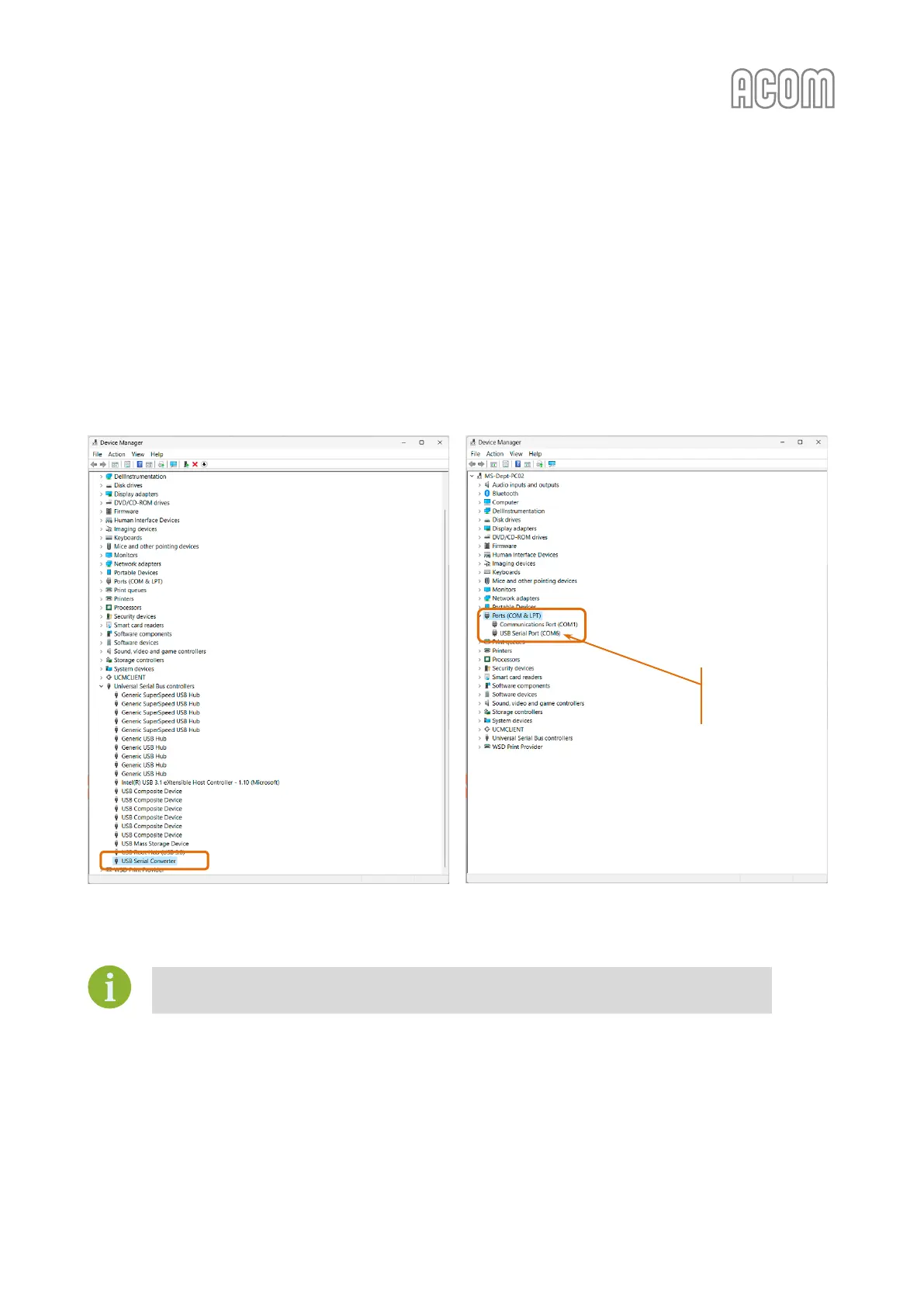
• Go to Device Manager on your PC (right mouse click over Windows Start button -> Device
Manager). The converter's driver should be installed automatically, and you can see a
situation similar to Figure 7-3 | PC Device manager (if driver installation is OK).
Make sure that the correct (newest) driver for your hardware is installed.



 To Next Page