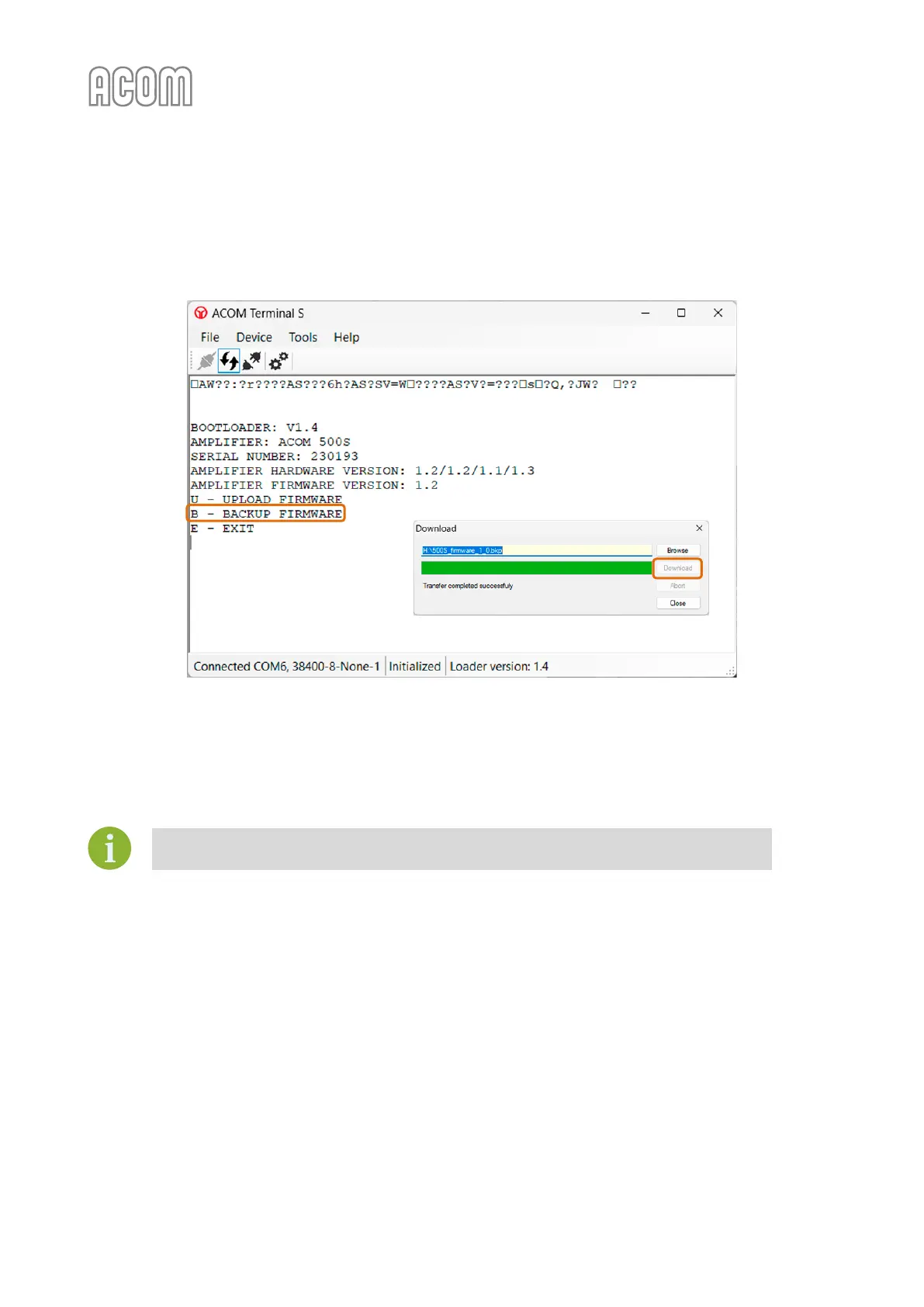
• Press the B letter from your keyboard to activate the Firmware Backup process.
A new dialog box will open prompting you to enter a name and location for the new backup
file. Press the Download button to start the process;
Figure 7-19 | Terminal S - Backup firmware process
Figure 7-19 | Terminal S - Backup firmware process
The Backup firmware process may take approx. 3-6 minutes.
It is not obligatory to back up your current firmware because all firmware versions are
available for download from www.acom-bg.com.



 To Next Page