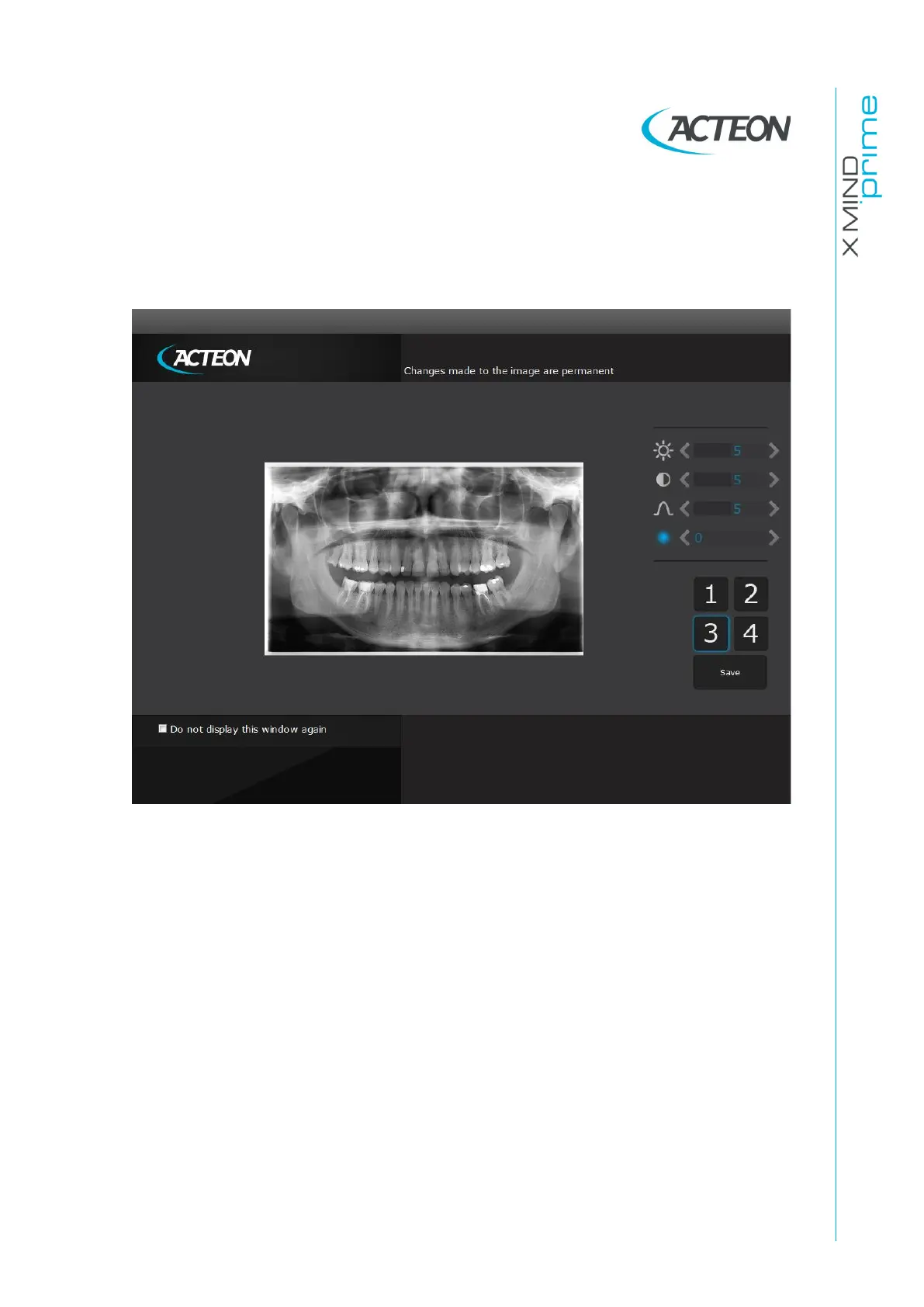
The Image Processing window is composed by three main area (Figure 21):
1. Filters area
2. Toolbars area allowing the filter customization
3. Image preview area displaying the current post-processing.
Figure 21
Buttons from 1 to 3 implement pre-set filters. Clicking the button, the corresponding filter
will be applied and the preview displayed. The default post-processing can be modified
through dedicated toolbars, from the top respectively:
•
brightness
•
contrast
•
gamma value
•
image enhancement.















 To Next Page