MOVE FX SEQUENCER
MOVE FX SEQUENCER
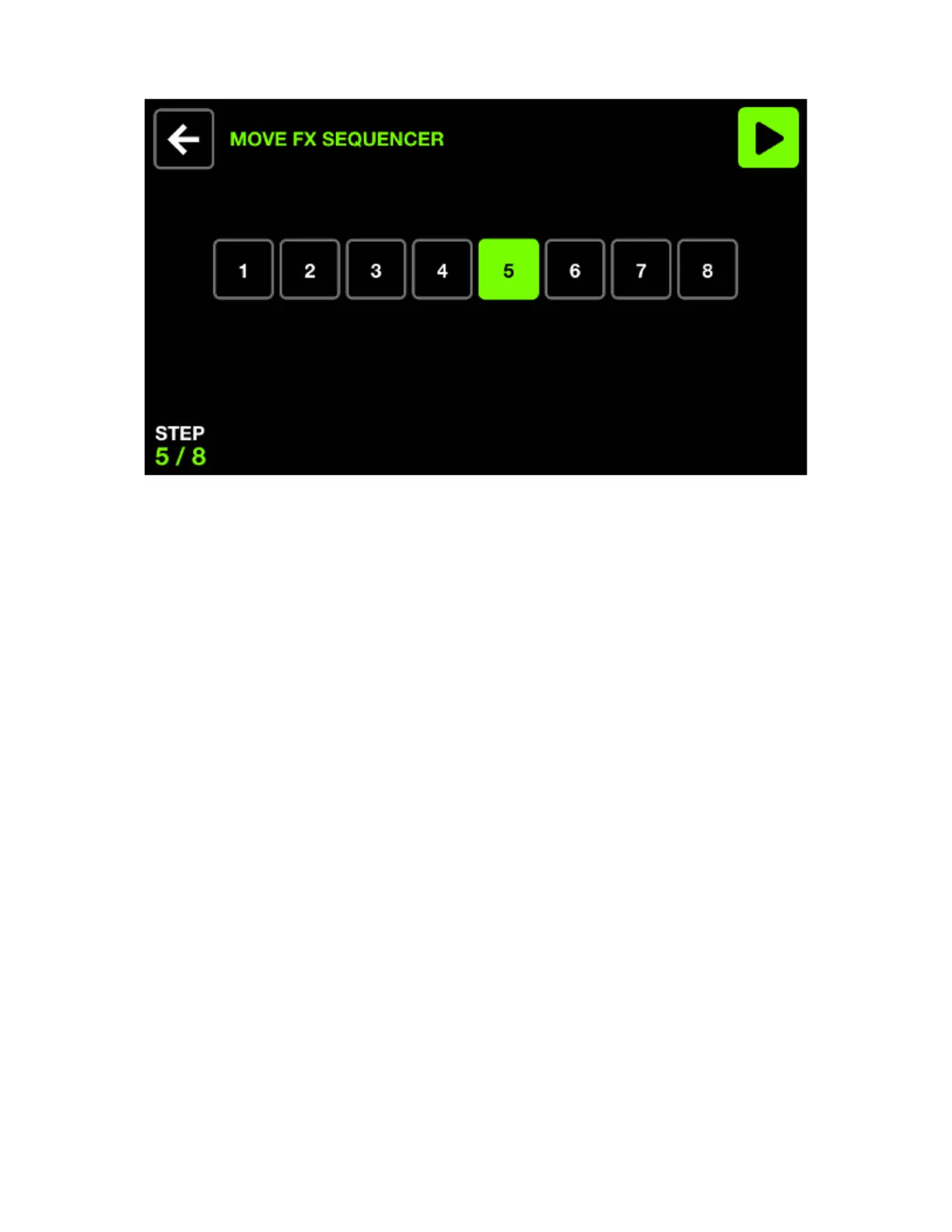
The Move Fx sequencer allows for eight different positions to be chosen. Each position will be played
sequentially according to the FX speed.
Displayed data:
• Eight step buttons with the current step highlighted and shown to the bottom left.
Encoder actions:
• Move the rst encoder to cycle through the eight steps. The sequencer is automatically paused when
cycling through steps.
Toolbar actions:
• Play and pause the sequencer.
• Go back to the Move Fx screen.
Other actions:
• Tapping one of the eight step buttons will navigate to the corresponding step and pause the sequencer.
• Hitting the top row of buttons adds the Move Effect to the corresponding group.
• Hitting the position buttons in the matrix will add the position to the step. Each column represents a
group and rows 2-5 represents 4 different positions.
18














 To Next Page