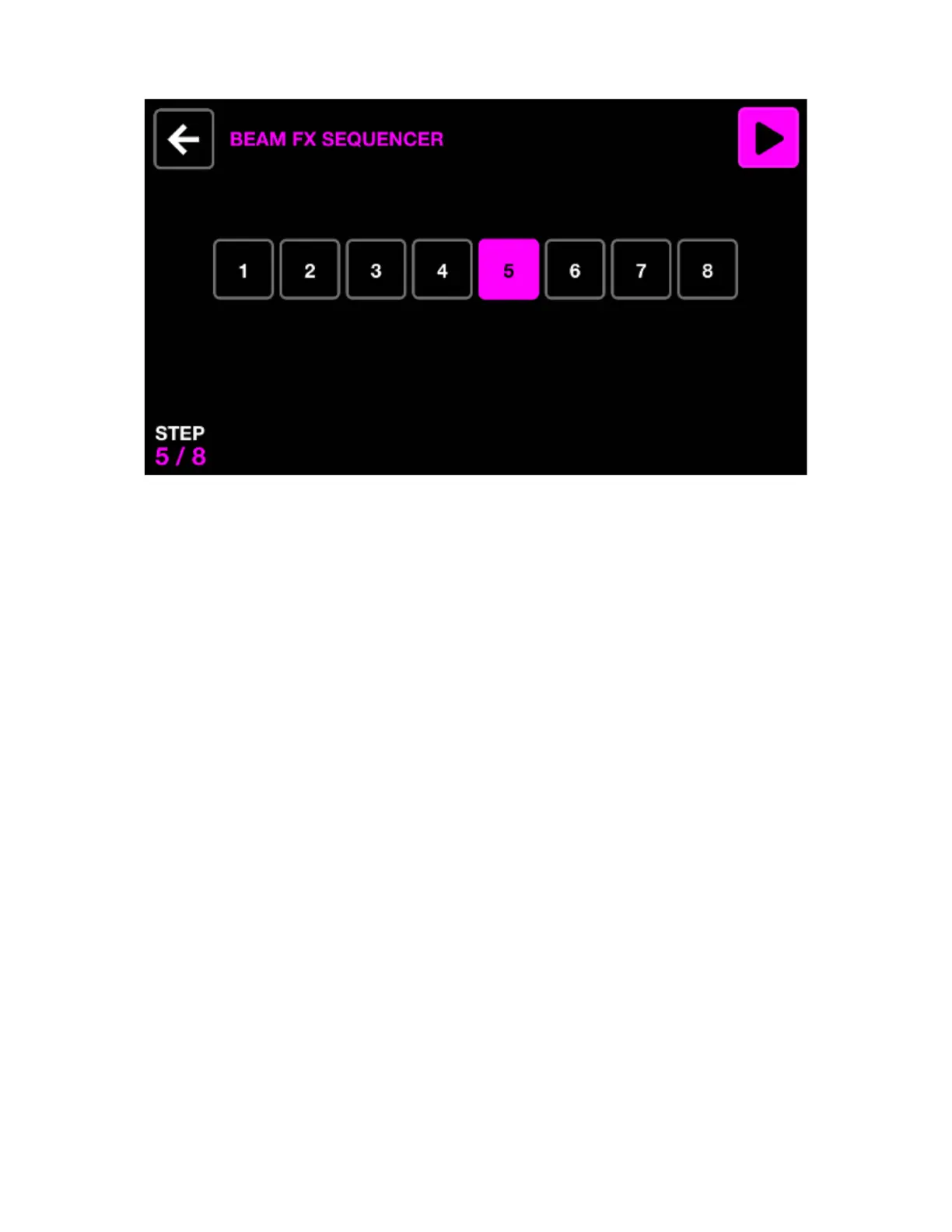
BEAM FX SEQUENCER
BEAM FX SEQUENCER
The Beam Fx sequencer allows for eight different beam selections to be chosen. When a beam selection
is made, the selected beams will be opened. Each beam selection will be played sequentially according
to the FX speed.
Displayed data:
• Eight step buttons with the currently selected step highlighted and shown to the bottom left.
Encoder actions:
• Move the rst encoder to cycle through the eight steps. The sequencer is automatically paused when
cycling through steps.
Toolbar actions:
• Play and pause the sequencer.
• Go back to the Beam Fx screen.
Other actions:
• Tapping one of the eight step buttons will navigate to the corresponding step and pause the sequencer.
• Hitting the top row of buttons adds the Beam Effect to the corresponding group.
• Hitting the beam selection buttons in the matrix will turn the beams on and off for the selected step.
Each column represents a group and rows 2-5 represent 4 different sections within the group.
20














 To Next Page