POSITION PICKER
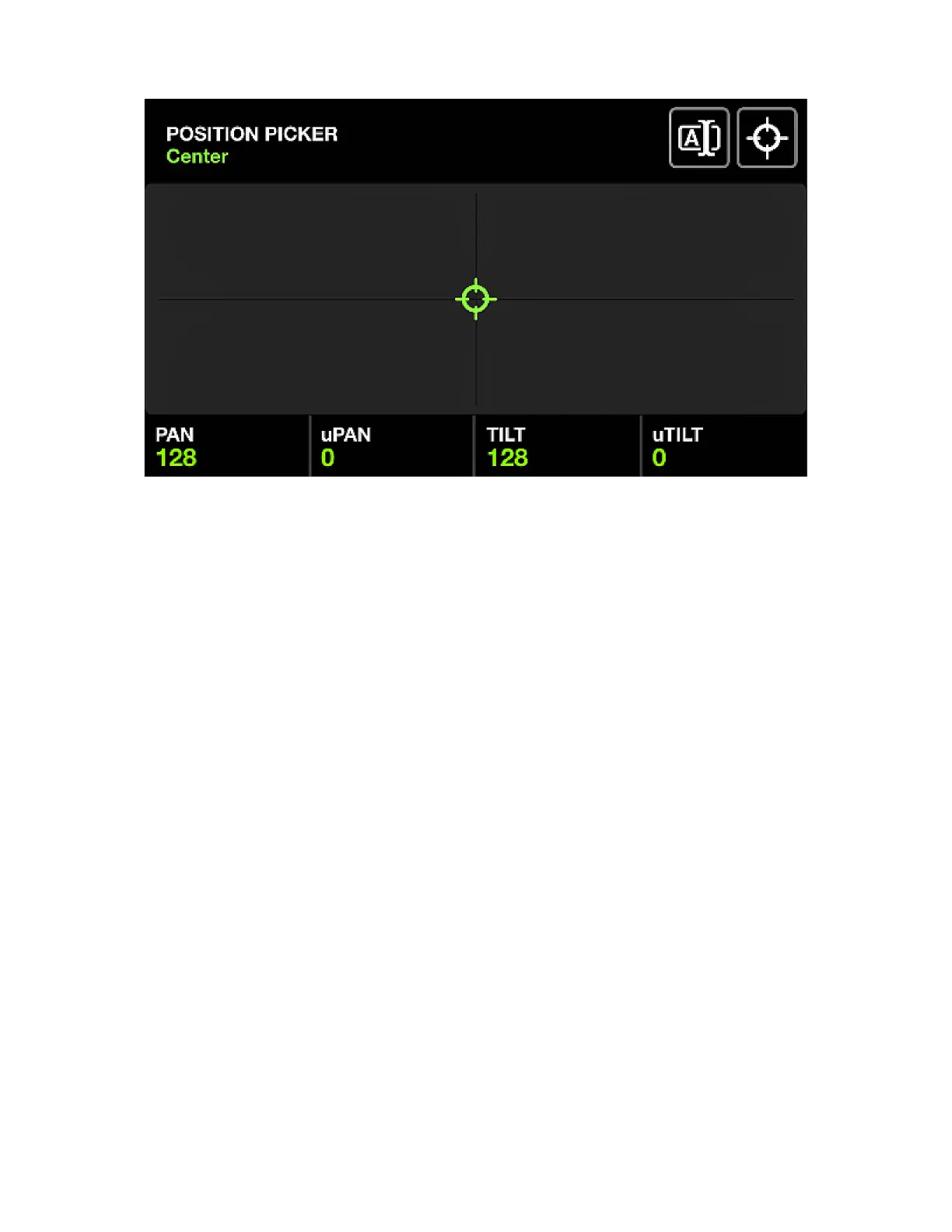
Displayed data:
• The name of the currently selected position button.
• An X-Y grid used to select a position.
• The generated position values.
• The FAN and FOCUS values.
Encoder actions:
• Move the rst encoder to control the PAN value. Shift + move for ne control.
• Move the second encoder to control the TILT value. Shift + move for ne control.
• Move the third encoder to set the FAN. When the FAN is at 50%, all xtures will point in the same
direction (provided the xtures have been correctly set in the Fixture Limits screen).
• Move the fourth encoder to set a FOCUS value.
Other actions:
• Tapping and dragging on the X-Y grid will set the PAN and TILT values to the selected position.
• Tapping the rst button to the top right will open a keyboard allowing for the name of the position to
be changed.
• Tapping the second button to the top right will set the position to the center.
• Tapping the ashing Matrix button stores the new position and closes the position picker. Tapping any
other button cancels the change.
24














 To Next Page