STROBE
The Strobe ash effect tells all lights to strobe by triggering the xtures strobe feature. If the xture doesn’t
have a built in strobe feature, a virtual strobe will be created by ashing the RGB or dimmer channels. The
effect is released according to the set release mode.
Displayed data:
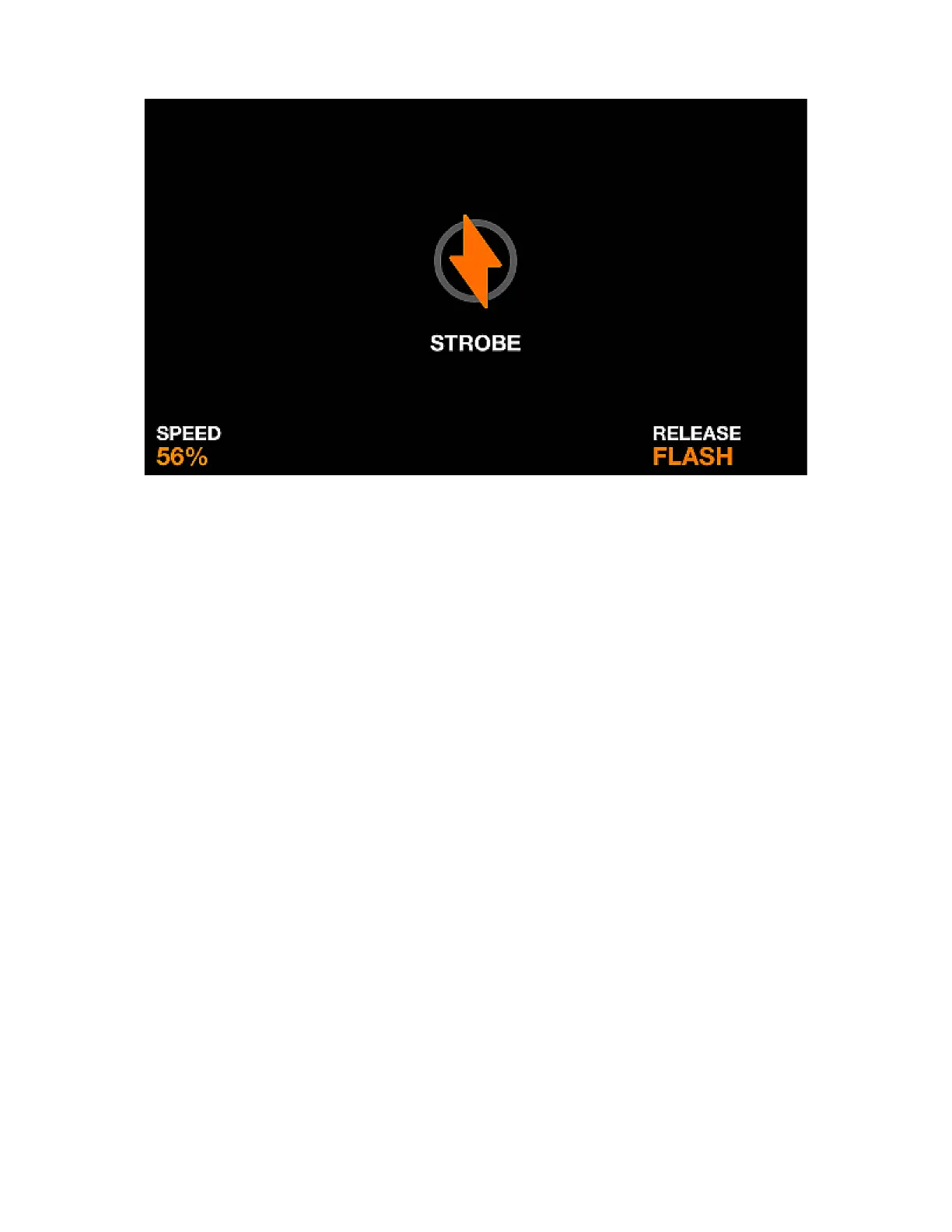
• Icon to indicate the effect is playing (this can be disabled within the settings).
• The strobe speed.
• The set release mode.
Encoder actions:
• Moving the rst encoder sets the speed of the strobe.
Other actions:
• Tapping one of the buttons on the fourth column of the matrix sets the release mode
• Tapping one of the buttons on the rst column of the matrix sets the strobe speed to 1%, 25%, 50%,
75% and 100%.
32














 To Next Page