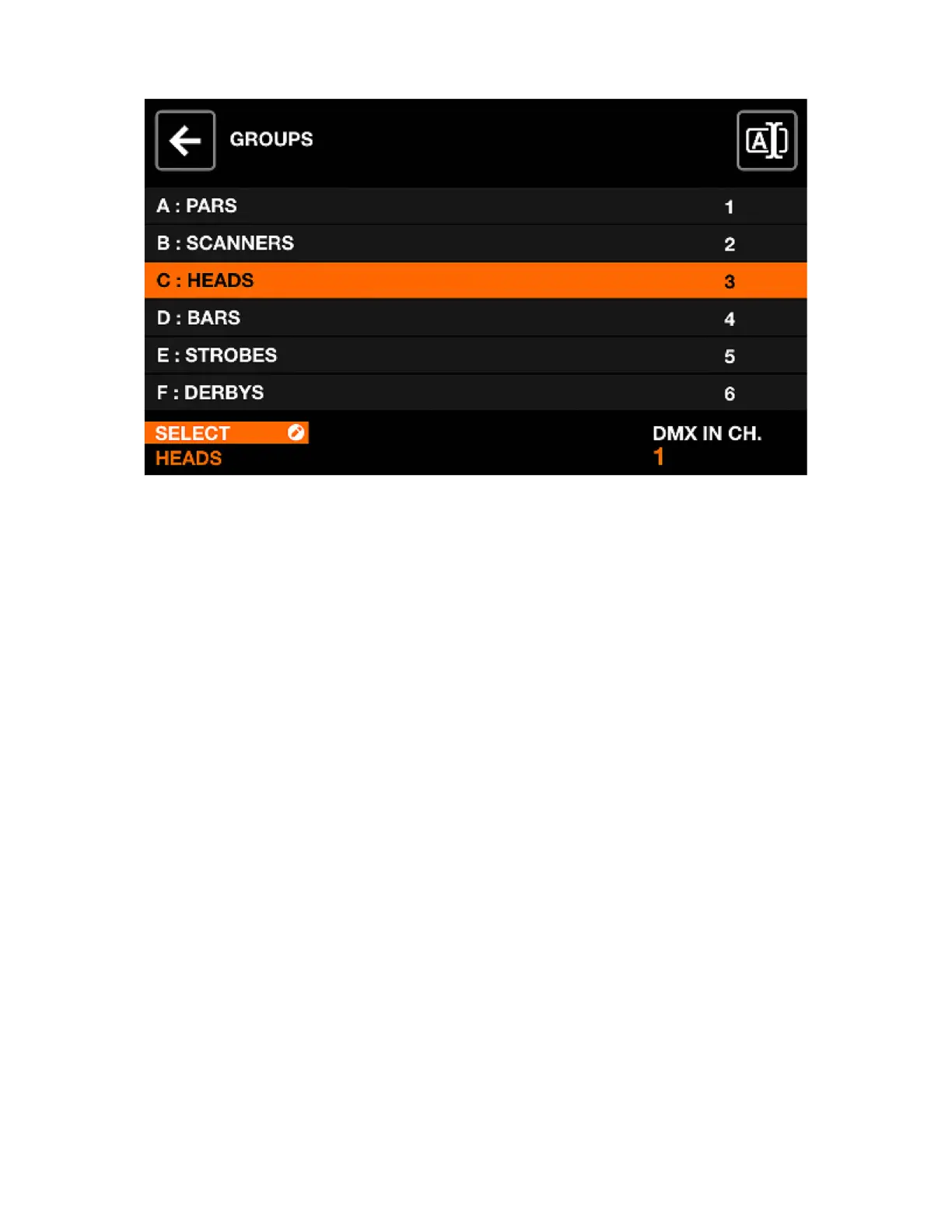
GROUPS
Each xture is linked with a group. Effects, sub-dimmers, static colors and positions are applied to each
group. Wolfmix supports up to 8 groups. 4 can be displayed at a time with groups A-D and E-H toggles
by shift + hitting the BPM TAP button. Each group can be assigned a name and a DMX input channel on
the Groups screen.
Displayed data:
• A list of 8 groups + the master group (all xtures). Each group has a letter, a name, and a DMX input
channel.
Encoder actions:
• Moving the rst encoder selects a group. Tapping the encoder displays the keyboard, allowing for the
group name to be changed.
• Moving the fourth encoder changes the DMX IN channel mapping used for controlling the group
dimmer (WLINK add-on required to use this feature). Shift + tapping the fourth encoder allows for the
DMX IN channel to be auto-learned by listening out for the next change on the DMX input.
Other actions:
• Tapping the button to the top right displays the keyboard, allowing for the group name to be changed.
39














 To Next Page