LIVE EDIT
LIVE EDIT EDITOR - FIXTURES
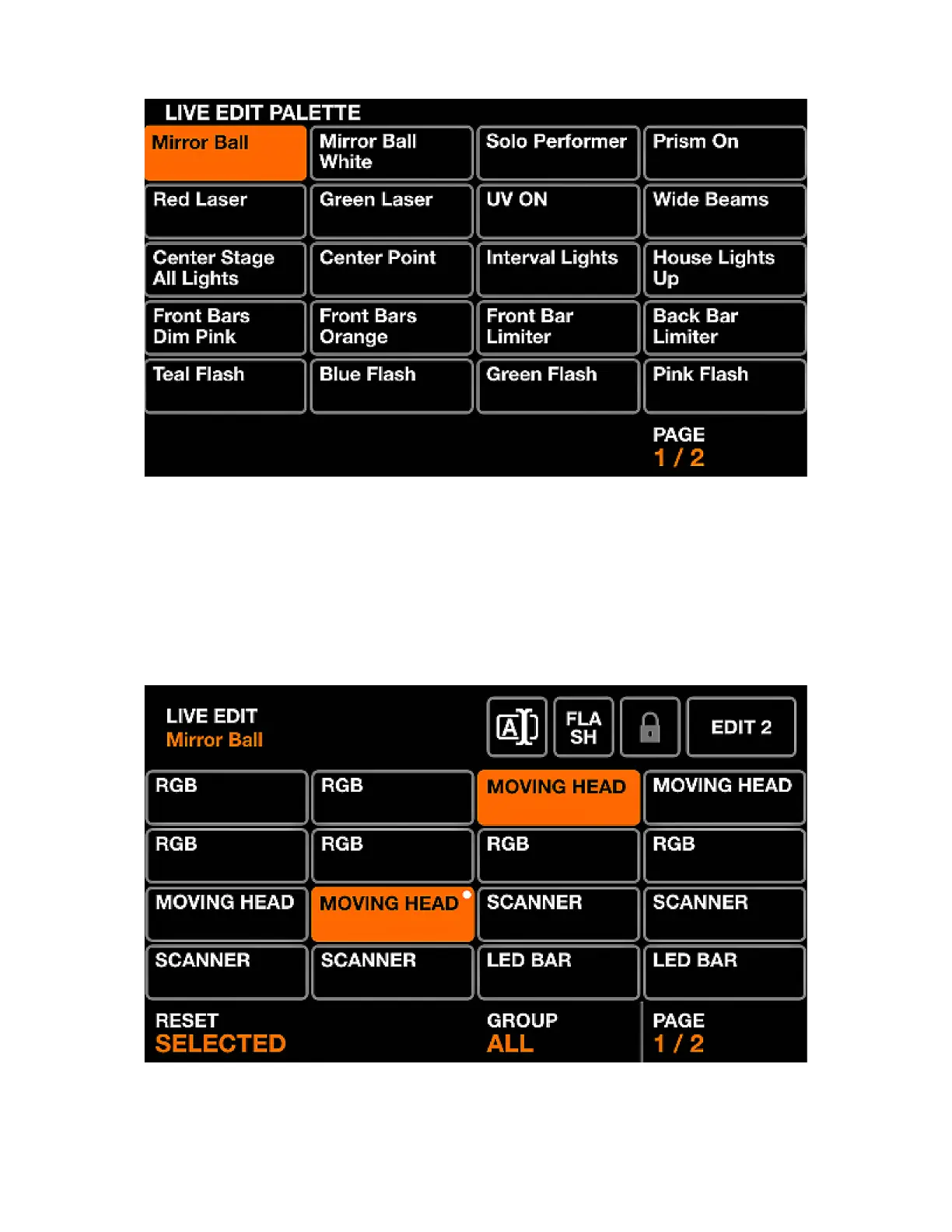
The Live Edit screen contains a palette of twenty buttons which can be used to recall a value on any
channel. These values override all effects and other static values. Live Edits are layered in order, therefore
if two live edits have values on the same channel, the buttons towards the bottom will take priority.
Displayed data:
• 2 pages of 20 buttons containing a set of channel values and a name.
Shift + clicking on one of the live edit buttons opens up the editor. The editor contains two main screens.
1. A screen to select xtures.
2. A screen to edit the channel values of the selected xtures.
27














 To Next Page