FIXTURES
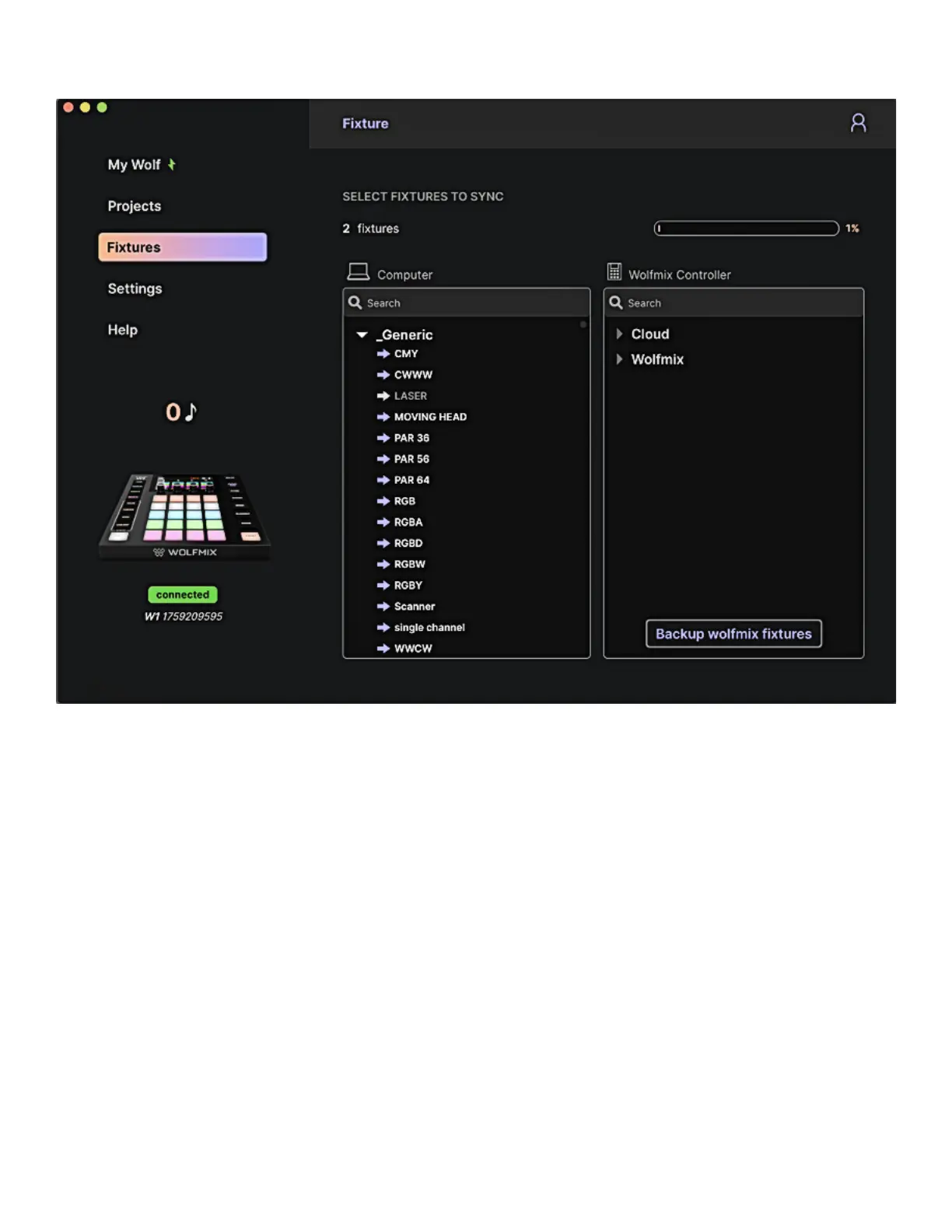
Fixtures on the computer and in the cloud are displayed on the left and xtures in the Wolfmix controller
are displayed on the right.
• The rst category Wolfmix includes all xtures created directly on the controller.
• The second category Cloud includes all xtures created using the LS Cloud web Prole Builder.
• The other categories include xtures within the public library. These xtures cannot be modied but
can be duplicated and edited using the LS Cloud web Prole Builder or the Wolfmix Fixture Builder.
Clicking the arrow to the left of the xture name will write the xture to the Wolfmix controller. Clicking
Backup Wolfmix Fixtures will copy all xtures in the Wolfmix category from the controller to the computer
and sync with LS Cloud.
49














 To Next Page