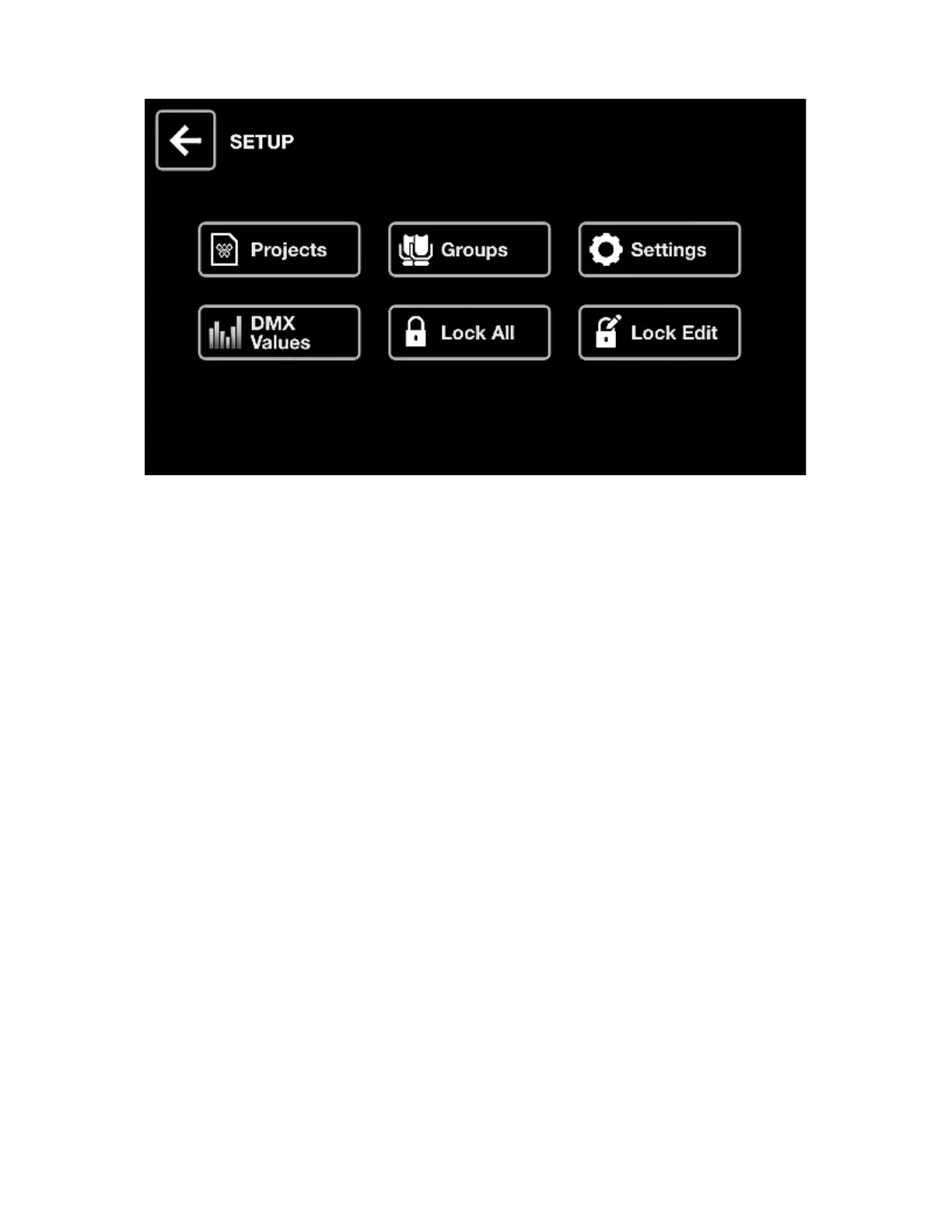
SETUP
The Setup screen is accessed by tapping the icon to the top right of the Home screen to the left of the
Fixture icon.
• Projects : Save and Load 6 projects.
• Groups : Set group names and map DMX input channels to group dimmers.
• Settings : Set global controller settings such as DMX universe mappings.
• DMX Values : Monitor the level of every DMX channel and set test values.
• Lock All : Lock the Wolfmix with a password.
• Lock Edit : Lock editing with a password.
37














 To Next Page