STATIC COLOR
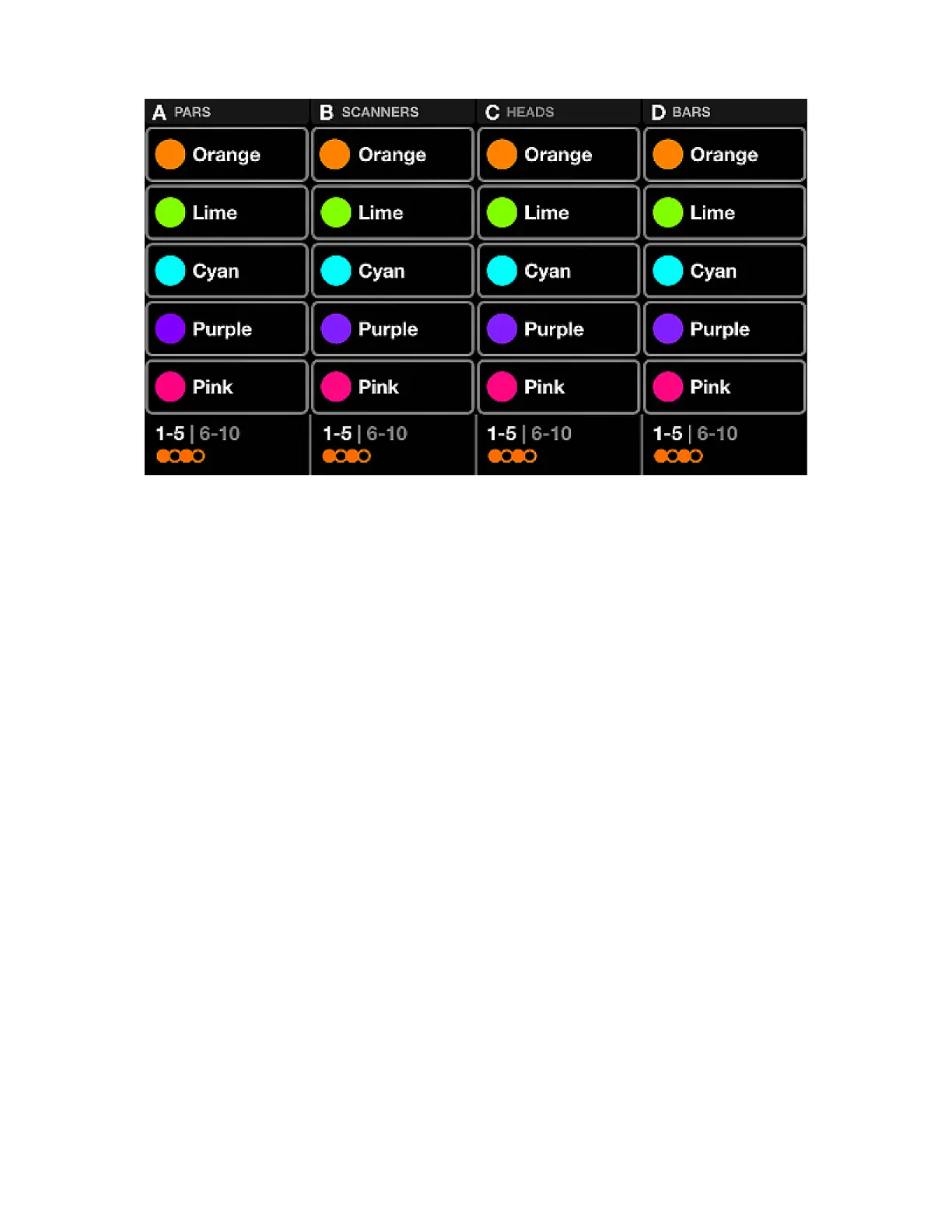
The static color screen contains a palette of ten colors per group. Selecting these colors will override any
playing color effects on the group and set the selected colors on the xture group.
Displayed data:
• Four columns containing ve colors. Each column represents one group. Shift + hit the BPM TAP
button to toggle between groups A-D and E-H.
• Color bank (colors 1-5, and 6-10).
• Color pattern.
Encoder actions:
• Move the encoder to change the pattern in which the selected colors are spread across the xtures.
Options include:
• Single color.
• Flash color.
• Alternate between each color.
• Fade or step from left to right and right to left.
• Fade or step symmetrically inwards and outwards.
• Pushing the encoder toggles between colors 1-5 and 6-10.
Other actions:
• Tapping one of the color buttons enables and disables the color. If a color effect is playing on the
group, the selected color will override the effect.
• Shift + tapping one of the color buttons allows for the color to be changed. Note that as this is a color
palette, the new color will be applied to all presets.
21














 To Next Page