109
ADOBE PREMIERE 5.0
User Guide
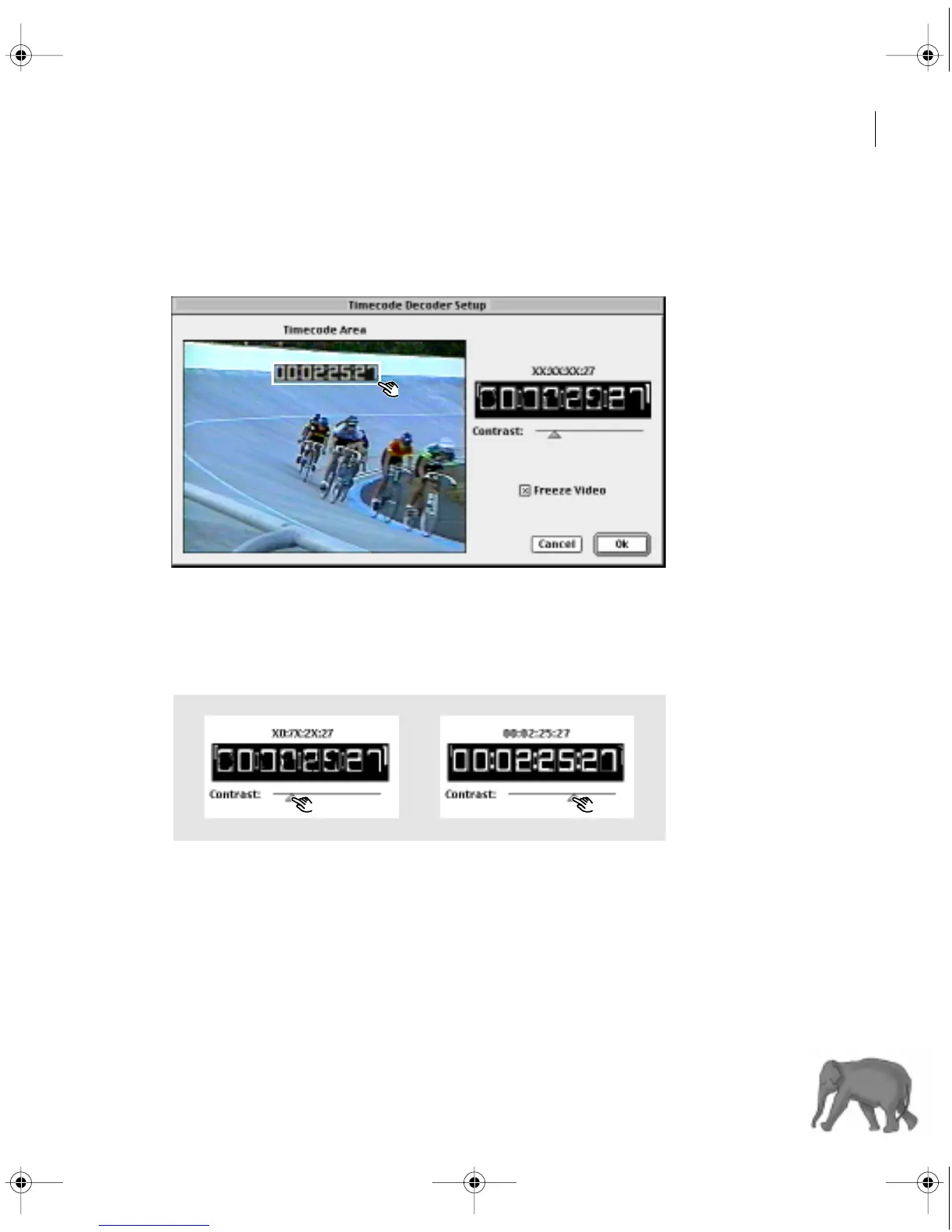
3 Click Freeze Video. This retains the frame you were viewing in Premiere but does not
stop the deck.
4 Adjust the rectangle in the frame so that it encloses the window dub.
Positioning the rectangle around the window dub
5 Adjust the Contrast slider until Premiere can read all the digits in the window dub.
If Premiere cannot read a digit, it displays an X in its place. The readout displays the
message “Unreadable” if none of the digits can be read.
Adjusting the Contrast slider to create enough contrast for optical character recognition
c00.book for PS Page 109 Tuesday, March 31, 1998 1:28 PM



 To Next Page