CHAPTER 4
132
Editing Video
Displaying a clip
You can display a clip either in the Source view (left side) of the Monitor window or in a
Clip window. If you want to compare several clips you can open a window for each.
To view a clip:
Do any of the following:
•
To view a clip in the Source view, double-click the clip in a Project, Bin, Library,
or Timeline window. Premiere displays the clip and adds its name to the Source
menu below the Source view.
•
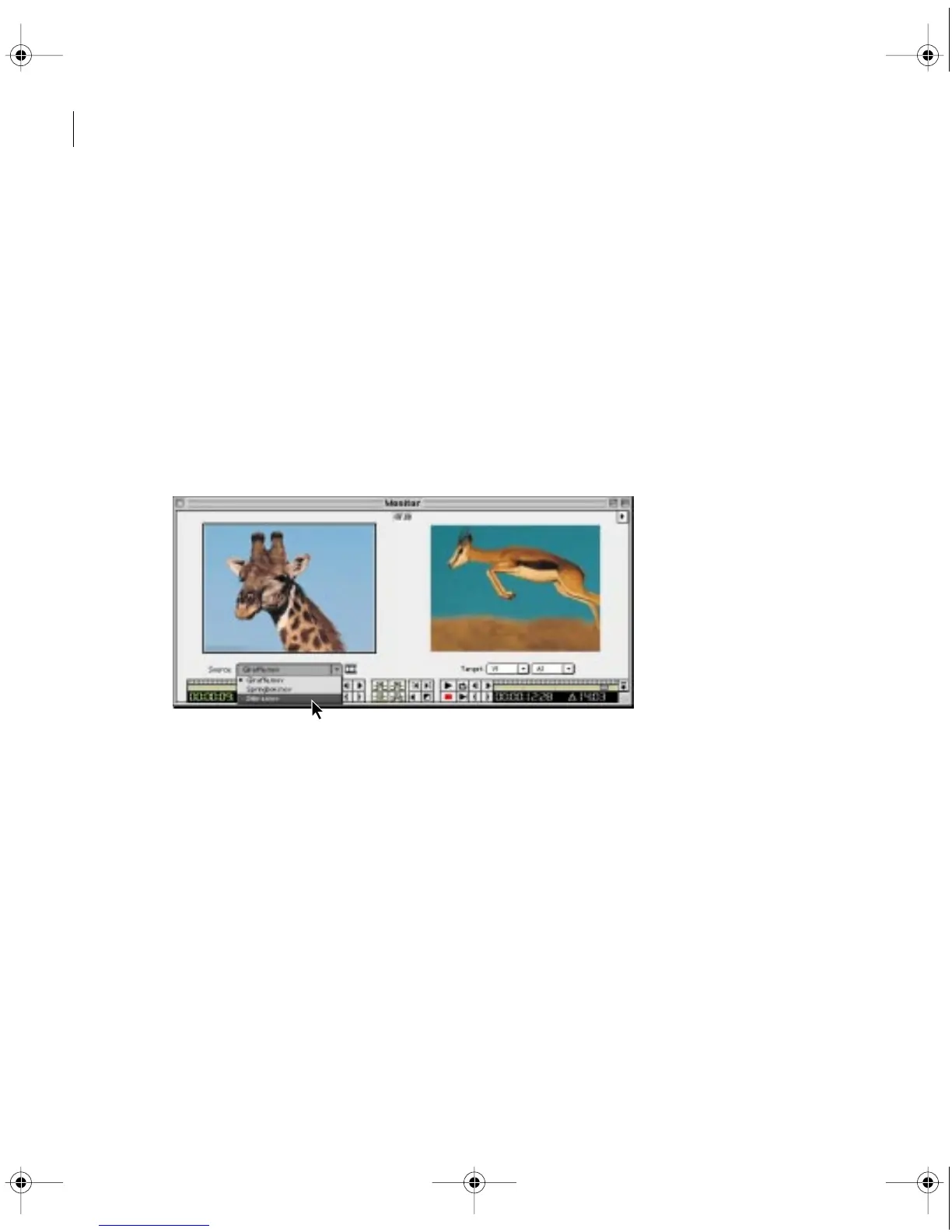
To see a clip you previously viewed since opening the current project, choose the
name of the clip from the Source menu below the Source view.
Selecting a clip to view from the Source menu
•
To add multiple clips to the Source menu simultaneously, drag multiple clips or an
entire bin from a Project, Bin, or Library window into the Source view, or select multiple
clips in a Project, Bin, or Library window and double-click any of them.
c00.book for PS Page 132 Tuesday, March 31, 1998 1:28 PM



 To Next Page