133
ADOBE PREMIERE 5.0
User Guide
•
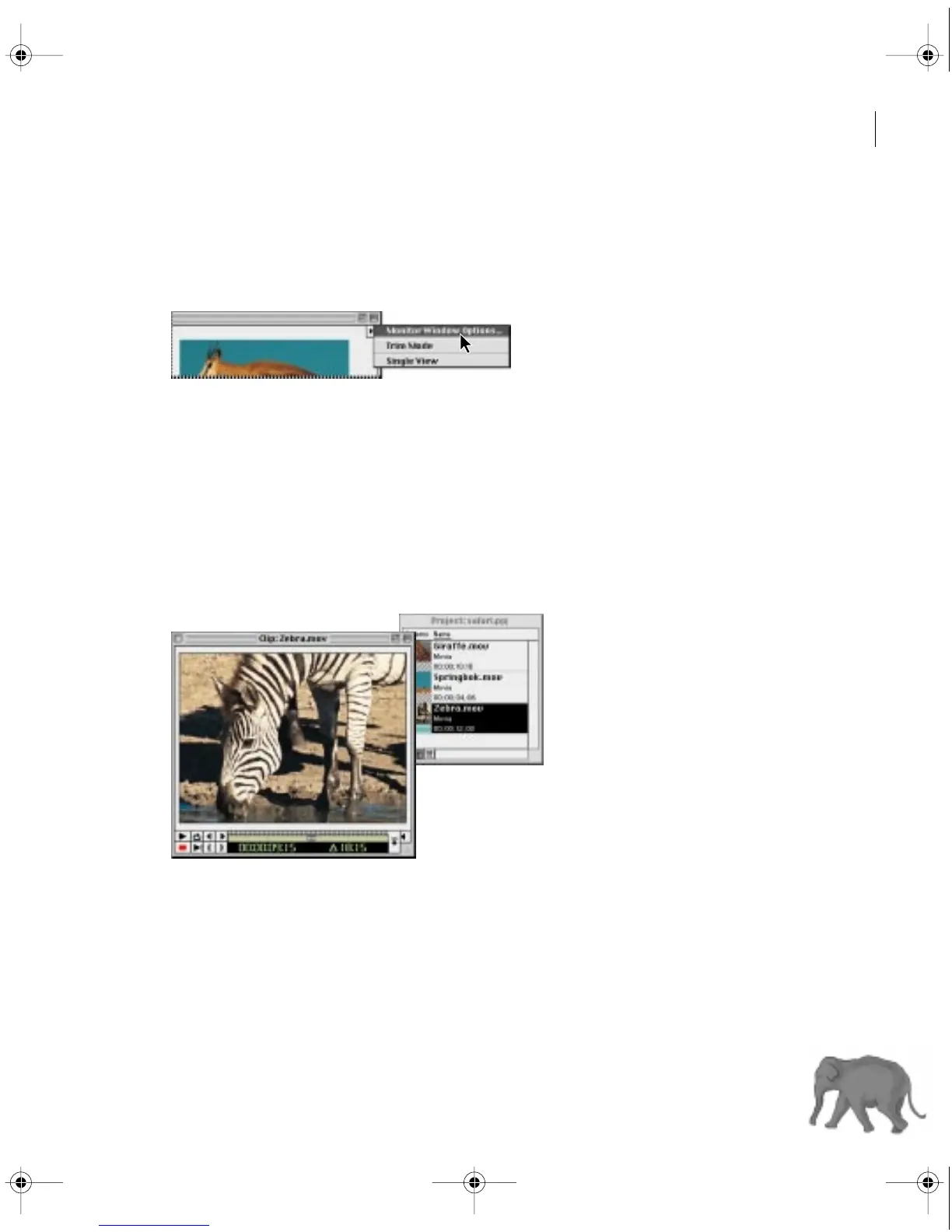
To change the Source view time display, click the triangle below the Monitor window title bar,
and choose Monitor Window Options from the Monitor window menu. In Source Options,
select a Count from the menu. Select Zero Based if you want to start the clip’s timecode at zero
instead of using the timecode of the clip’s first frame. Click OK.
•
To open the currently visible Source view clip in its own window, press Alt (Windows)
or Option (Mac OS) as you double-click the clip in the Source view.
•
To always open a clip in its own window, choose Preferences > General, select Open Movies
in Clip Window, and click OK.
•
To override the current window preference for opening clips (described in the previous
paragraph), press Alt (Windows) or Option (Mac OS) as you double-click a clip in the Project
window. For example, if you set the preference to open clips in their own windows, pressing
Alt/Option opens a clip in the Source view.
A clip displayed in a Clip window
•
To view a clip that isn’t already in a Project, Bin or Library window, choose File > Open,
locate and select the clip, and click Open.
c00.book for PS Page 133 Tuesday, March 31, 1998 1:28 PM



 To Next Page