135
ADOBE PREMIERE 5.0
User Guide
In the Monitor window, you can cycle through time display options by pressing Control
(Windows) or Command (Mac OS) as you click a timecode readout. The time display
options cycle in the order they appear in the Count menu (available when you choose
Window > Monitor Window Options when the Monitor window is active).
To customize the Monitor window view:
Do any of the following:
•
To set the active view and controller, click the Source or Program view.
•
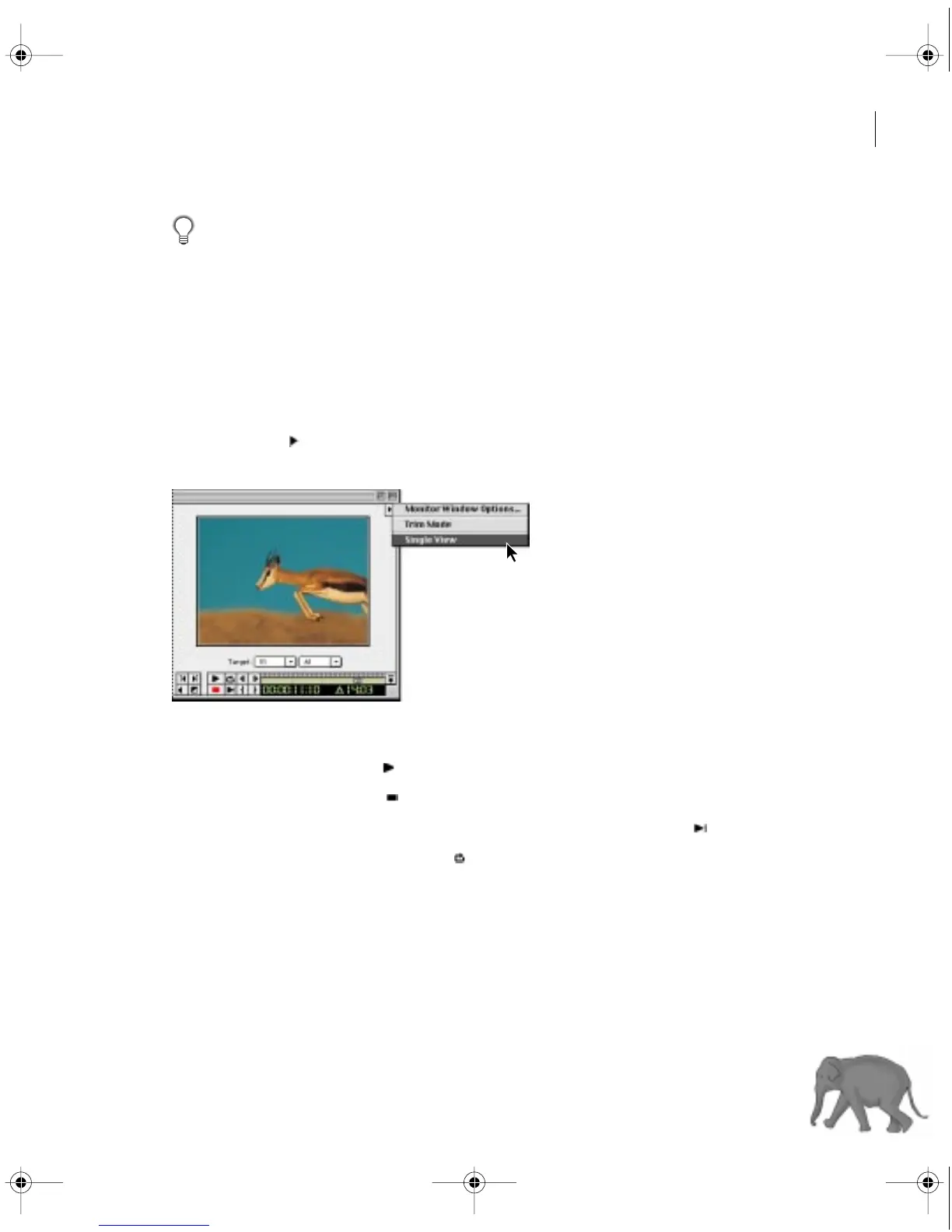
To limit the view to either the source or program, click the triangle below the Monitor
window title bar ( ), and choose Single View from the Monitor window menu.
The Monitor window displays only the view corresponding to the active controller.
To play the Source or Program view:
•
To play, click the Play button ( ).
•
To stop, click the Stop button ( ).
•
To play from the current time to the Out point, click the Play to Out button ( ).
•
To play and loop, click the Loop button ( ).
c00.book for PS Page 135 Tuesday, March 31, 1998 1:28 PM



 To Next Page