173
ADOBE PREMIERE 5.0
User Guide
Selecting clips
When you want to perform an action that affects a clip as a whole, such as applying a filter,
deleting a clip, or moving a clip in time, you must first select the clip in the Timeline. The
toolbox contains selection tools that can handle various selection tasks.
To select one or more clips:
Do any of the following:
• To select a single clip, select the selection tool ( ) and click a clip in the Timeline.
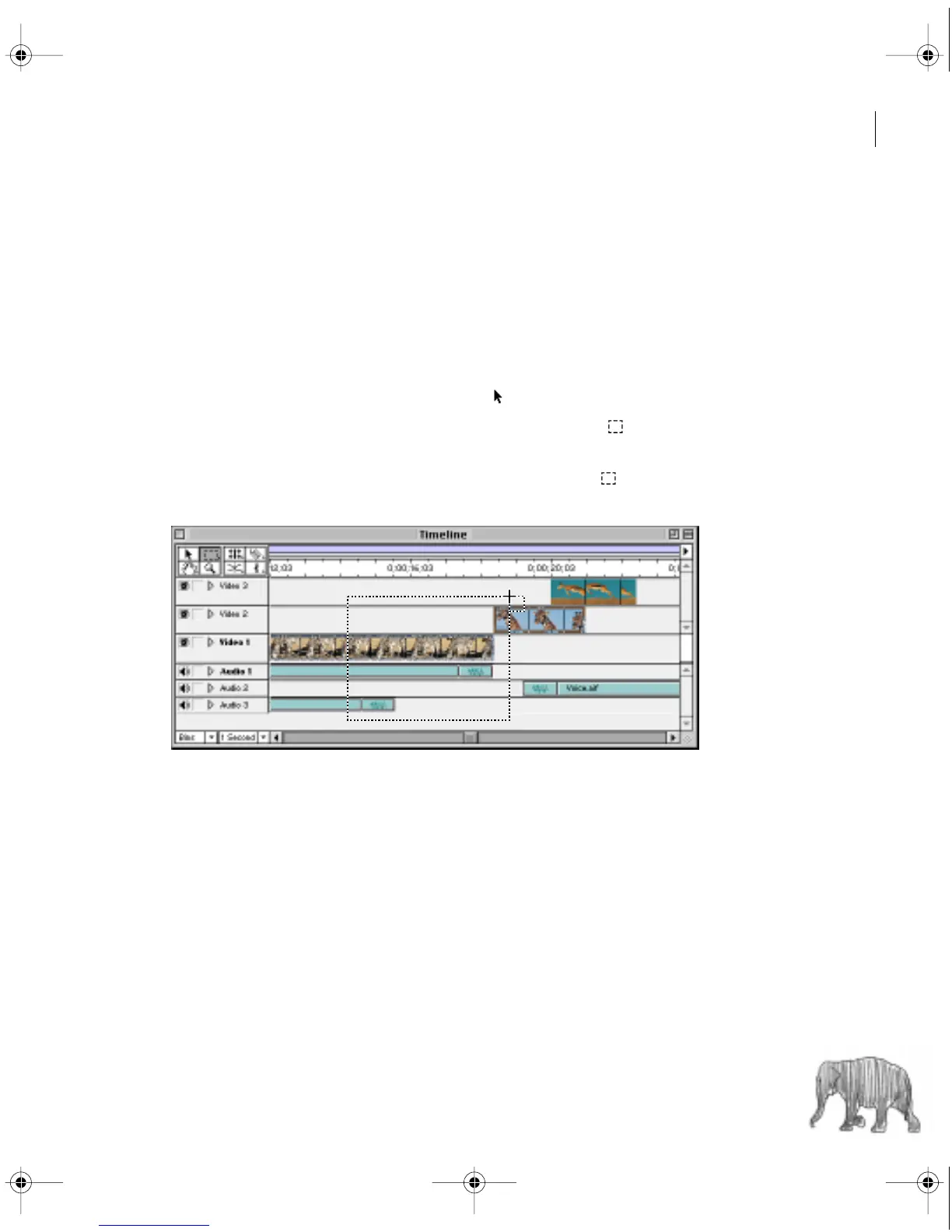
• To select multiple clips by dragging, select the range select tool ( ) and drag a rectangle
that includes the clips you want to select.
• To select multiple clips by clicking, select the range select tool ( ) and hold down Shift
as you click each clip you want to select.
c00.book for PS Page 173 Tuesday, March 31, 1998 1:28 PM



 To Next Page