CHAPTER 4
174
Editing Video
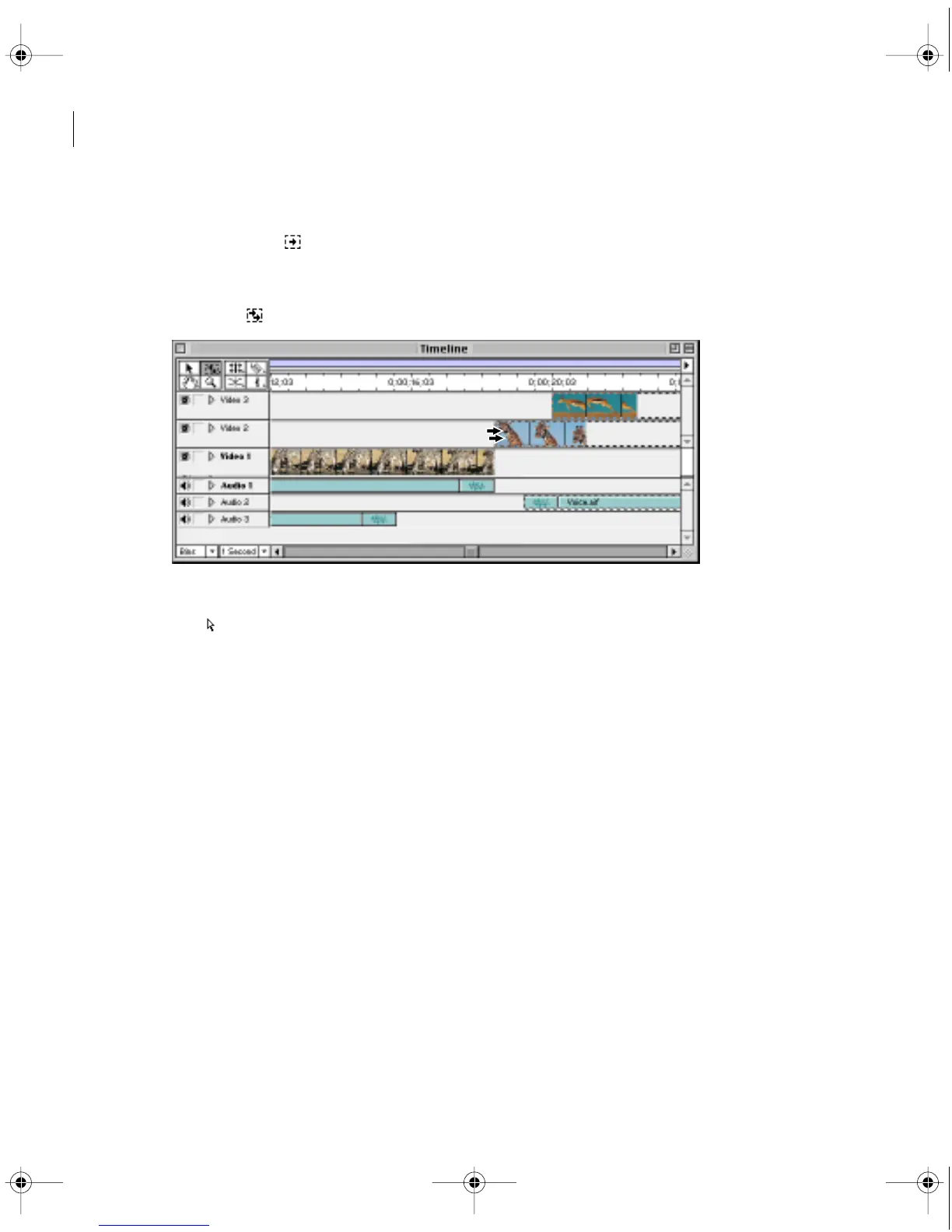
• To select all whole or partial clips that exist on and after a certain time on one track, select the
track select tool ( ) and click the clip at the beginning of the time span you want to select.
Press Shift as you click to select clips on additional tracks
• To select all whole or partial clips that exist on and after a certain time, select the multitrack
select tool ( ) and click the clip at the beginning of the time span you want to select.
• To select a video clip to edit independently of its linked audio clip, select the link override
tool ( ) and click the clip you want to select.
Moving clips in time
In general, moving a clip is as simple as dragging it to any empty track area in the Timeline.
A clip can snap to the edge of another clip, to a marker, to the start and end of the Timeline,
and to the edit line.
c00.book for PS Page 174 Tuesday, March 31, 1998 1:28 PM



 To Next Page