235
ADOBE PREMIERE 5.0
User Guide
4
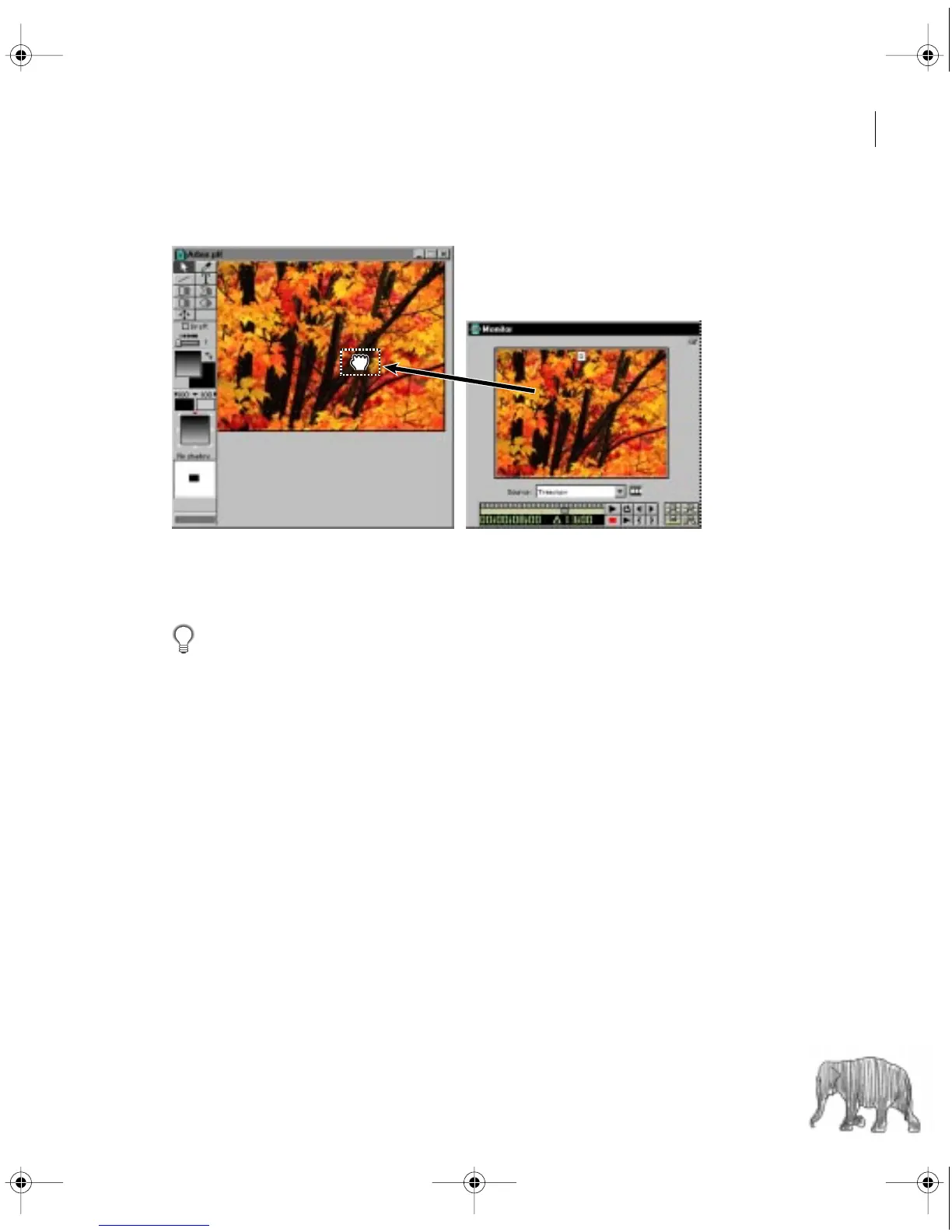
Make sure a Title window is open, and then drag the frame into the Title window.
To remove a sample frame:
Select Title > Remove Background Clip.
You can change the frame displayed in the Title window by setting a new marker 0 for
the source clip. The frame at the new marker 0 position will automatically appear in the
Title window.
c00.book for PS Page 235 Tuesday, March 31, 1998 1:28 PM



 To Next Page