CHAPTER 7
250
Creating Titles
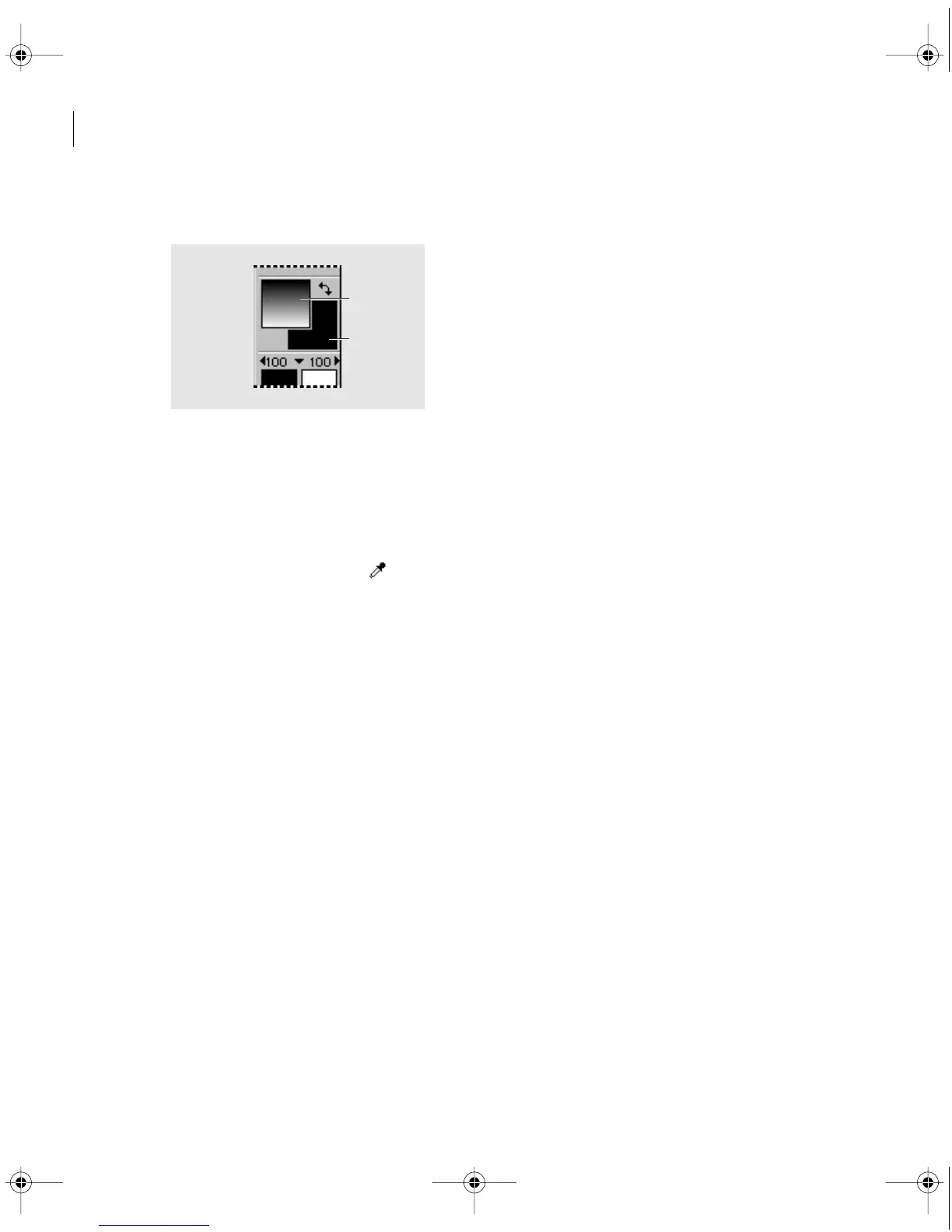
2 Click the Object Color swatch or the Shadow Color swatch.
Object Color swatch (A) and Shadow Color swatch (B)
3 Specify a color (see “Using the Color Picker” on page 253), and click OK.
To match a color that exists in the title window:
1 With the selection tool, select a text or graphic object to which you will apply the color.
2 Select the eyedropper tool ( ).
3 Click the eyedropper tool on the color you want to apply.
To match a color and apply it to individual text characters:
1 Click in an area without objects to make sure nothing is selected.
2 Select the eyedropper tool.
3 Click the eyedropper tool on the color you want to apply.
4 Click the Object Color swatch.
5 Write down the values for Red, Green, and Blue, and click Cancel.
6 Select the type tool and drag to select one or more text characters.
7 Click the Object Color or Shadow Color swatch, and for Red, Green, and Blue, type the
values you wrote down. Then click OK.
A
B
c00.book for PS Page 250 Tuesday, March 31, 1998 1:28 PM



 To Next Page