251
ADOBE PREMIERE 5.0
User Guide
To swap the object and shadow colors:
Click the curved double arrow ( ).
To apply a gradient:
1 Do one of the following:
• Use the selection tool to select a text or graphic object to affect the entire object.
• Use the type tool to select individual characters in a text object to affect just those characters.
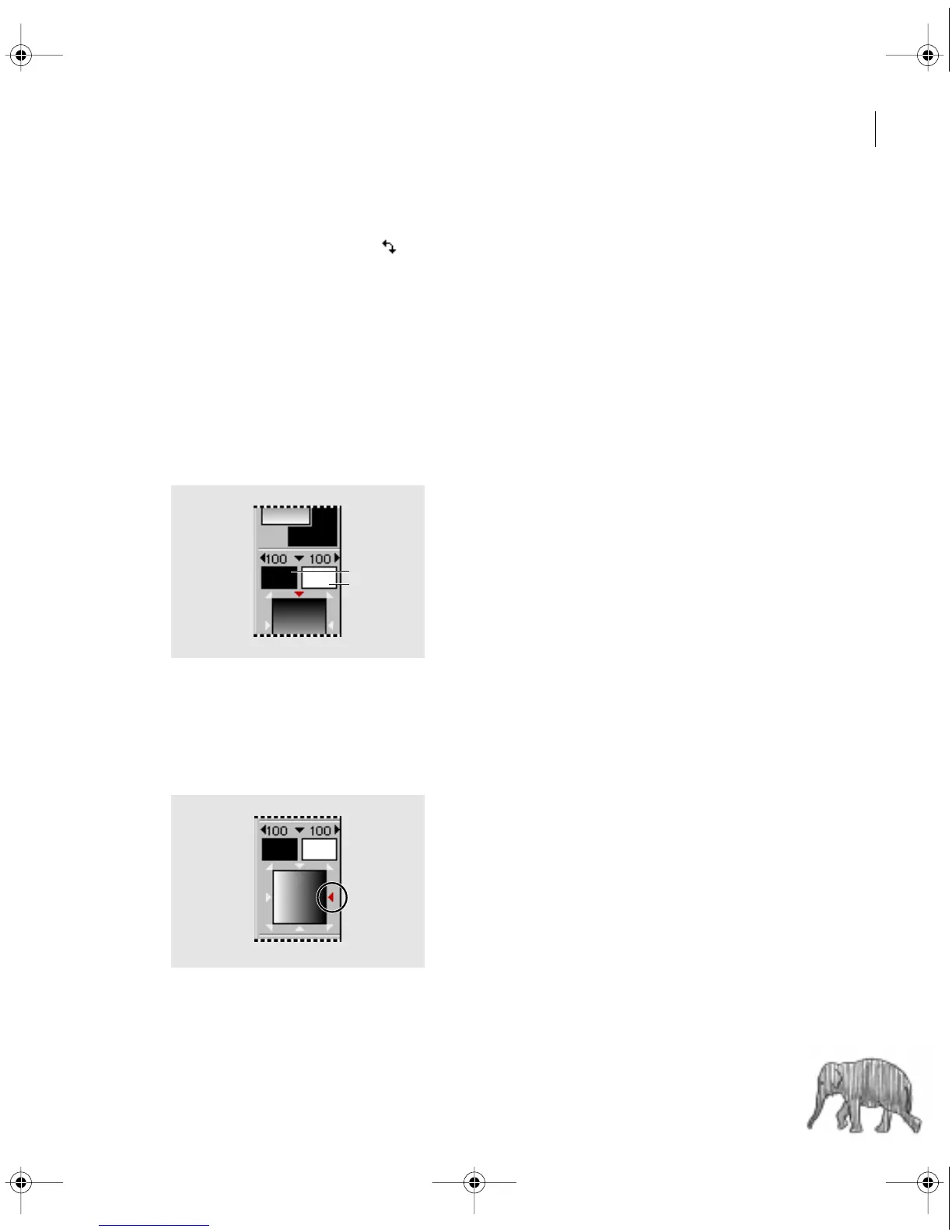
2 Click the Object Color swatch or the Shadow Color swatch.
3 Click the Beginning Color swatch, specify a color (see “Using the Color Picker”
on page 253), and click OK.
Beginning Color (A) and Ending Color (B) swatches
4 Click the Ending Color swatch, specify a color, and click OK.
5 To set the direction of a gradient, click a triangle in the Gradient/Transparency
Direction option.
Clicking a triangle sets the direction of a gradient.
A
B
c00.book for PS Page 251 Tuesday, March 31, 1998 1:28 PM



 To Next Page