CHAPTER 7
252
Creating Titles
To set opacity:
1 Do one of the following:
• Use the selection tool to select a text or graphic object to affect the entire object.
• Use the type tool to select individual characters in a text object to affect just those characters.
2 Click the Object Color swatch or the Shadow Color swatch.
3 Do one of the following:
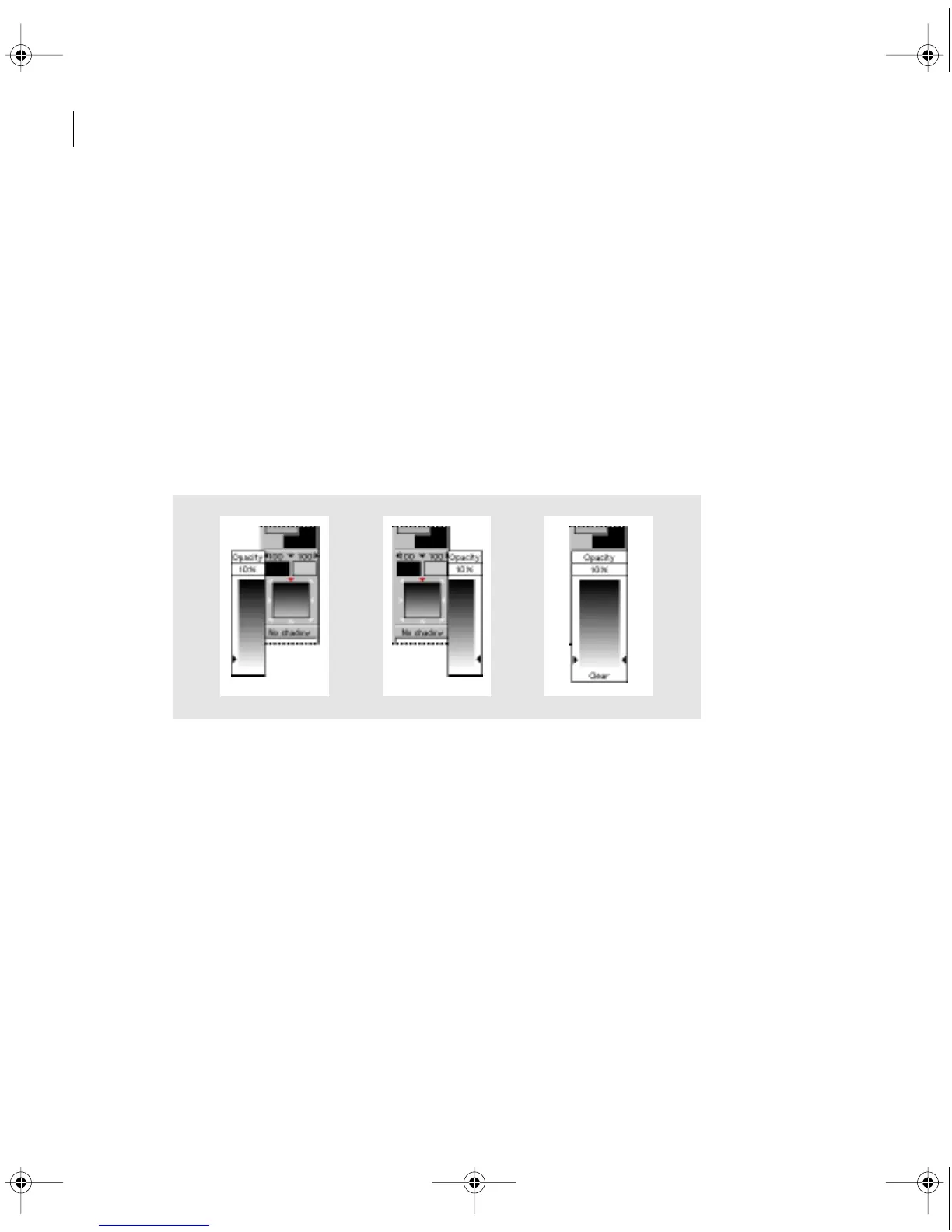
• Click the triangle to the left of the Beginning Transparency menu or to the right of the Ending
Transparency menu, and then click or drag to specify an opacity value.
• Click the triangle between the Beginning and Ending Transparency menus, and then click
or drag to specify an opacity value from the Overall Transparency menu.
The Beginning (left), Ending (center), and Overall (right) Transparency menus
c00.book for PS Page 252 Tuesday, March 31, 1998 1:28 PM



 To Next Page